
Customize your Wood Blocks Jam save
Set your coins or choose charges for each tool separately. Select a level from 1 to 100 to change the puzzle that opens when you press Play.
Requires the Windows app and the Bytonian Mods browser extension for Chrome or Edge. Browser setup guide
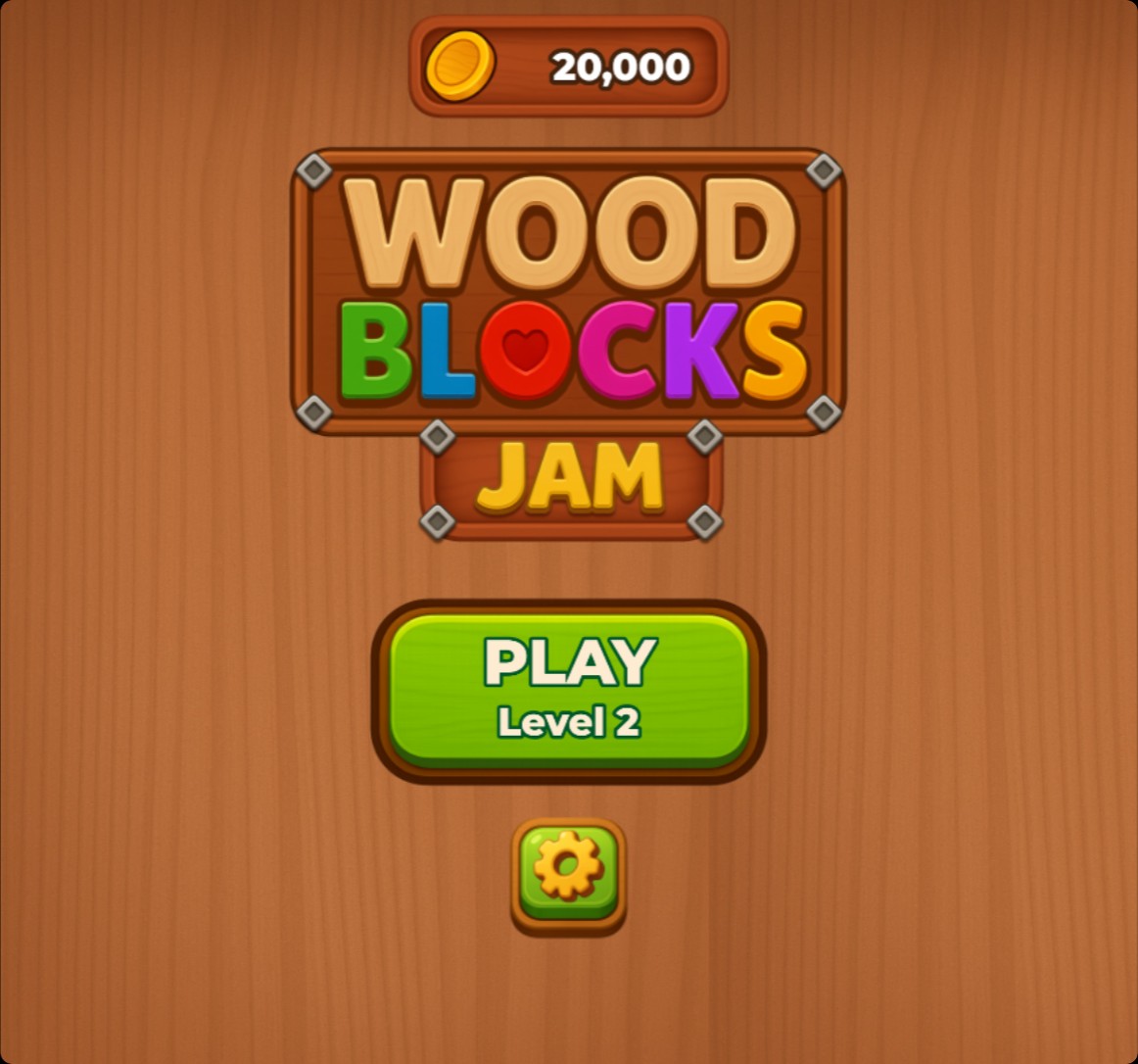
Set your Wood Blocks Jam coins
Choose your coin balance and return to your puzzle.
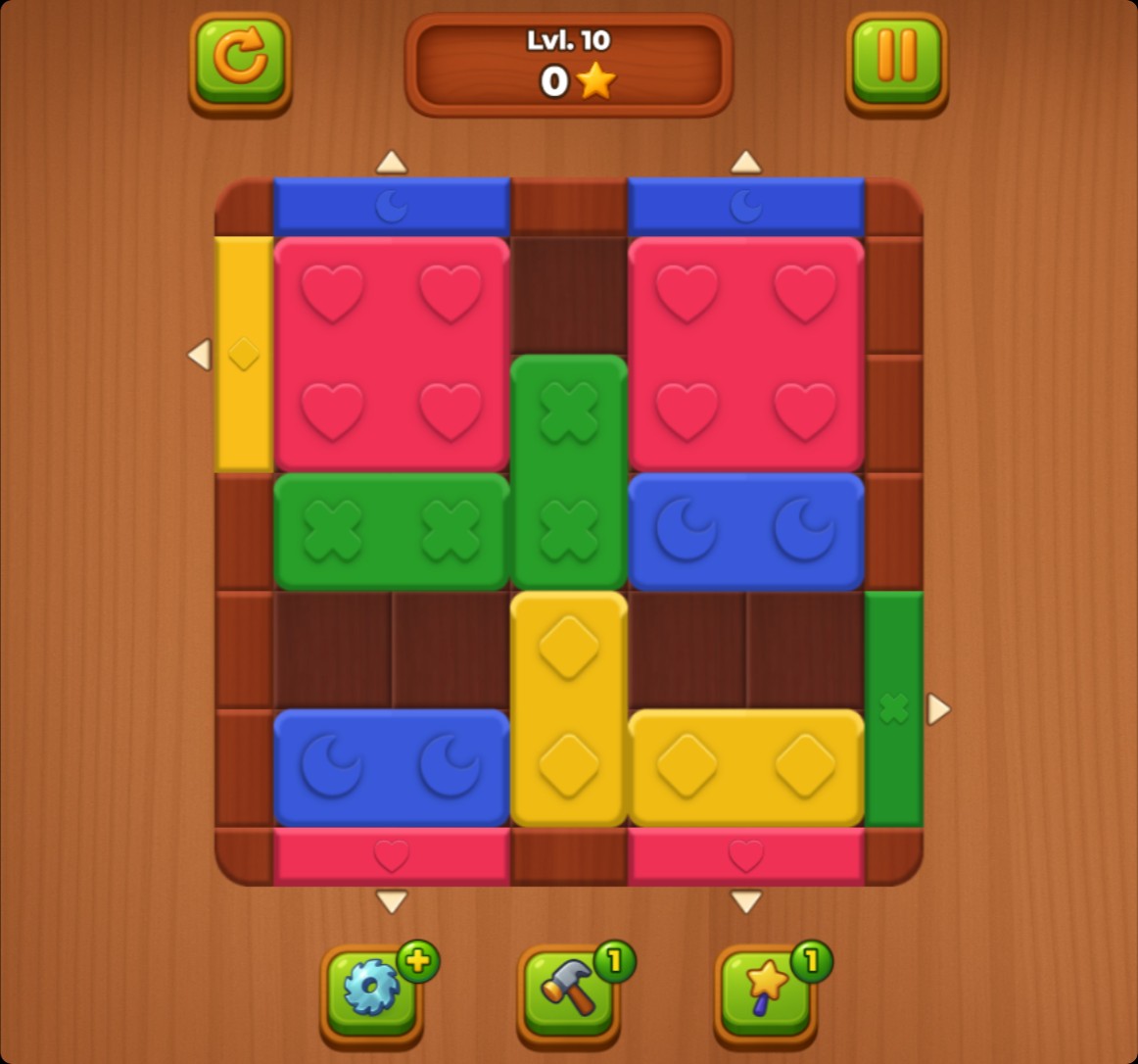
Choose your next Wood Blocks Jam level
Select a puzzle level and open it with the normal Play button.
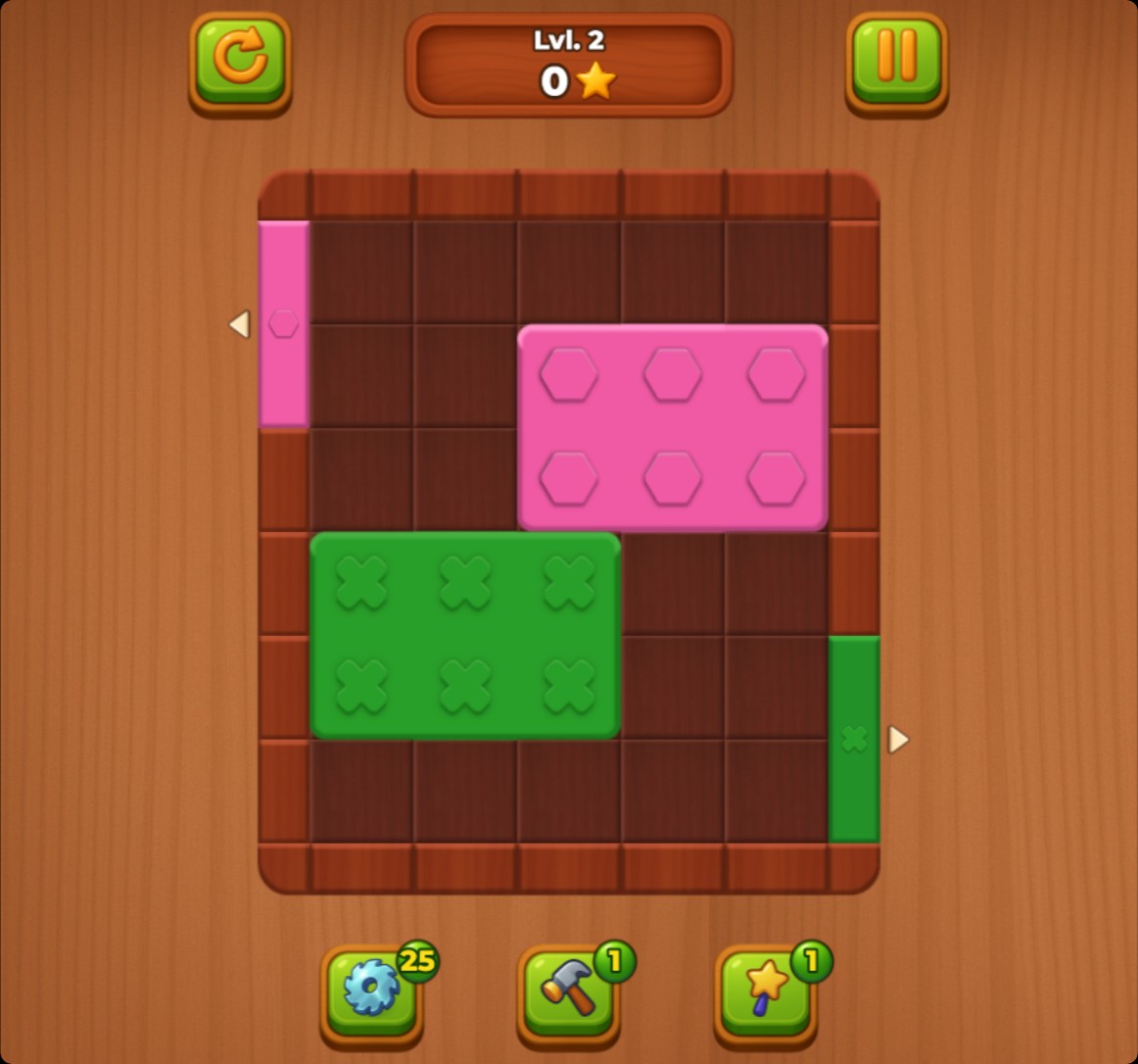
Set your Saw charges
Choose how many Saw charges you bring to the puzzle.
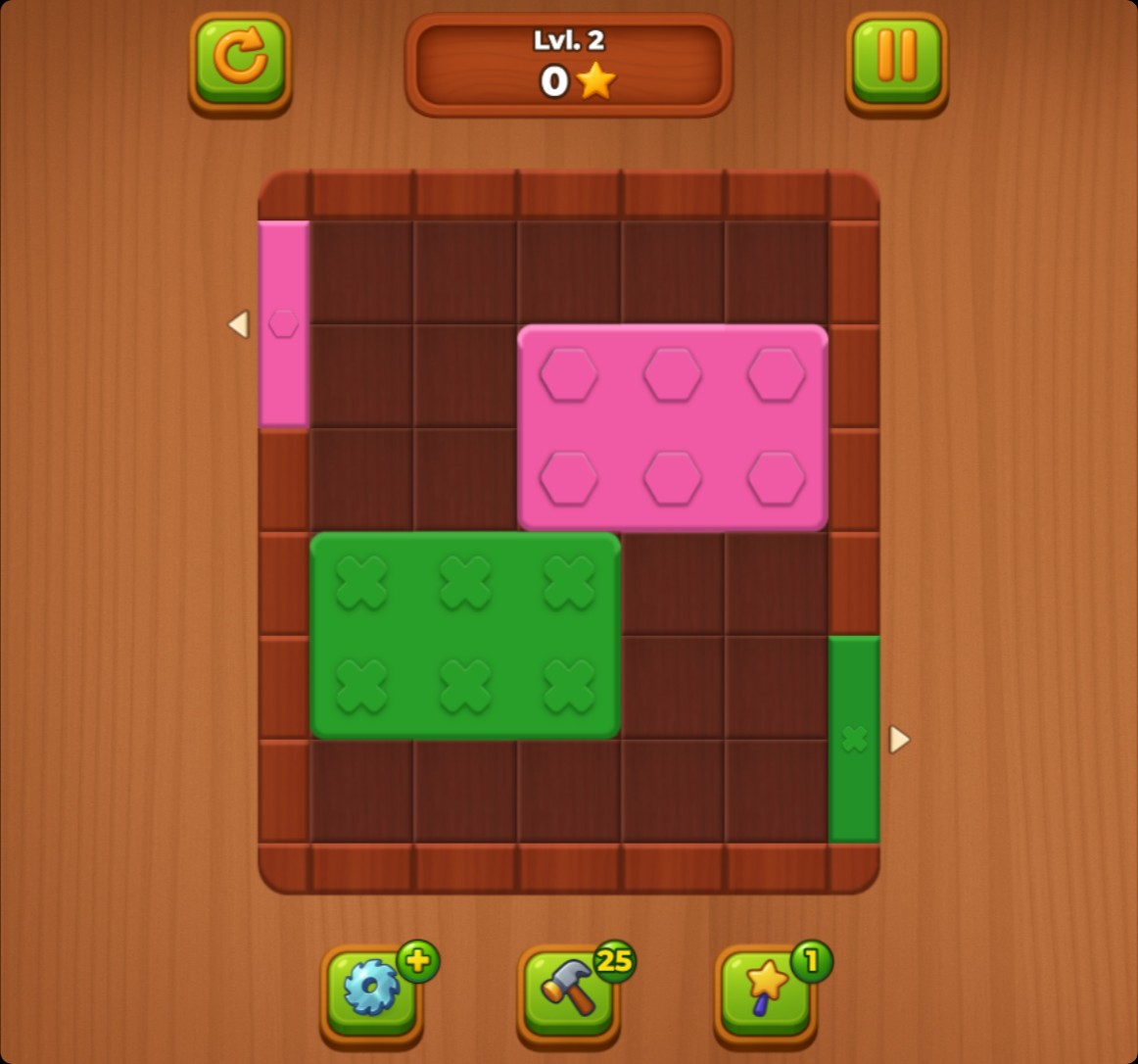
Set your Hammer charges
Choose your Hammer stock before returning to the board.
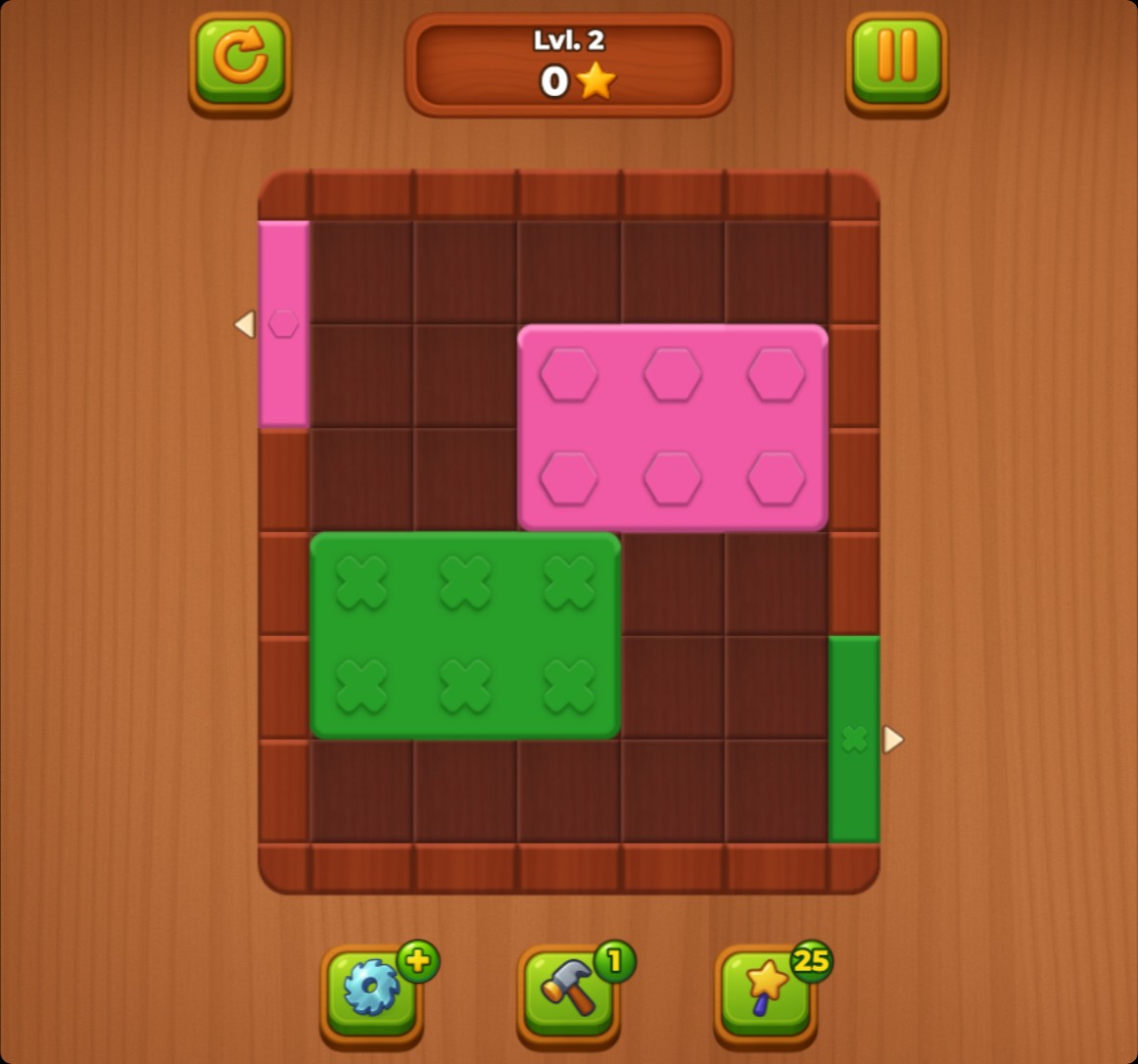
Set your magic wand charges
Choose your magic wand stock before starting a puzzle.
Set a balance or a tool stock
Enter your desired coin balance, or choose a charge amount for Saw, Hammer or the magic wand. The tool controls set a stock amount rather than making tools unlimited.
Pick the next level
Select a level from 1 to 100, apply the change and use Play to enter that board. Choosing a level does not complete the puzzle for you.
Available customisation options
CoinsFree
Set your saved coin balance.
Enter the balance you want, apply it and check the menu's coin display.
Level selectionPremium
Choose the level opened by the normal Play button, from 1 to 100.
Set a level number, apply the change and press Play.
Saw chargesPremium
Set your saved Saw charge stock.
Choose a charge amount and apply it before returning to your puzzle.
Hammer chargesPremium
Set your saved Hammer charge stock.
Choose a charge amount and apply it before returning to the board.
Magic wand chargesPremium
Set your saved magic wand charge stock.
Choose a charge amount and apply it before starting your puzzle.
Questions about customisation options
- Can I change just one tool?
- Yes. Saw, Hammer and magic wand charges are separate controls, so you can choose the stock for one tool.
- How do I open the level I selected?
- Apply your level choice and use the game's normal Play button.
Using these features
Connect your game, then open Customise in the Windows app. Choose an option, check its available values and follow its instructions. Each option lists its own requirements and limits.
Setup for Wood Blocks Jam →