
Customise
6 optionsChoose individual levels for your tractor and set the amounts in your wallet, factory and dealer.
View all customisation options →Get more out of your Waste to Wow! tractor with a different saw, a bigger truck bed or faster wheels. You can also set the coin balance shown in the yard, stock factory ingots or choose how much cash is waiting at the dealer.
Requires the Windows app and the Bytonian Mods browser extension for Chrome or Edge. Browser setup guide
Start with free mods
Download Bytonian Mods for Windows and try these free features. Choose one to see how it works and any requirements.
Set the coin balance shown in the yard before heading out with your tractor.
Explore this free feature →Choose your saw's upgrade level to suit the piles of scrap you want to cut through.
Explore this free feature →Choose your truck bed level so you can carry more scrap on each trip to the recycler.
Explore this free feature →Choose your wheels upgrade level to adjust how quickly you drive around the yard.
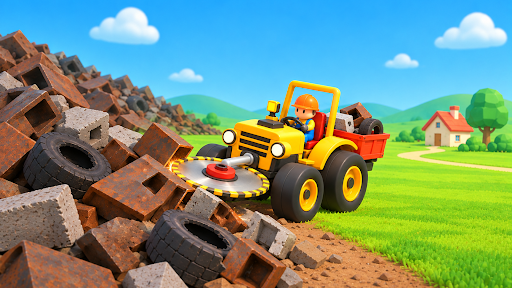
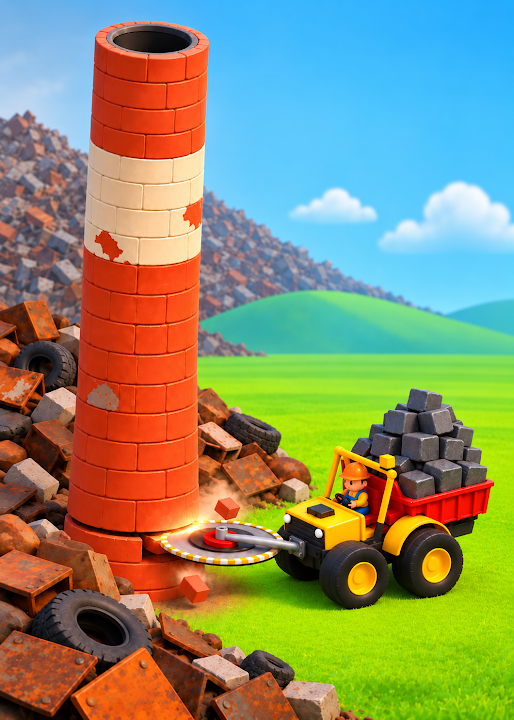
Explore this free feature →Use the saw to break up junk and haul the scrap in your truck bed. Choose the level of each tractor part separately when you'd rather focus on cutting, carrying or driving.
Open Waste to Wow! on YouTube Playables and connect the game to Bytonian Mods. Open Customize, enter the amounts or levels you want, and select Apply. The game reloads with your choices.
Choose individual levels for your tractor and set the amounts in your wallet, factory and dealer.
View all customisation options →Download the Windows app and follow the setup prompts.
Set up the browser extension in Chrome or Edge, then open the supported YouTube Playable. Follow the connection guide if the game is already running.
Open Customise in Bytonian Mods, choose an option and follow its instructions. Check the available values and any limits before making your change.