

Resources
1 optionAdjust whole silver from zero to 1,000,000 before starting a run.
View resources →Build your next rolling castle with a silver balance you choose. The free Silver control lets you set, add or subtract silver at Wanderburg's loadout screen before starting a run.
Start with free mods
Download Bytonian Mods for Windows and try these free features. Choose one to see how it works and any requirements.
Choose the silver balance for your next loadout, then buy unlocks through the normal menu.
At the loadout before a run, refresh Silver and set, add or subtract a whole amount from 0 to 1,000,000.
Available before a run at the ready loadout screen. Close settings and other menus before changing the balance.
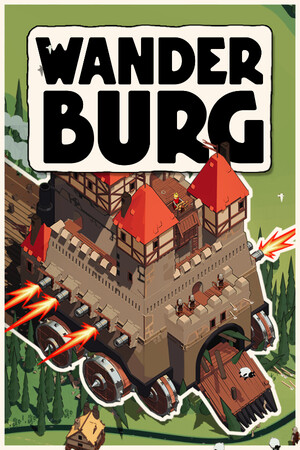
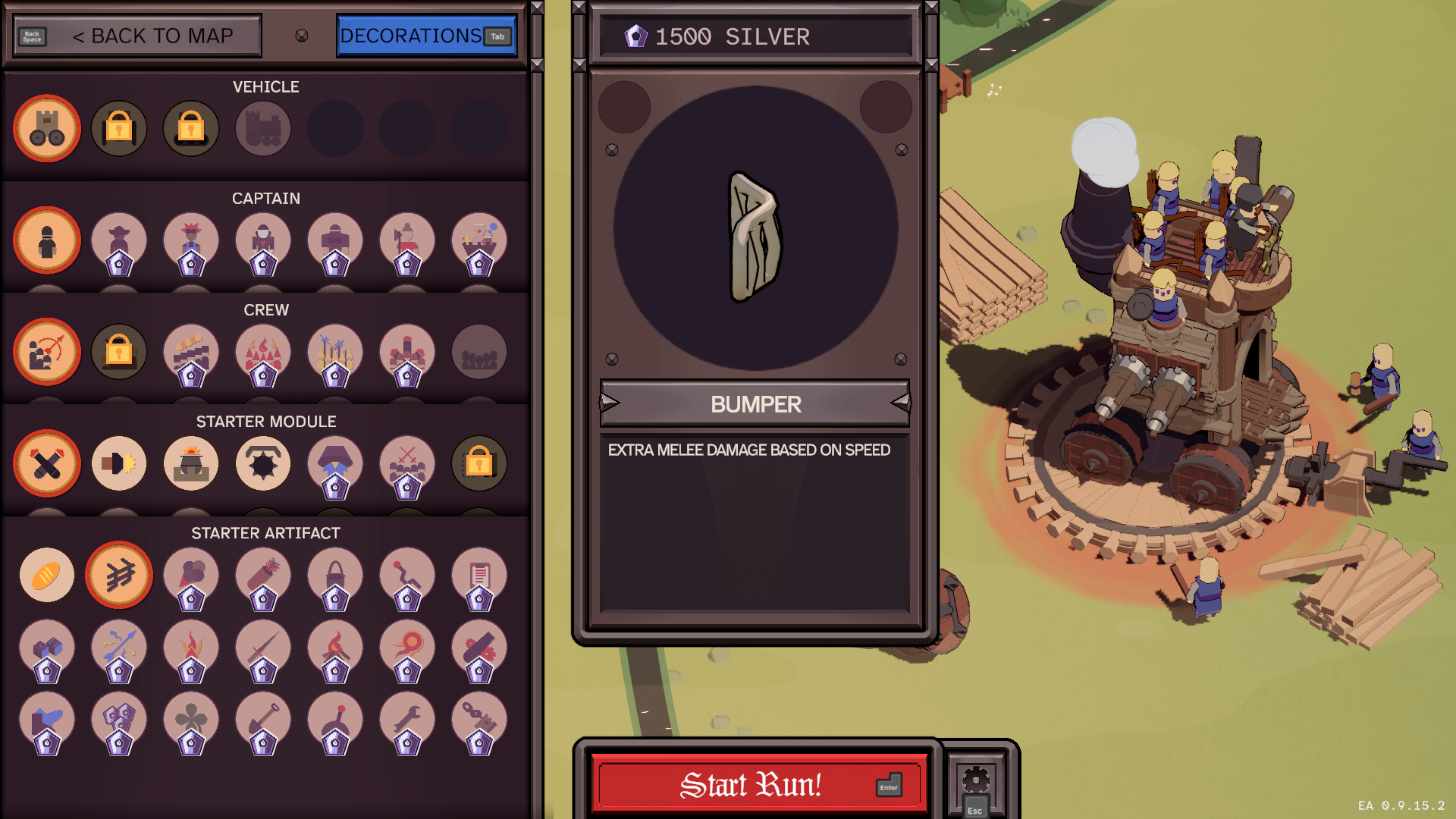
Wanderburg sends a wheeled castle into roguelike battles. Use Silver while preparing your loadout to try unlocks through the game's normal purchase menu, including options such as Bumper. Prices still apply when you buy.
Open Wanderburg through the Windows app, enable Silver and reach the loadout screen. Refresh the card, then set a balance or add or subtract an amount. Close settings and other menus before making a change.
Build your next Wanderburg loadout
Choose silver before a run to buy loadout unlocks through the normal menu. The castle and unlocked Bumper are shown with 1,500 silver remaining.
Adjust whole silver from zero to 1,000,000 before starting a run.
View resources →Browse the Steam achievement names and descriptions for Wanderburg. Choose and unlock achievements for free with Bytonian Mods in the Windows app.
View all achievements →Download the Windows app and follow the setup prompts.
Open Wanderburg and select it in Bytonian Mods. Follow the app’s connection prompts.
Review the available options in the app and choose the ones that suit how you play.