
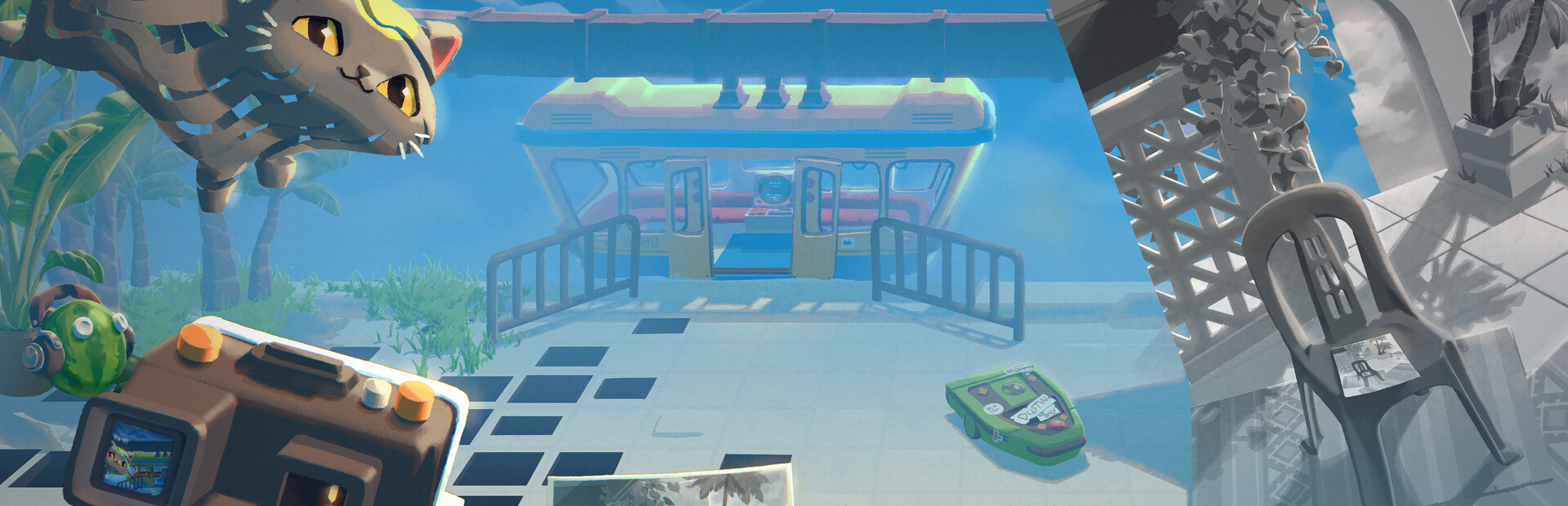
Control your flight through Viewfinder
Fly lets you move through the environment in the direction you look, with separate keys for rising and descending. Choose a slower speed to inspect nearby scenery or hold the faster-flight key to travel farther.

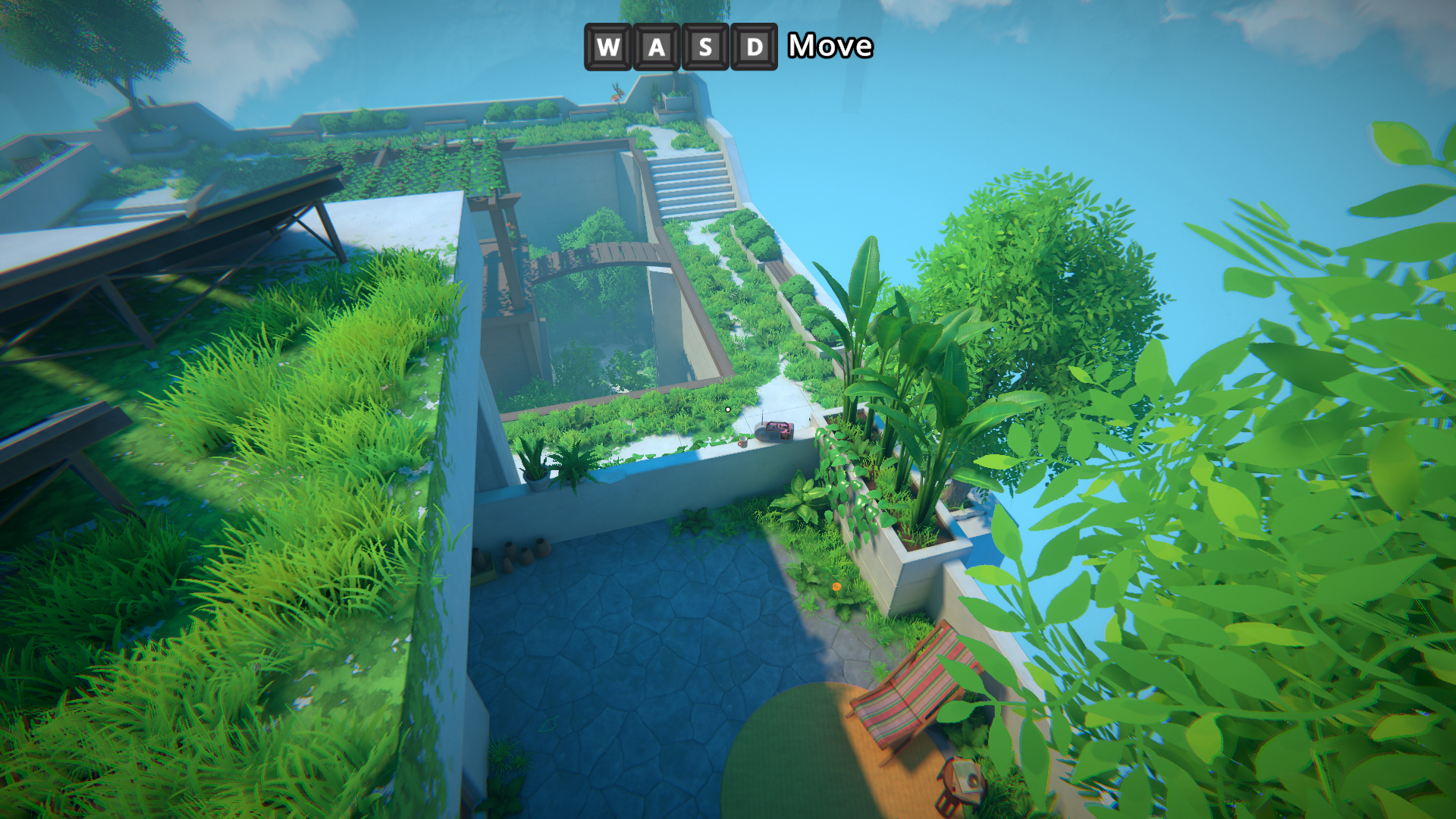
Fly above Viewfinder's gardens
Rise above the courtyard and explore the world from a new angle.
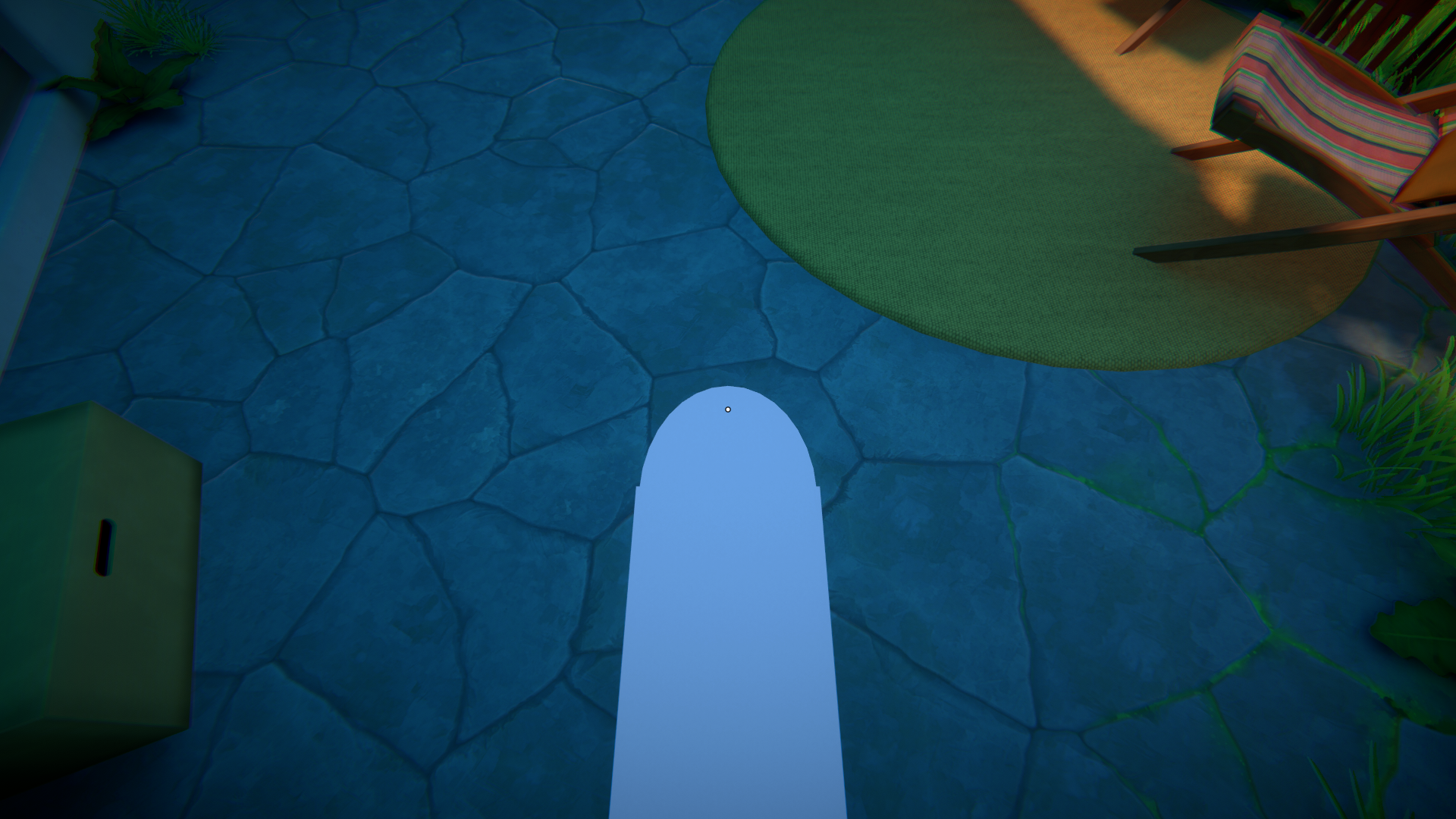
Board movement in Viewfinder
Trade your footsteps for a board as you explore the courtyard.
Default flight keys
W, A, S and D control directional movement. Space moves up, Ctrl moves down and Shift uses Fast Fly Speed. These bindings can be changed, so check the controls shown in your app.
Adjust your pace
Fly Speed starts at 5 and Fast Fly Speed at 20. Set both values to suit the space you are exploring. Move back to a clear, walkable position before disabling the toggle.
Keep puzzle requirements in mind
Flying through scenery can take you beyond the usual route, but movement alone does not guarantee that a puzzle, teleporter or progression requirement is completed. Return to the intended play area to continue working through the puzzle.
Choose another movement style
Select Free Walk to travel on foot, or Board to ride through the environment. Return to a clear, walkable position before switching Movement off.
Available ability modifiers
MovementFree
Choose Fly, Free Walk or Board to explore Viewfinder's environments from new positions.
Select a movement style and enable Movement. For Fly, use the configured direction, rise, descend and boost keys; adjust speeds in the app.
Changes movement rather than solving photo puzzles or guaranteeing progression. Return to a clear, walkable place before disabling it.
Supported movement styles: Fly, Free Walk, Board
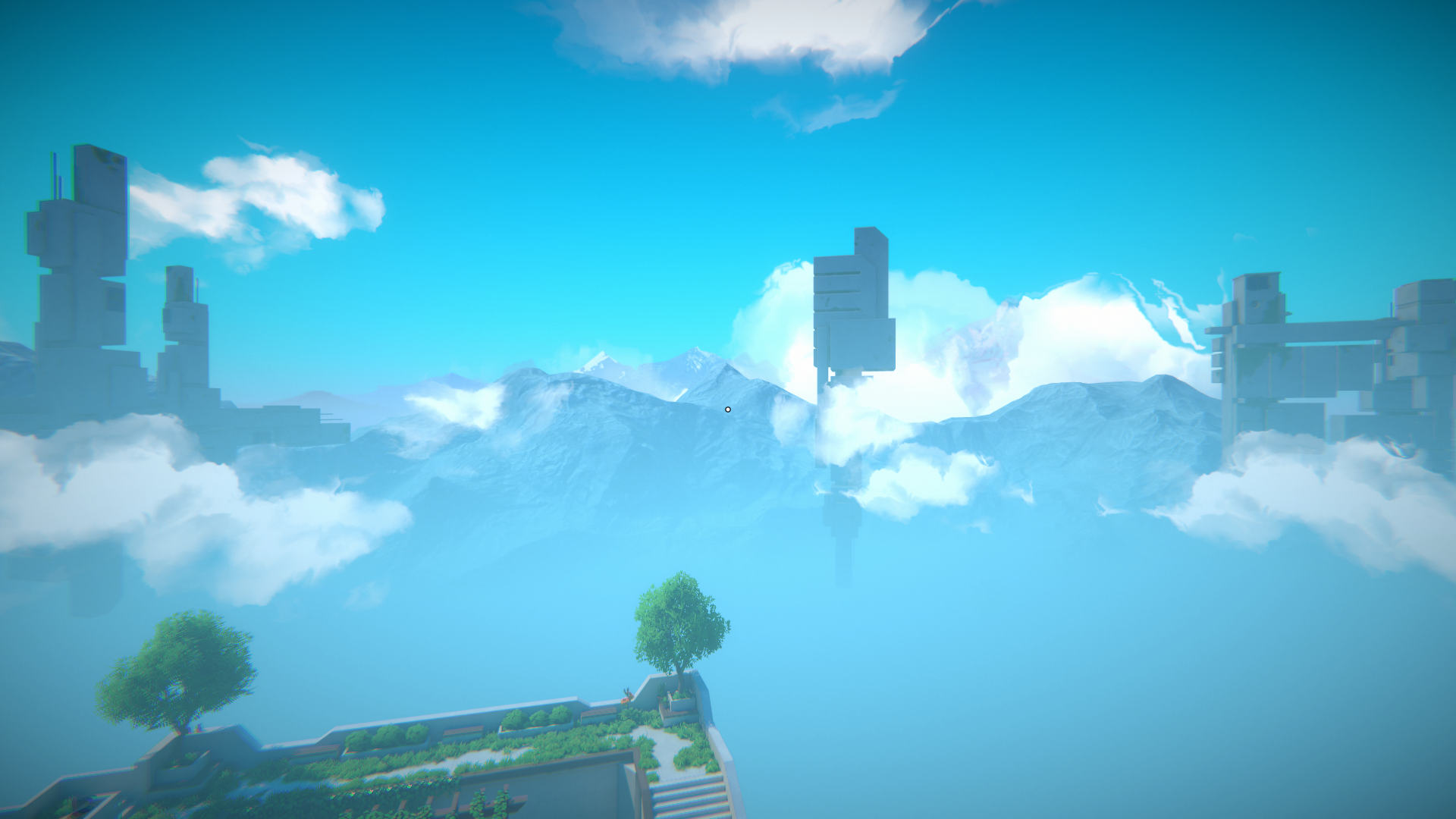
Fly above the terrace
Rise above the walking route with Fly and take in the floating structures from a higher viewpoint.
Using these features
Choose the feature in the Windows app after connecting your game. Check its requirements before making a change.
Setup for Viewfinder →