
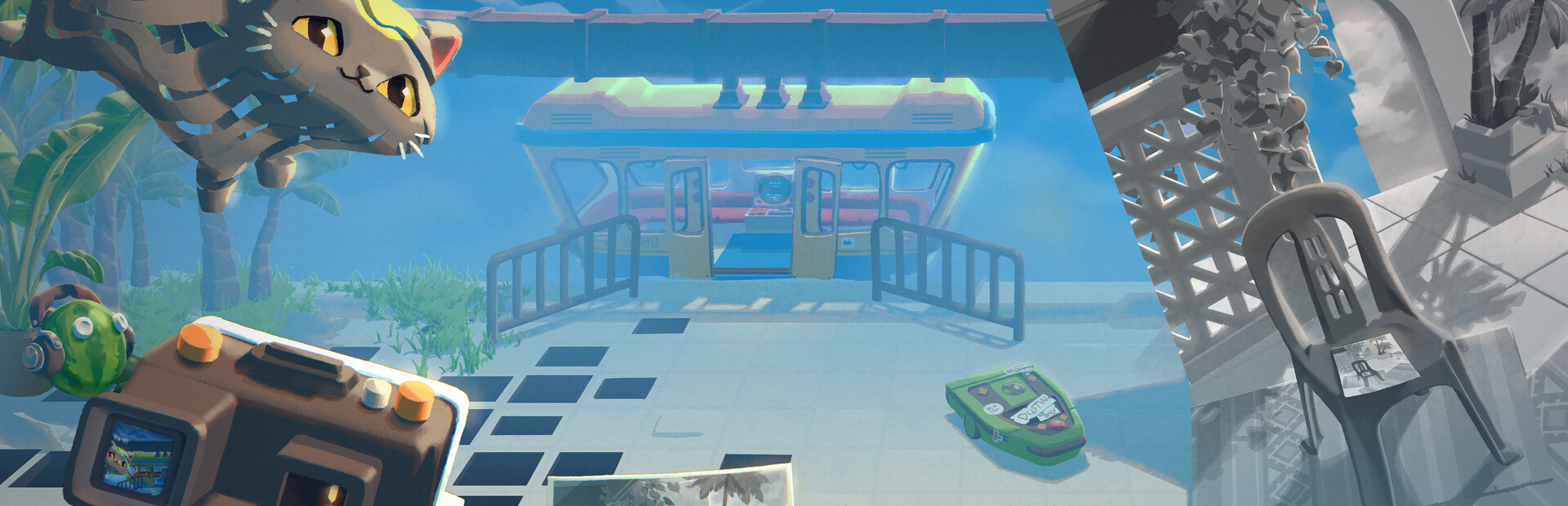
Ability Modifiers
1 optionCamera-relative flight with configurable keys and two speed settings.
View ability modifiers →Choose Fly, Free Walk or Board to explore Viewfinder's spaces as you use photographs to reshape the world.

Start with free mods
Download Bytonian Mods for Windows and try these free features. Choose one to see how it works and any requirements.
Choose Fly, Free Walk or Board to explore Viewfinder's environments from new positions.
Select a movement style and enable Movement. For Fly, use the configured direction, rise, descend and boost keys; adjust speeds in the app.
Changes movement rather than solving photo puzzles or guaranteeing progression. Return to a clear, walkable place before disabling it.
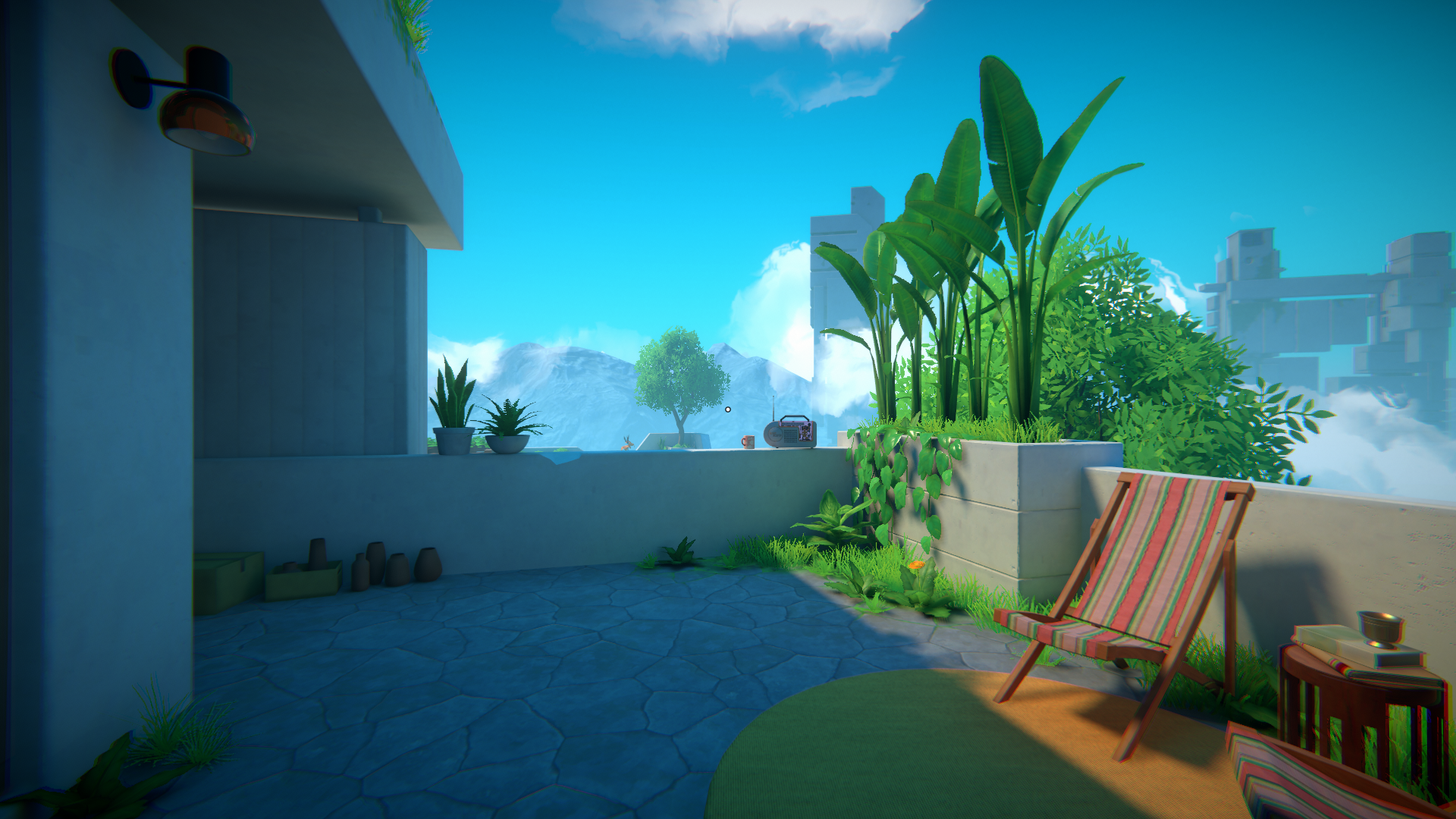
Explore Viewfinder's sunlit spaces
A quiet terrace opens onto Viewfinder's floating architecture and mountain scenery.
I Flew Around a Photograph in Viewfinder
Fly is used to inspect the side and back of Viewfinder's first photograph scene, revealing where its scenery ends.
Ability Modifiers contains Fly, with configurable movement keys and separate normal and fast speeds. Use it to change your viewing position while exploring; it does not choose photo placements or solve puzzles for you.
Choose Free Walk to explore on foot or Board to travel on a board. Return to a clear, walkable place before turning Movement off.
Install Bytonian Mods, open Viewfinder and select it in the Windows app. Follow the connection prompts, enter an area where you can control your character, then check the Fly settings before enabling it.
Camera-relative flight with configurable keys and two speed settings.
View ability modifiers →Browse the Steam achievement names and descriptions for Viewfinder. Choose and unlock achievements for free with Bytonian Mods in the Windows app.
View all achievements →Download the Windows app and follow the setup prompts.
Open Viewfinder and select it in Bytonian Mods. Follow the app’s connection prompts.
Review the available options in the app and choose the ones that suit how you play.