

Urgent Cases game actions
Ready for the next message? Skip a story pause moves timed waits forward in 30-second steps, so you can get back to following the case.
Requires the Windows app and the Bytonian Mods browser extension for Chrome or Edge. Browser setup guide

Choose when to move ahead
Use the control during a timed pause in the current story. Each press makes one adjustment, letting you choose when to use it as you read and respond.
Available game actions
Skip a story pauseFree
Move timed story waits forward in 30-second steps.
Press while waiting for the story to continue. Choose and send your replies as usual.
Each press makes one adjustment.
Back to the investigation
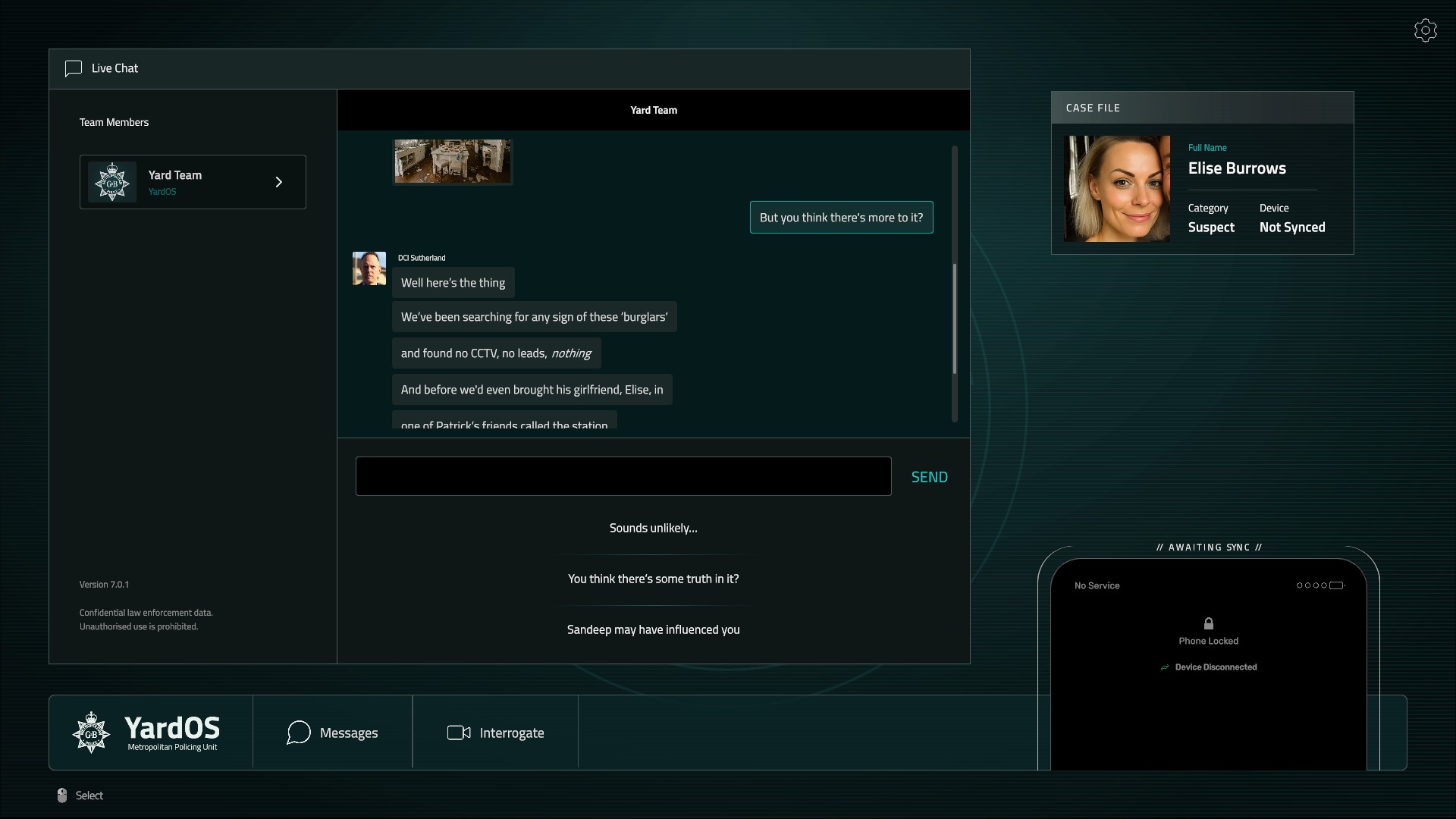
Read the latest messages from DCI Sutherland and choose how to respond in the Yard Team chat.
Questions about game actions
- Does it choose my replies?
- You still select and send each reply yourself. The control moves timed waits forward.
Using these features
Choose the feature in the Windows app after connecting your game. Check its requirements before making a change.
Setup for Urgent Cases →