
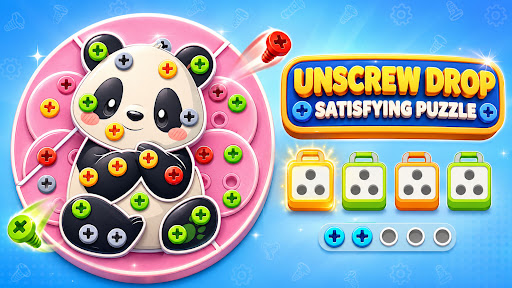
Choose your puzzle level
Enter the puzzle level you want to load, using a whole number from 1 to 142. Apply the change and wait for the board to appear.
Requires the Windows app and the Bytonian Mods browser extension for Chrome or Edge. Browser setup guide

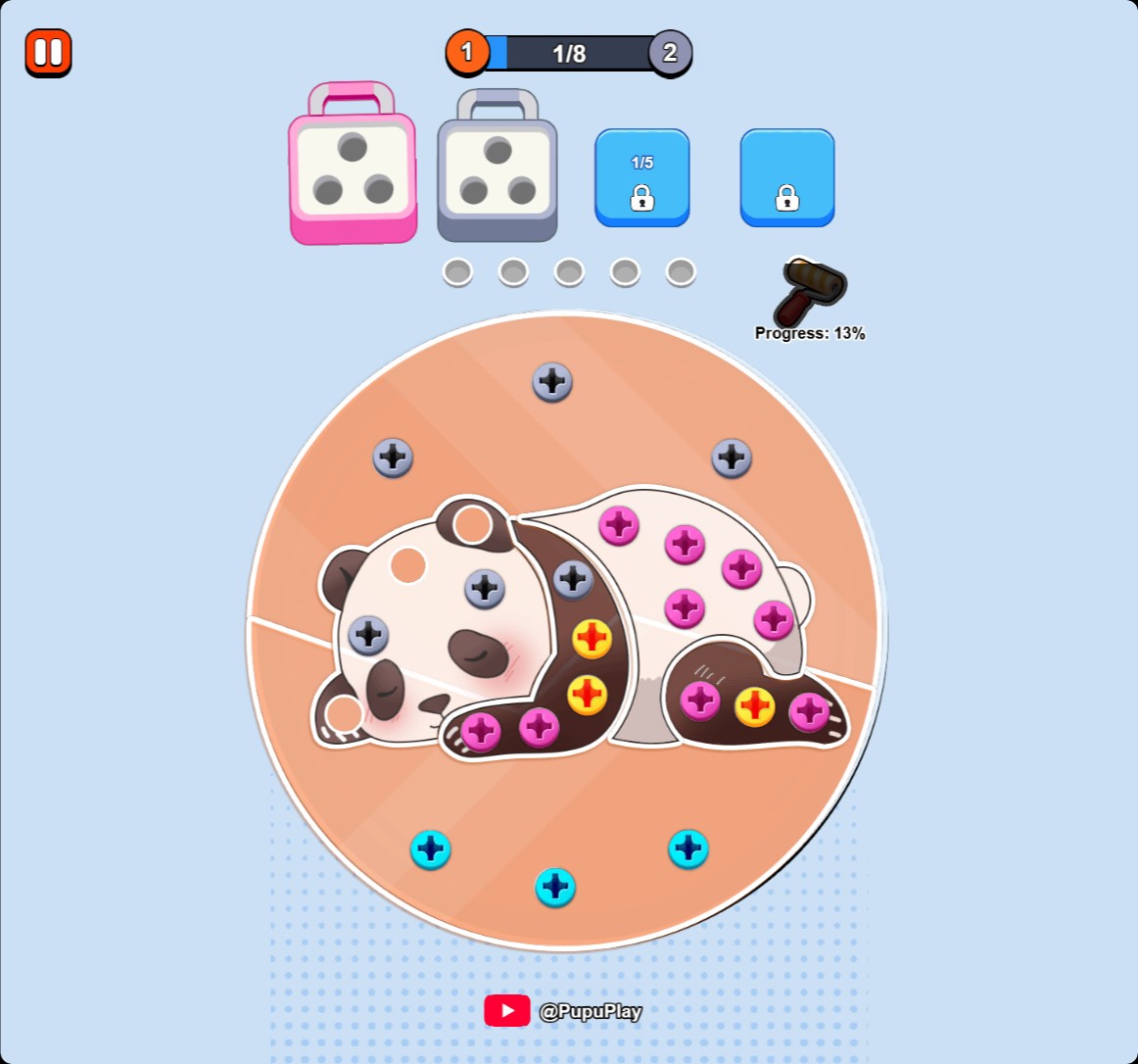
Return to a puzzle you want to play
Choose a puzzle level and sort its screws into matching colour boxes. Level 1 starts with eight groups to complete.
Load your chosen puzzle
The level number at the top of the board shows your current puzzle. Apply a different number to load its board rather than continuing the current arrangement.
Play the selected board
Tap screws that match the available boxes and leave room in the spare slots. Level 1 has eight colour groups to clear; later boards can use more pieces and layers.
Available customisation options
Puzzle levelFree
Choose a puzzle level from 1 to 142 and load its screw-sorting board.
Enter a whole-number level, apply the change and wait for the board to load. Remove screws into matching colour boxes as usual.
Questions about customisation options
- Can I return to Level 1?
- Yes. Enter 1 and apply the change to load the first puzzle again.
Using these features
Connect your game, then open Customise in the Windows app. Choose an option, check its available values and follow its instructions. Each option lists its own requirements and limits.
Setup for Unscrew Drop: Satisfying Puzzle →