
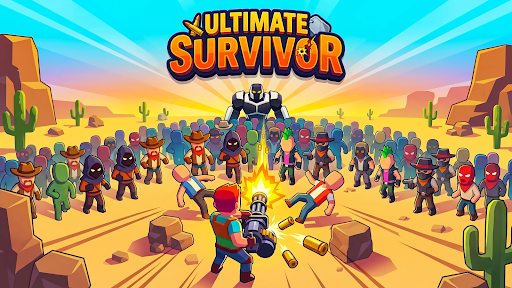
Resources
1 optionAdjust your upgrade wallet between rooms.
View resources →Restore health after a close call, set coins for between-room upgrades or choose a different movement pace. Work through rooms of enemies and hazards and prepare before the next one.
Requires the Windows app and the Bytonian Mods browser extension for Chrome or Edge. Browser setup guide

Start with free mods
Download Bytonian Mods for Windows and try these free features. Choose one to see how it works and any requirements.
Restore your living character to full health with one click.
Use during a room when your character needs a recovery.
Each click restores health once. Enemies and hazards can damage you again.
Use Restore health when your living character needs a recovery during a room. Choose Coins to prepare for character upgrades between rooms, or Movement speed to set a pace that suits you.
Set your upgrade wallet from the character menu and spend coins on the upgrades you want. During a room, keep dodging enemies and use health recovery when you need it. For movement, 100% is the normal pace.
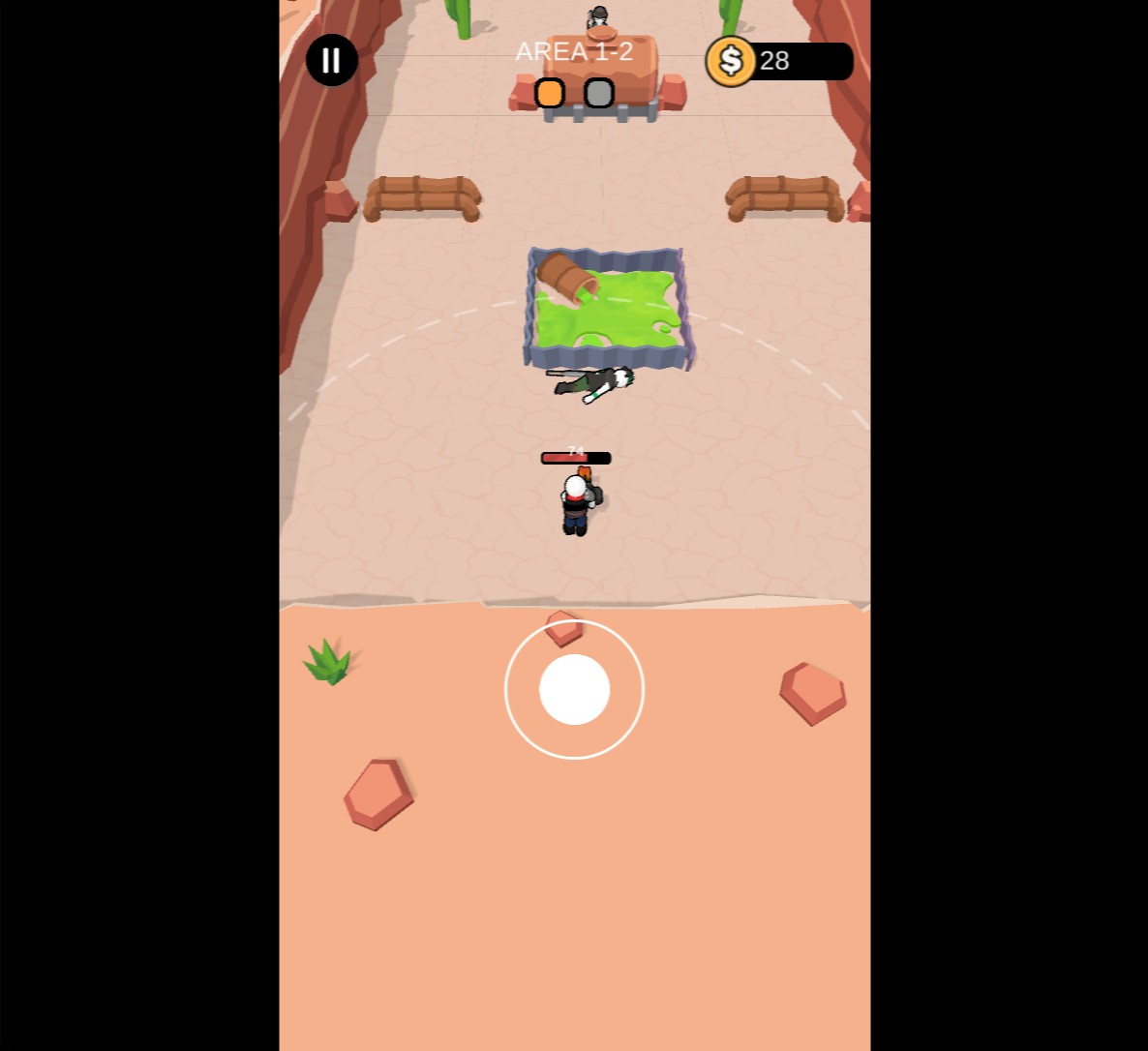
Keep your squad in the fight
Face enemies room by room, recover your health when you need it and prepare your next upgrades between runs.
Adjust your upgrade wallet between rooms.
View resources →Adjust movement pace, including while aiming.
View stat modifiers →Recover a living character's health during a room.
View game actions →Download the Windows app and follow the setup prompts.
Set up the browser extension in Chrome or Edge, then open the supported YouTube Playable. Follow the connection guide if the game is already running.
Review the available options in the app and choose the ones that suit how you play.