

Change the clock or rearrange the ropes
Choose a time for the puzzle clock, or give the rope layout a fresh arrangement. These controls let you change the current puzzle while keeping the untangling in your hands.
Requires the Windows app and the Bytonian Mods browser extension for Chrome or Edge. Browser setup guide

Choose your puzzle time
Enter the number of seconds you want, then apply Time remaining. For example, 900 seconds sets the clock to fifteen minutes.
Look at the ropes another way
Apply Shuffle ropes to rearrange the rope positions on the current puzzle. The new arrangement can still contain crossings, so plan your next pin moves from there.
Available game actions
Shuffle ropesPremium
Shuffle the rope positions on your current puzzle.
Apply the action to rearrange the ropes.
The ropes may still cross after shuffling. You decide how to untangle the new arrangement.
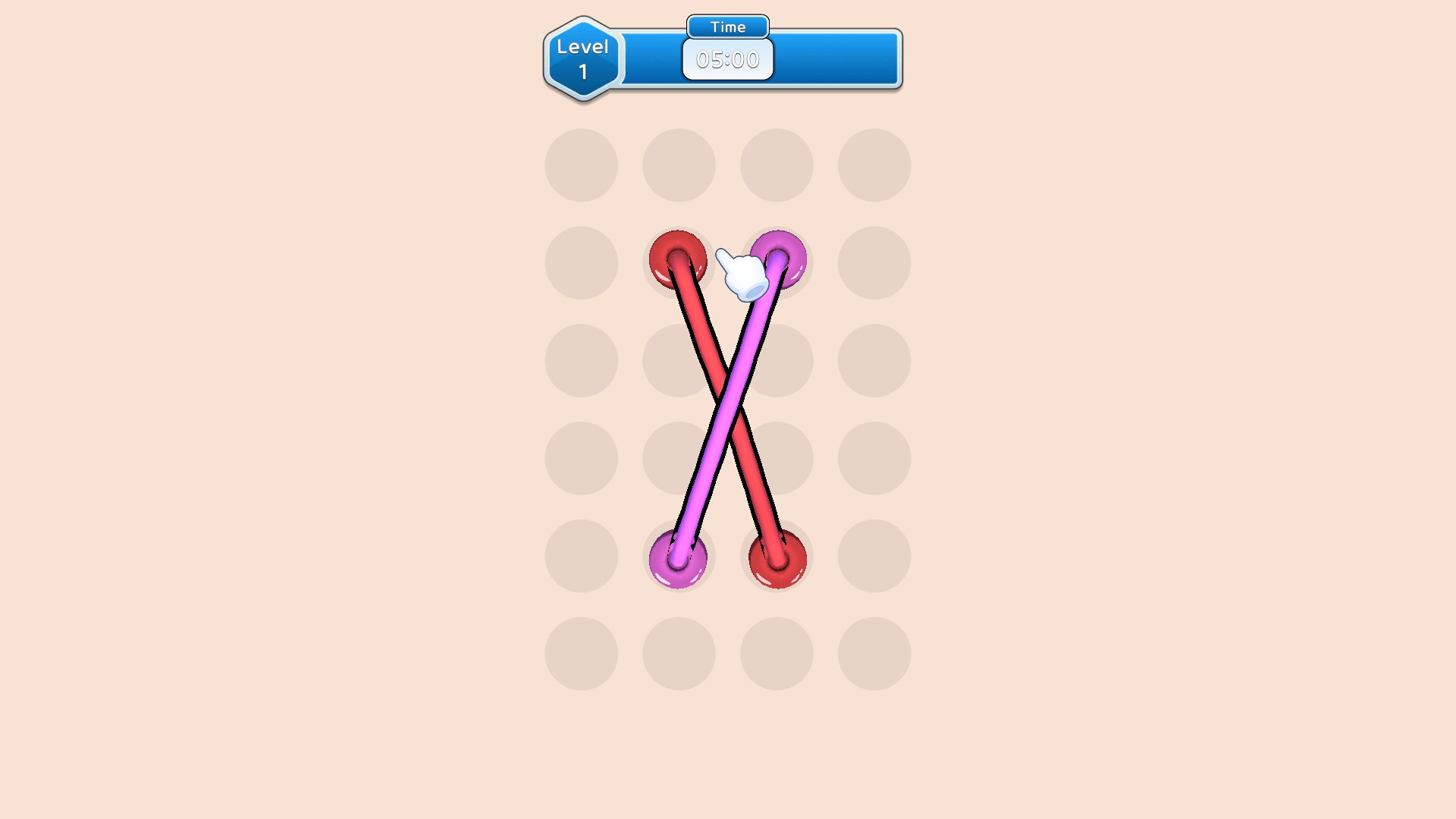
Give the ropes a fresh arrangement
Shuffle the rope positions on your current puzzle.
Time remainingFree
Set the puzzle clock to the time you choose.
Enter your chosen time in seconds, then apply the action.
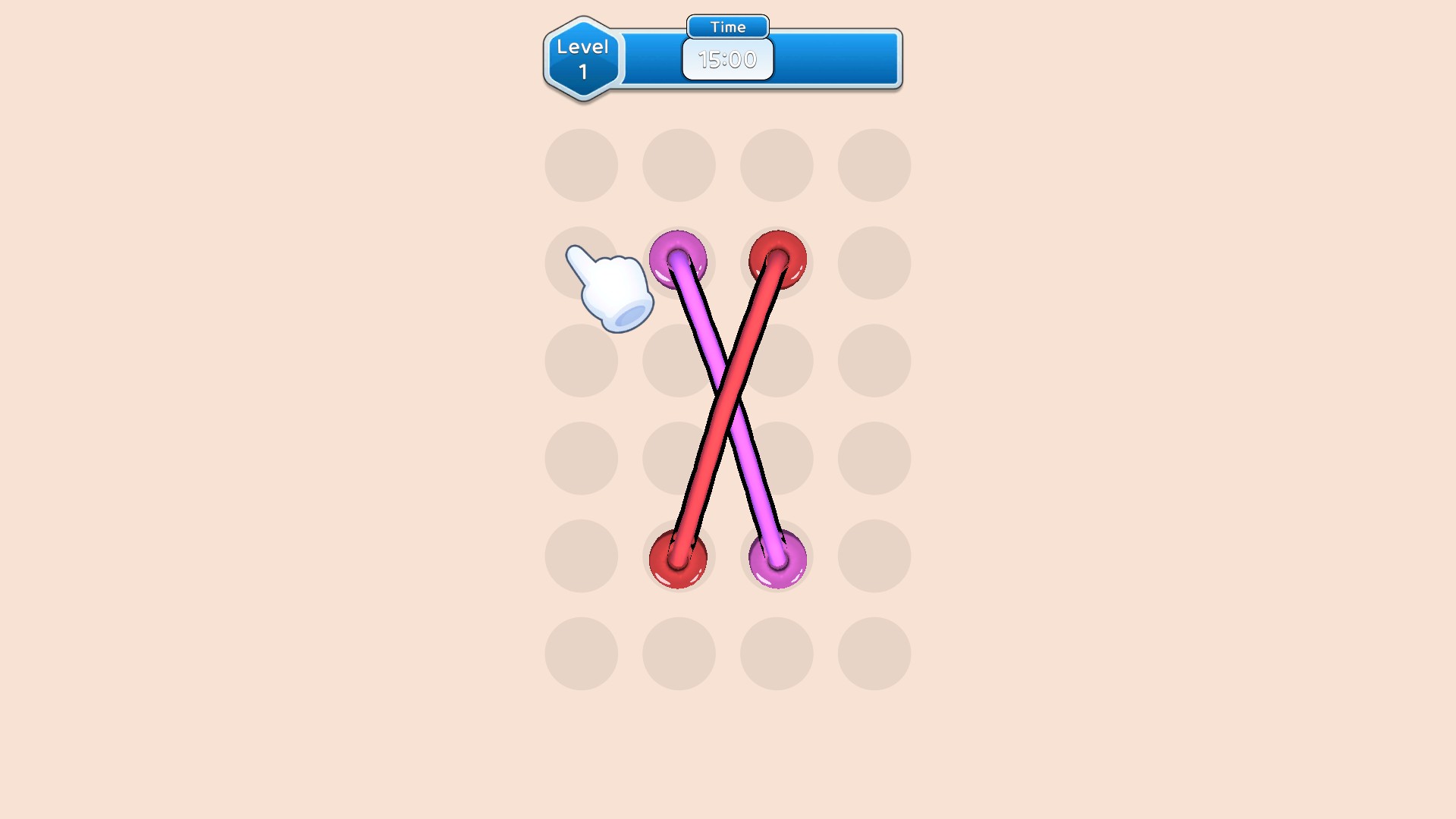
Choose your puzzle time
Set the puzzle clock to fifteen minutes with Time remaining.
Using these features
Choose the feature in the Windows app after connecting your game. Check its requirements before making a change.
Setup for Twisted Tangle →