
Customise
5 optionsFive controls for balances, chest keys, speed and steering response.
View all customisation options →Set separate coin and red gem balances, choose up to three chest keys and a speed upgrade level, or tune steering sensitivity for your next Turbo Stars race. Steer your skateboarder through winding halfpipes and around obstacles as you chase the riders ahead.
Requires the Windows app and the Bytonian Mods browser extension for Chrome or Edge. Browser setup guide
Start with free mods
Download Bytonian Mods for Windows and try these free features. Choose one to see how it works and any requirements.
Adjust how strongly the rider responds to steering input.
Start near your current setting and adjust gradually.
Applying this customization reloads the game.
Customise brings together five controls: coin and red gem balances, chest keys, speed upgrade level and steering sensitivity. Steering is free; the other four controls are Premium.
Open Customise to see the value range and practical limits for each control before applying it.
Connect the running game to Bytonian Mods, open Customise and choose the values you want. Applying a change reloads Turbo Stars, so use it between races.
Ride the halfpipe
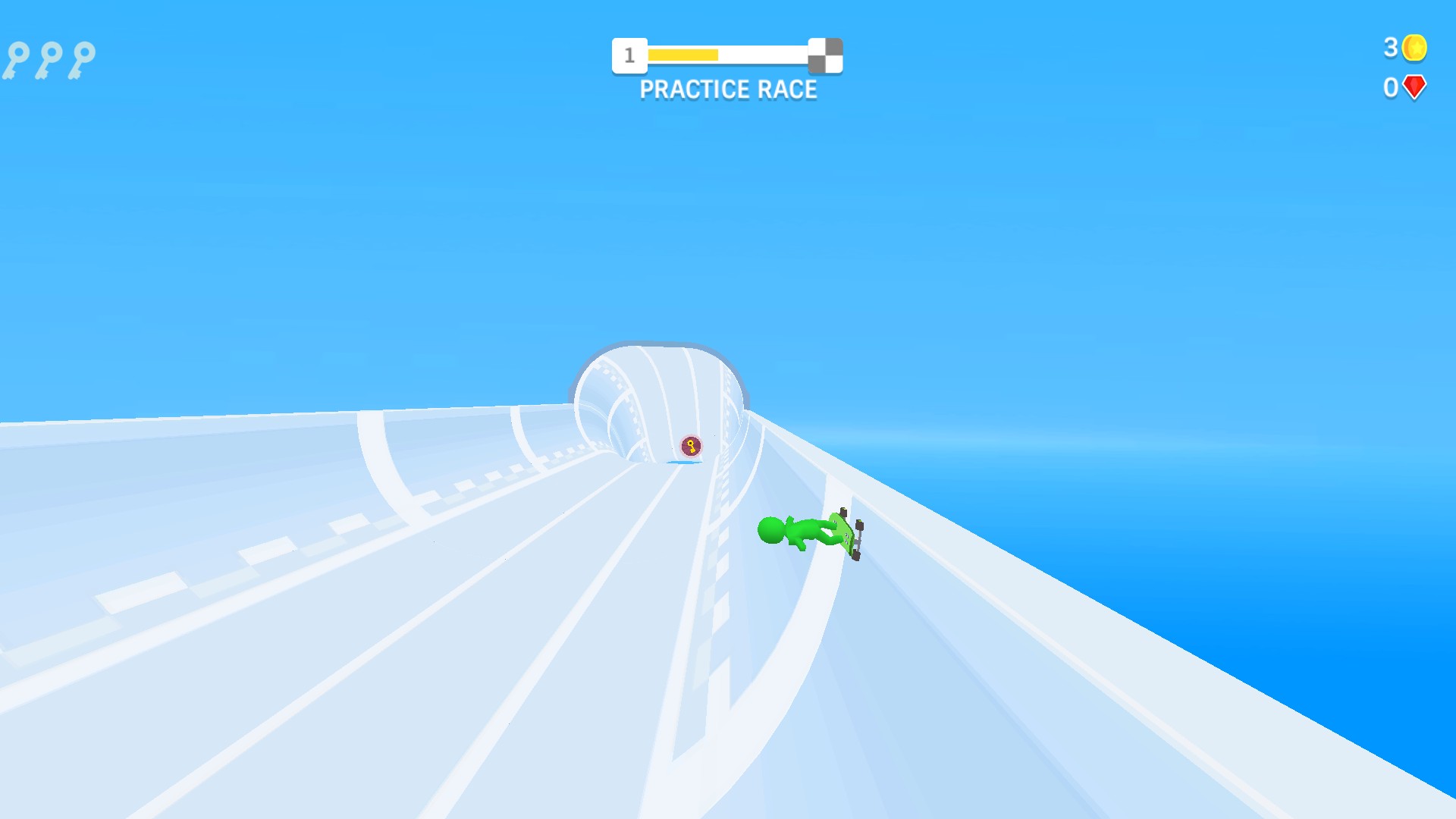
Steer your skateboarder through Turbo Stars' winding halfpipe races.
Five controls for balances, chest keys, speed and steering response.
View all customisation options →Download the Windows app and follow the setup prompts.
Set up the browser extension in Chrome or Edge, then open the supported YouTube Playable. Follow the connection guide if the game is already running.
Open Customise in Bytonian Mods, choose an option and follow its instructions. Check the available values and any limits before making your change.