
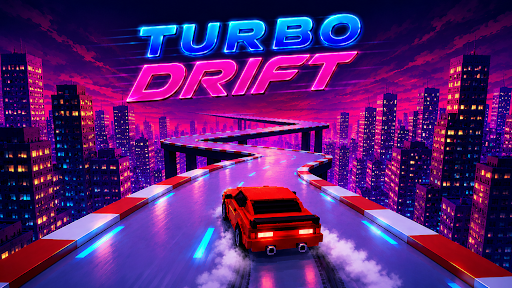
Turbo Drift Garage Customizations
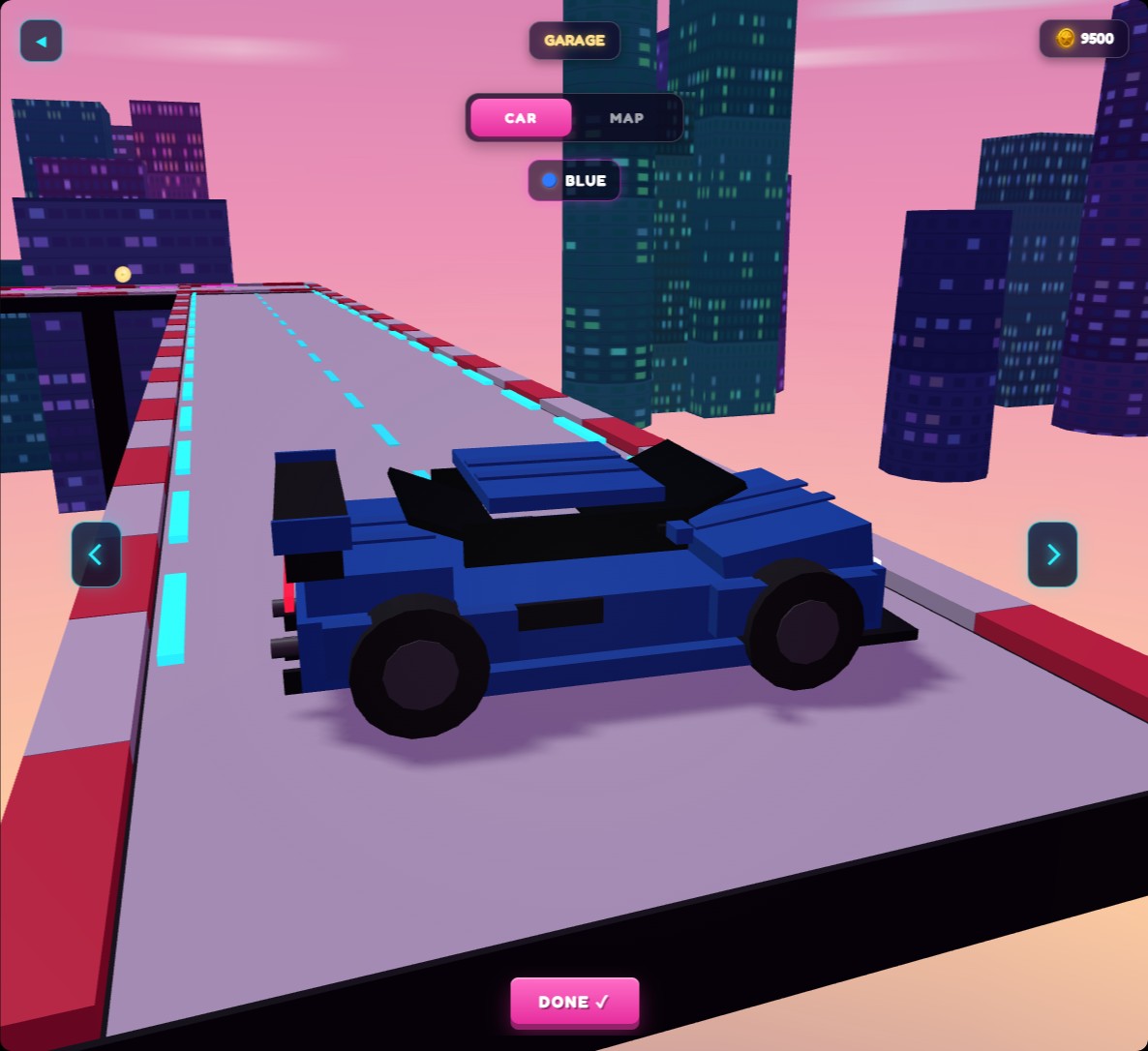
Choose a larger garage budget or open the complete paint and theme selection. Pick colours and scenery in the game's CAR and MAP tabs to see each choice on the car and road.
Requires the Windows app and the Bytonian Mods browser extension for Chrome or Edge. Browser setup guide
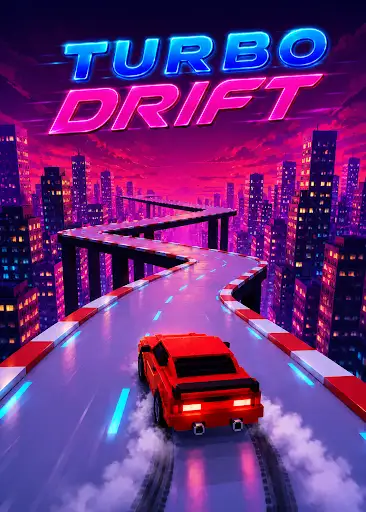
Coins for normal garage purchases
Set Coin Balance, then buy the paint colours or themes you want using the usual UNLOCK button. Each purchase spends the price shown.
Six paint colours
Choose Red, Blue, Toxic, Sunset, Cyber or Midas. Unlock All Paint Colours opens the full set, then the CAR arrows let you choose the paint you want.
Four track themes
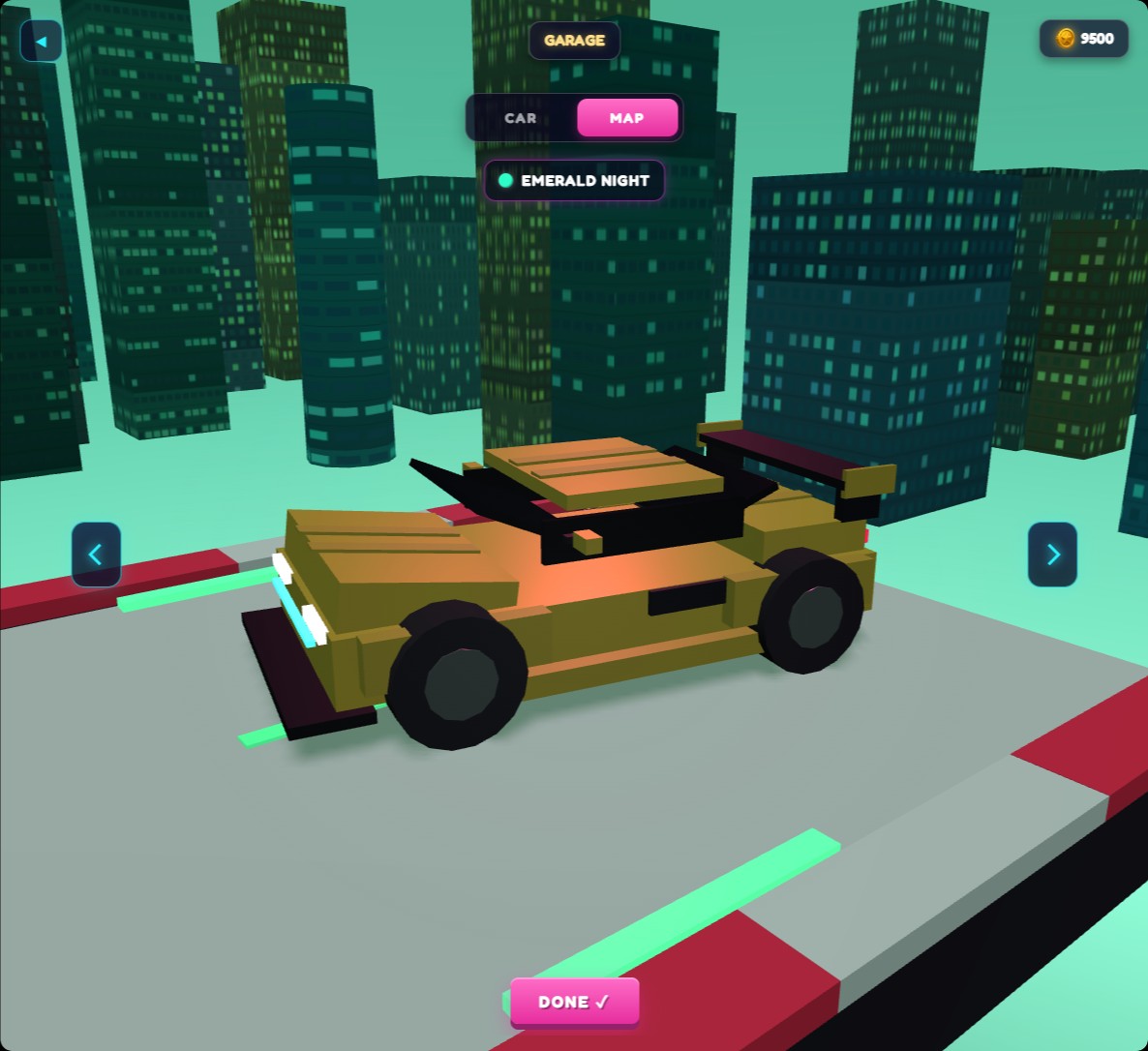
Switch between Synthwave City, Miami Heat, Cyber Ice and Emerald Night. Use the MAP arrows to change the sky, skyline and track colours.
Coins for garage purchases
Choose new paint colours and track themes with a larger coin balance.
Available customisation options
Coin BalanceFree
Set the coin balance used for paint colours and track themes in the garage.
Choose a coin amount, apply it, then open the garage and use UNLOCK on the item you want.
Garage purchases spend their displayed coin prices.
Unlock All Paint ColoursPremium
Open all six car paint colours, including Toxic, Cyber and Midas.
Apply the unlock, open CAR in the garage and use the arrows to choose a paint.
Choose a paint through the garage after applying.
Unlock All Track ThemesPremium
Open all four track themes: Synthwave City, Miami Heat, Cyber Ice and Emerald Night.
Apply the unlock, open MAP in the garage and use the arrows to pick the city theme.
Choose a theme through the garage after applying.
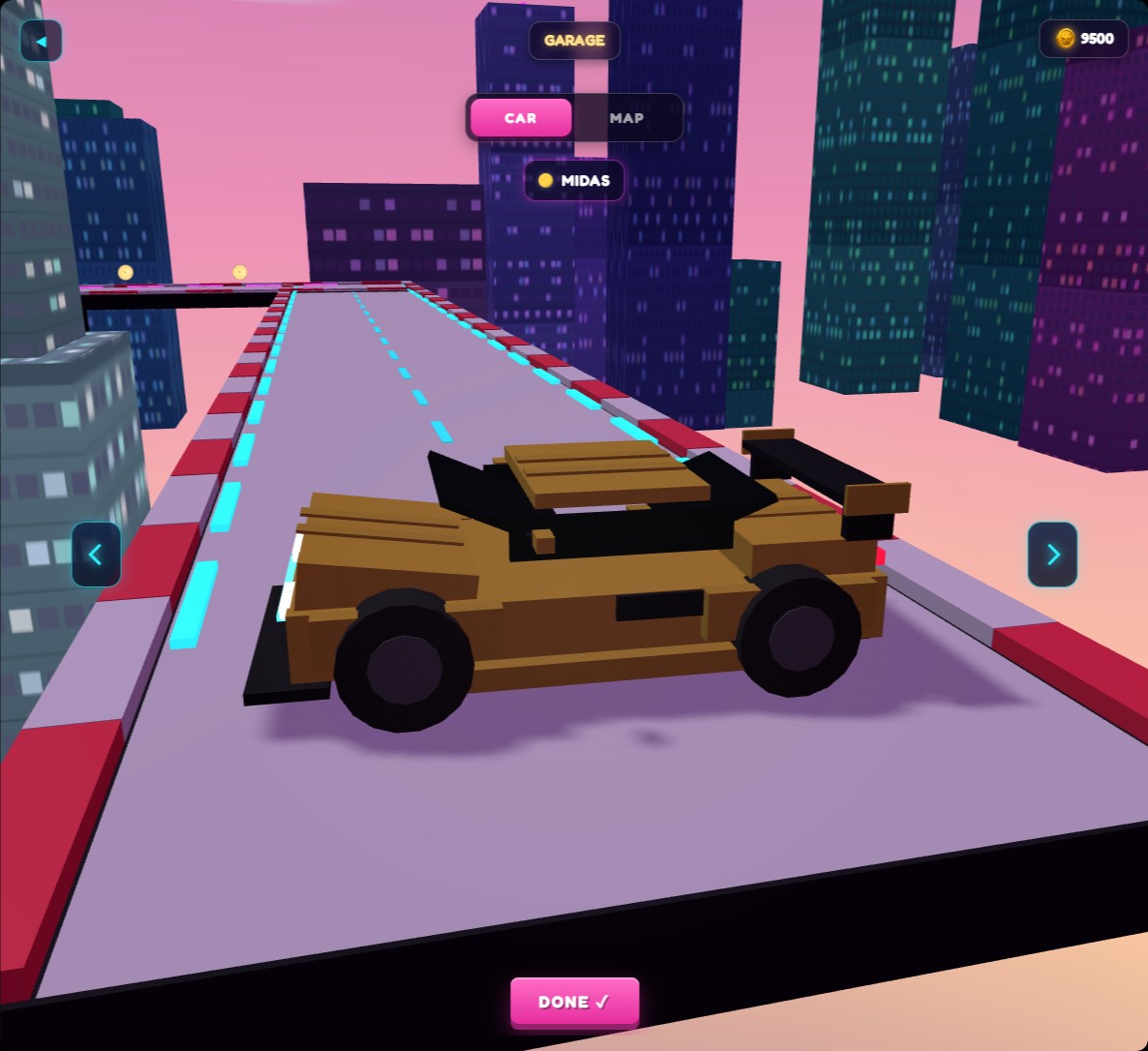
Six paint colours
Choose any paint colour in the garage, including Midas gold.
Four track themes
Switch the city scenery and track colours in the garage, including Emerald Night.
Questions about customisation options
- Does opening the paint or theme set spend garage coins?
- The unlock controls make the full sets available without buying each choice. Selecting an unlocked paint or theme keeps your garage balance.
- How do I keep a chosen colour or theme?
- Select it in the garage and use DONE to return to the menu. Your choice is retained when you return to the game.
Using these features
Connect your game, then open Customise in the Windows app. Choose an option, check its available values and follow its instructions. Each option lists its own requirements and limits.
Setup for Turbo Drift - Drift Racing Challenge →