
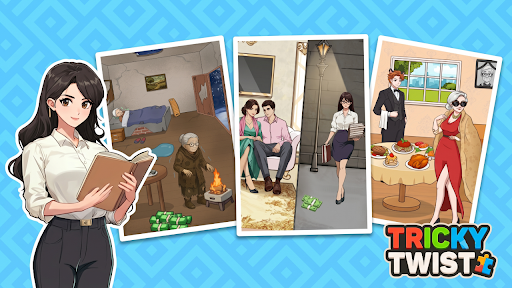
Unlocks
1 optionOpen more puzzles and choose what to play next.
View unlocks →Open more Tricky Twist: Brain Puzzle levels to choose another illustrated scene, or give puzzle cards a three-star rating. Look closely at each scene, follow its prompt and work out what the characters need.
Requires the Windows app and the Bytonian Mods browser extension for Chrome or Edge. Browser setup guide

Start with free mods
Download Bytonian Mods for Windows and try these free features. Choose one to see how it works and any requirements.
Open more puzzles and choose what to play next.
Use Open levels on the level-selection screen, then select a puzzle.
A card may still show a padlock; select it to enter.
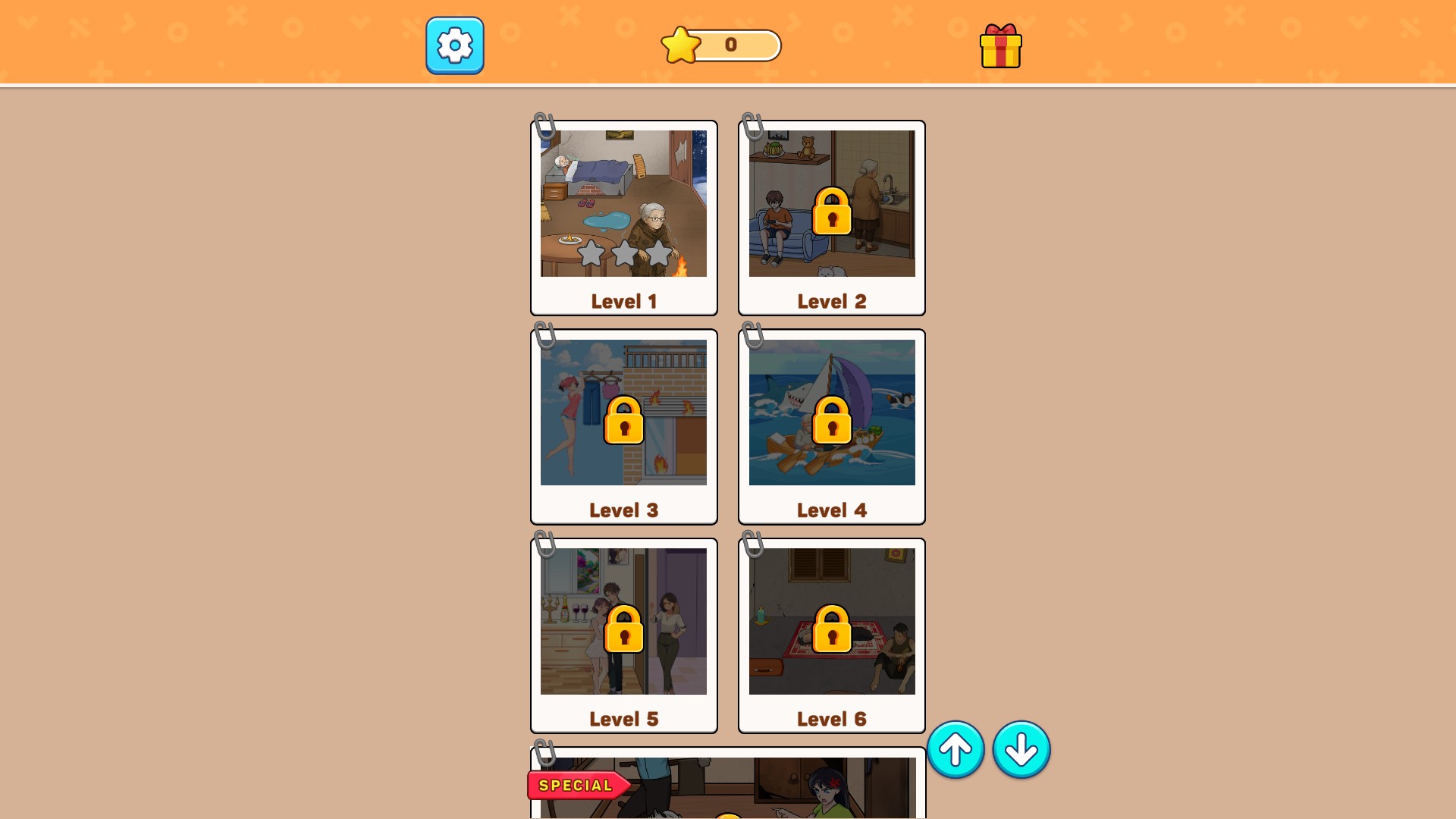
A new puzzle at every turn
Explore Tricky Twist's illustrated puzzle selection.
Level access opens more puzzles to choose from. Three-star ratings add a gold-star finish to your puzzle cards. Choose either control to suit how you want to play.
Open Tricky Twist: Brain Puzzle on YouTube Playables with Bytonian Mods connected. Use Open levels from the level-selection screen, or choose Three-star ratings in Customise and apply your change.
Open more puzzles and choose what to play next.
View unlocks →Set three-star ratings for your puzzle cards.
View customisation options →Download the Windows app and follow the setup prompts.
Set up the browser extension in Chrome or Edge, then open the supported YouTube Playable. Follow the connection guide if the game is already running.
Review the available options in the app and choose the ones that suit how you play.