
Resources
2 optionsChoose separate balances for clues and extra-time boosters.
View resources →Choose how many hints or +20s boosters you have when a picture detail or timer slows you down. You can also read an available written solution, replay the current puzzle or unlock the next level for selection from the normal menu.
Requires the Windows app and the Bytonian Mods browser extension for Chrome or Edge. Browser setup guide
Start with free mods
Download Bytonian Mods for Windows and try these free features. Choose one to see how it works and any requirements.
Start your current puzzle again with the timer reset for a fresh attempt.
Use Replay puzzle during a level to start it again.
Spot the hidden differences
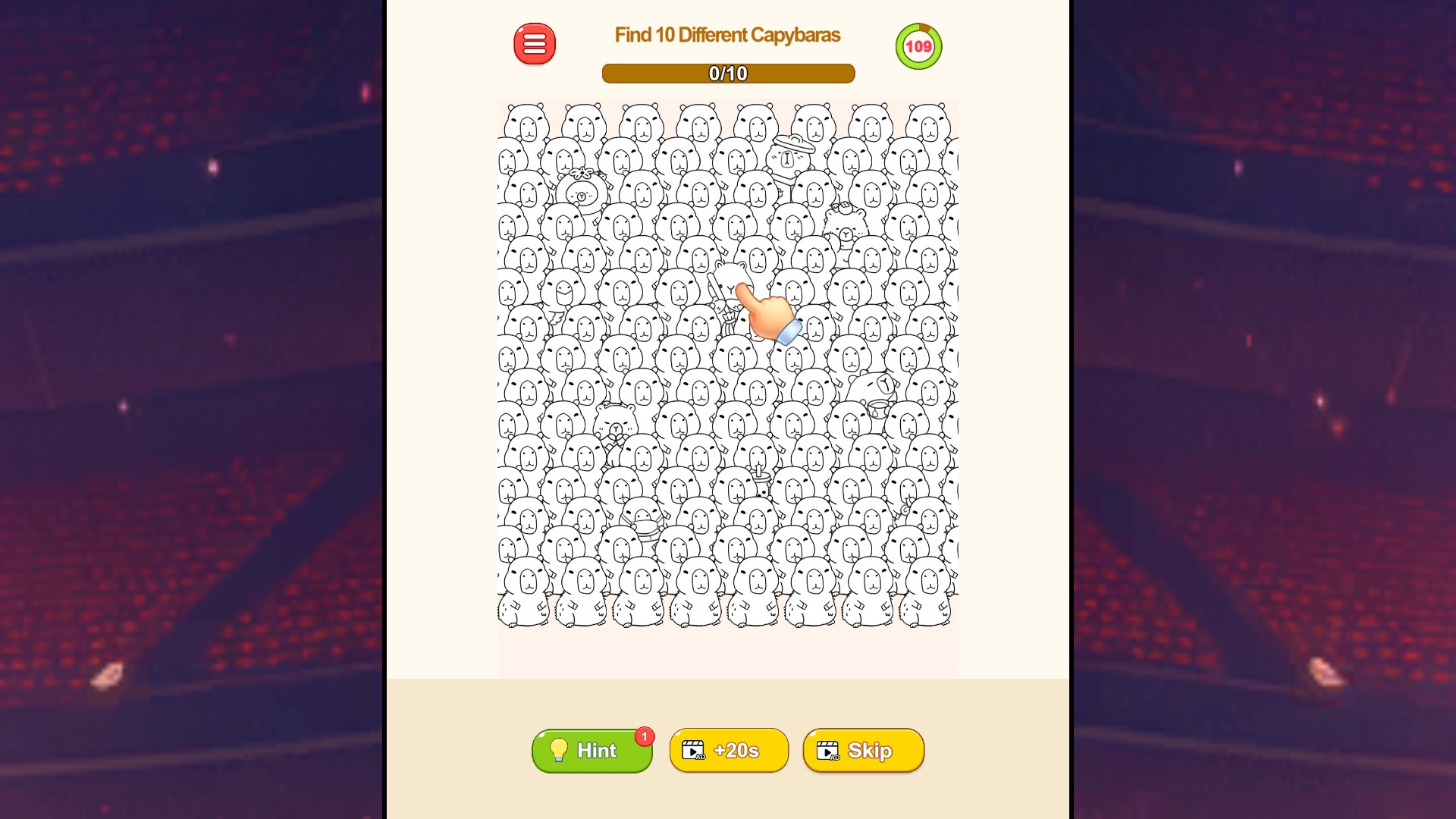
Look closely at a crowd of capybaras and find the ten that stand out.
Hints give you a clue when a detail has you stumped, and timer boosters add twenty seconds when you need more thinking time. Restart a puzzle for a fresh attempt, open the next level, or view the written solution on puzzles that offer one.
Open Tricky Minds: Brainy Puzzle through Bytonian Mods and enter a level. Choose the control you want, then use the game's normal buttons to keep playing.
Choose separate balances for clues and extra-time boosters.
View resources →Unlock your next level for normal menu selection.
View unlocks →Read the available solution or take another run at your current puzzle.
View game actions →Download the Windows app and follow the setup prompts.
Set up the browser extension in Chrome or Edge, then open the supported YouTube Playable. Follow the connection guide if the game is already running.
Review the available options in the app and choose the ones that suit how you play.