

Level funds and simulation speed
Choose a spendable balance for your level, then select a simulation pace from quarter speed to 4×. The controls work during newly started base-game company levels.

Set funds or choose a pace
Enter a whole-number funds value from zero to one billion, or choose a speed from 0.25× to 4×. Pause stays unchanged when you adjust speed.
Turning the mod off restores the previous speed if its last setting is still active. Choosing a different speed through the game takes precedence.
Keep modified play off the score boards
After either control changes gameplay, score uploads stay disabled until you close the game. Modified levels cannot be saved as level files.
Use a newly started base-game company level. Editor, preview, Workshop, resumed and finished levels are excluded.
Available resources
Level fundsFree
Set the spendable funds in your active base-game company level.
Start a new company level, then enter a whole-number balance from zero to one billion.
Gameplay changes disable score uploads until the game closes. Modified levels cannot be saved as level files.
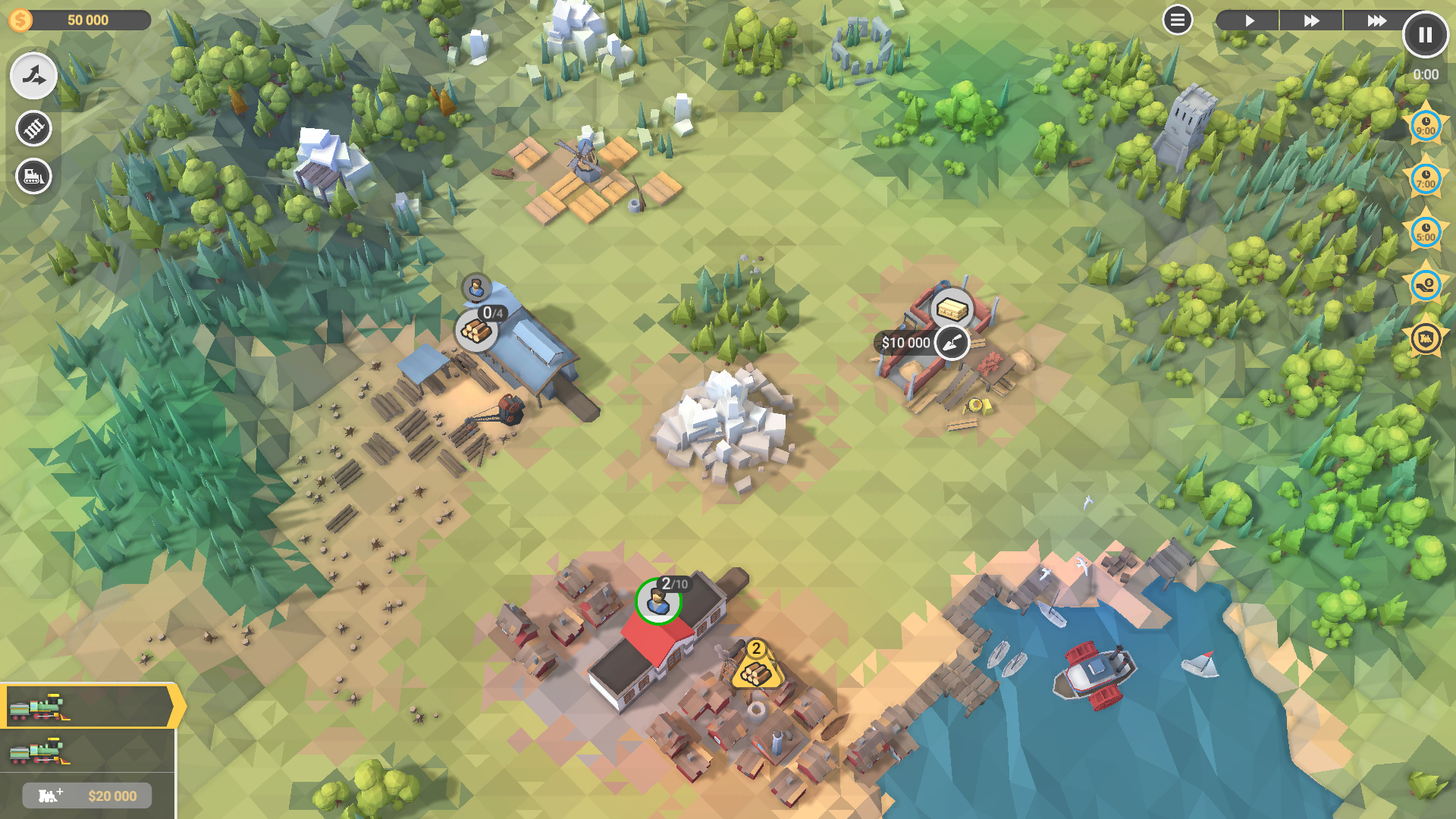
Set a budget for your railway
Adjust the funds available in an active base-game company level. Changing gameplay disables score uploads until the game closes.
Simulation speedFree
Choose a simulation speed from 0.25× to 4× without changing pause.
Adjust the value during an active base-game company level. If the speed still matches your last mod setting, turning the mod off restores the previous speed.
A different speed selected through the game is left alone. Gameplay changes disable score uploads until the game closes; modified levels cannot be saved as level files.
Using these features
Choose the feature in the Windows app after connecting your game. Check its requirements before making a change.
Setup for Train Valley 2 →