
Resources
2 optionsAdjust your level budget and simulation pace while keeping pause unchanged.
View resources →Set your level budget and choose your simulation pace as you build railways and manage trains in Train Valley 2.

Start with free mods
Download Bytonian Mods for Windows and try these free features. Choose one to see how it works and any requirements.
Set the spendable funds in your active base-game company level.
Start a new company level, then enter a whole-number balance from zero to one billion.
Gameplay changes disable score uploads until the game closes. Modified levels cannot be saved as level files.
Choose a simulation speed from 0.25× to 4× without changing pause.
Adjust the value during an active base-game company level. If the speed still matches your last mod setting, turning the mod off restores the previous speed.
A different speed selected through the game is left alone. Gameplay changes disable score uploads until the game closes; modified levels cannot be saved as level files.
My Trains Eat Their Own Track in Train Valley 2
A single-use railway survives one delivery, ruins the next, and turns a cheaper rebuild into an expensive mistake.
Set the funds available in your current level before laying tracks, adding trains or expanding production. The funds control changes your spendable balance.
Choose a simulation speed from 0.25× to 4×. Changing the value leaves the level's pause state as it is.
If the speed still matches your last mod setting, turning the mod off restores the previous speed. A different speed selected through the game is left alone.
Start a new base-game company level before using either control. Editor, preview, Workshop, resumed and finished levels are excluded.
Changing gameplay disables score uploads until the game closes. Modified levels cannot be saved as level files.
Install the Bytonian Mods Windows app, select Train Valley 2 and enable the controls before starting a new base-game company level.
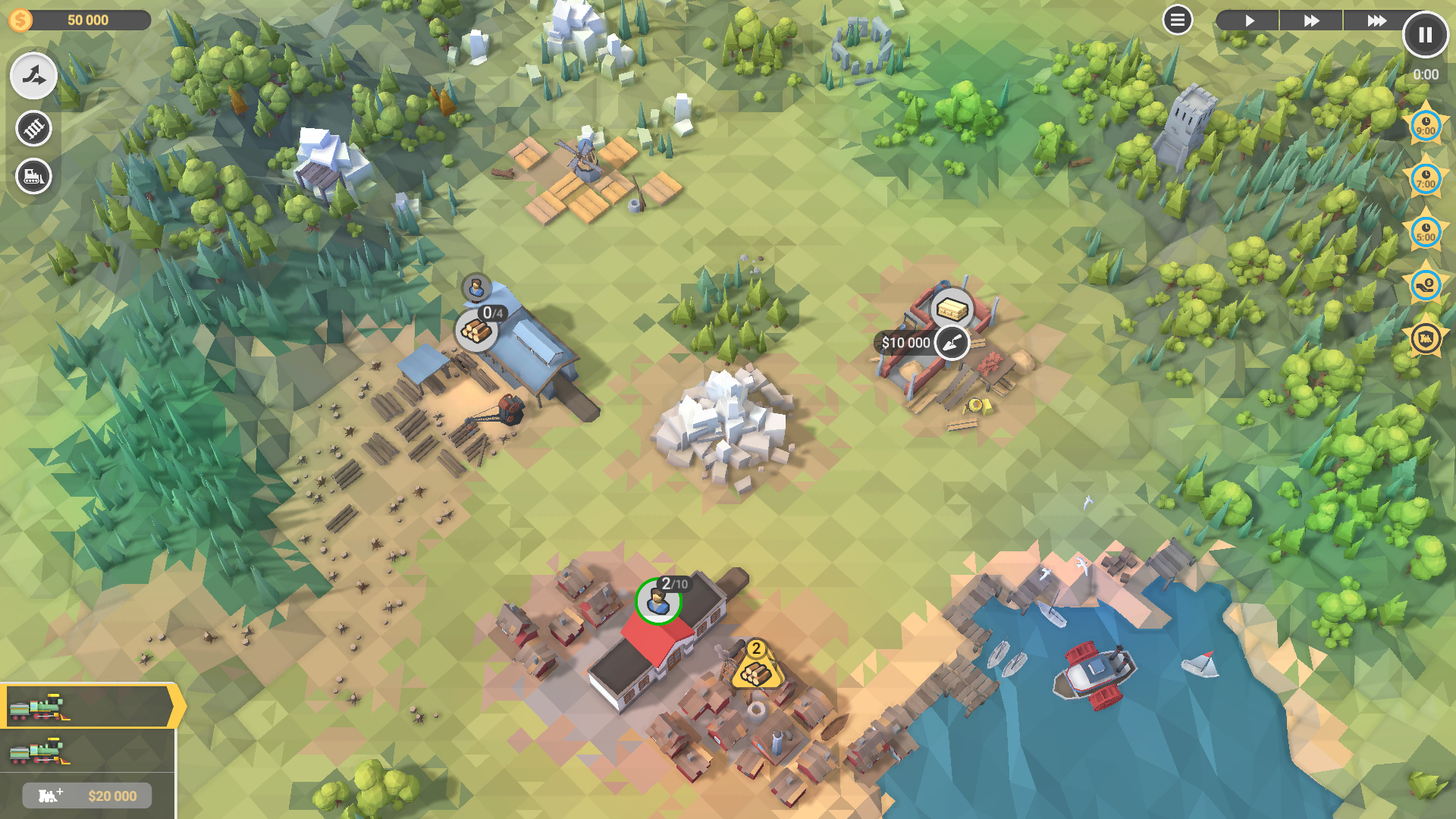
Plan your railway at your own pace
Level funds and simulation-speed controls for active base-game company levels.
Adjust your level budget and simulation pace while keeping pause unchanged.
View resources →Browse the Steam achievement names and descriptions for Train Valley 2. Choose and unlock achievements for free with Bytonian Mods in the Windows app.
View all achievements →Download the Windows app and follow the setup prompts.
Open Train Valley 2 and select it in Bytonian Mods. Follow the app’s connection prompts.
Review the available options in the app and choose the ones that suit how you play.