

Coins for power-ups
Choose a coin balance so you can buy a power-up when you want help bringing down the tower.
Requires the Windows app and the Bytonian Mods browser extension for Chrome or Edge. Browser setup guide

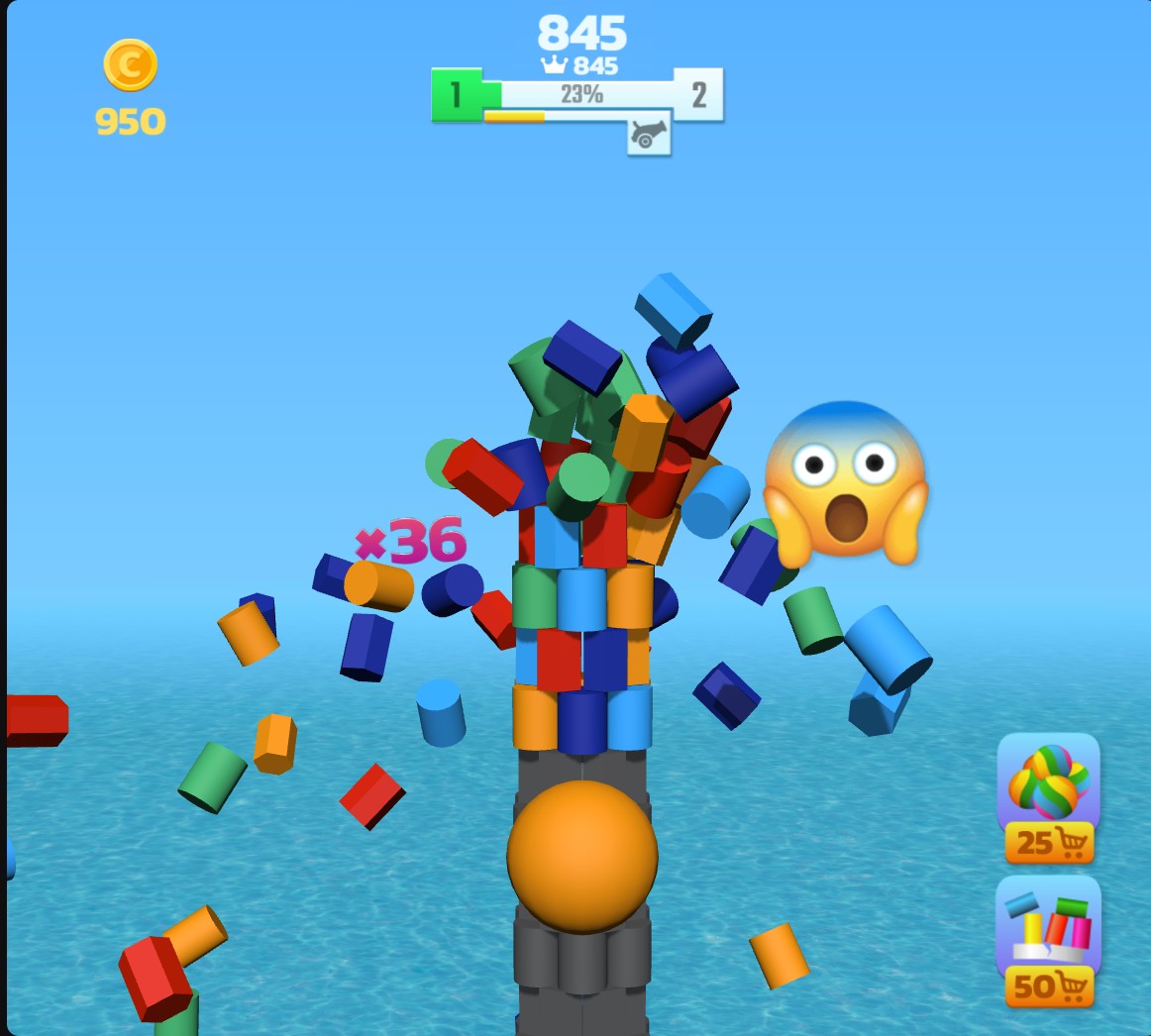
Shake up the tower
Spend coins on a power-up and send tower blocks flying.
Using your coins
Start a level and choose a power-up from the buttons on the right. Press its displayed coin price to buy it, then use the ready power-up button to activate it.
The 50-coin block-scattering power-up shakes blocks loose from the tower. Normal purchase prices and activation controls still apply.
Available customisation options
CoinsFree
Set coins for power-up purchases during a level.
Choose an amount, start a level and buy a power-up with its coin-price button. Press the ready power-up button to activate it.
Power-ups still cost the displayed number of coins.
Questions about customisation options
- Does setting coins activate a power-up?
- No. Buy a power-up in the level, then use its ready button to activate it.
Using these features
Connect your game, then open Customise in the Windows app. Choose an option, check its available values and follow its instructions. Each option lists its own requirements and limits.
Setup for Tower Crash 3D →