
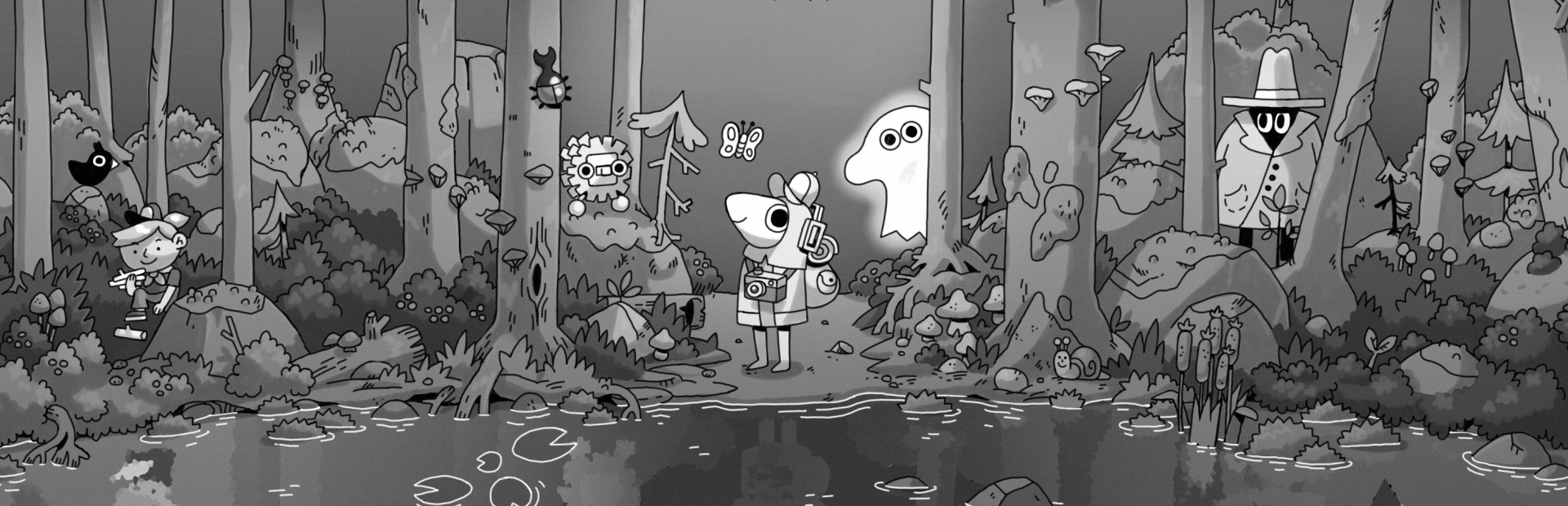
Choose your exploration view
Bring the camera closer to your traveller or pull it back for a wider view of your surroundings. Camera Zoom lets you choose a distance from 10 to 160.
A view that follows exploration
Enable Camera Zoom and adjust Camera Distance. The control yields while menus, dialogue or other movement states are active, then resumes during normal exploration. Turn it off to restore the original camera settings.
Available perspective modifiers
Camera distanceFree
Enable a custom exploration camera distance.
Turn on Camera Zoom, then adjust Camera Distance.
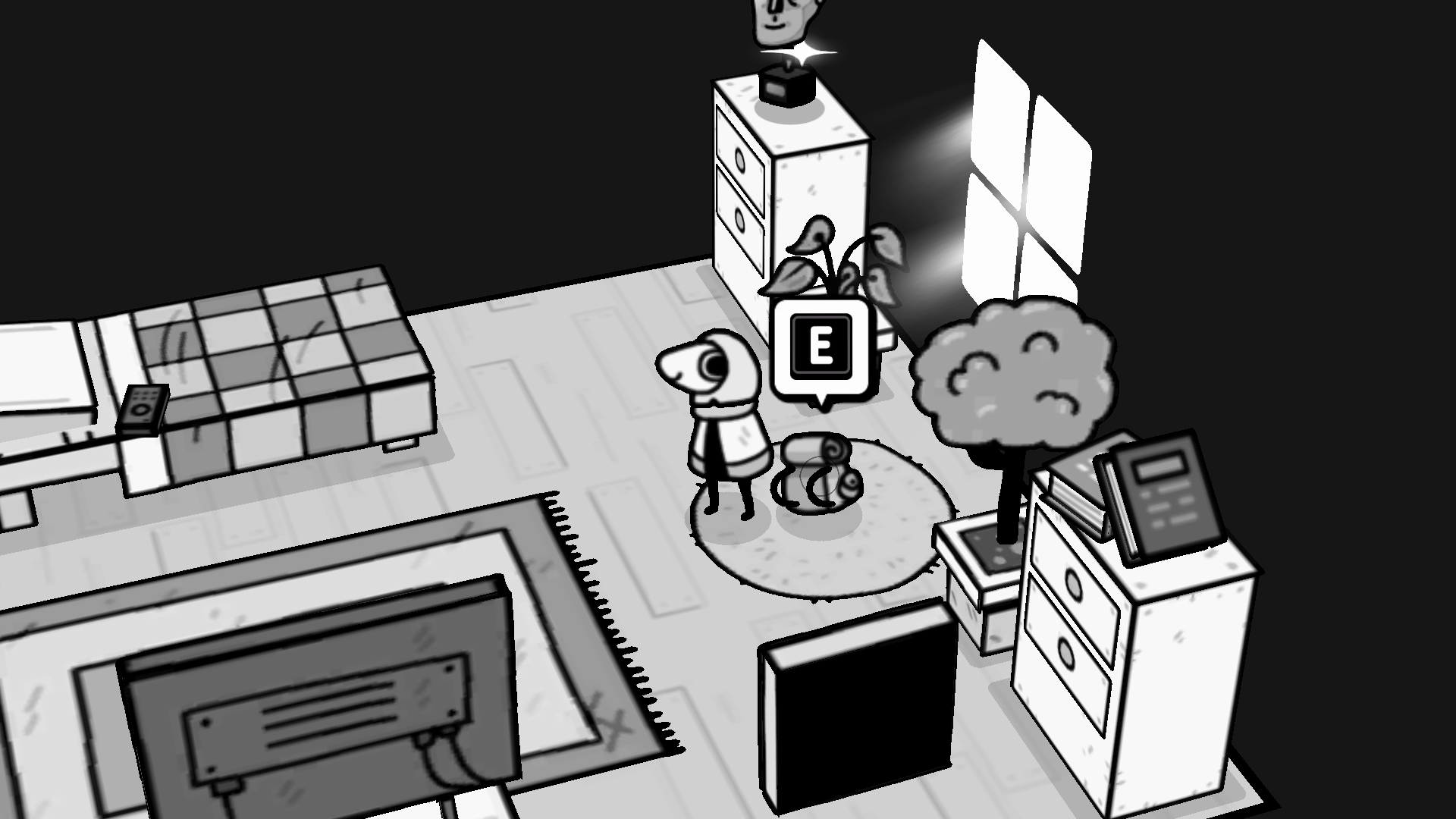
A closer view of home
Bring the exploration camera closer to see your character and the details around them.
More ways to customise TOEM: A Photo Adventure
- TOEM: A Photo Adventure stat modifiers
Adjust running speed from half to three times the normal pace.
- TOEM: A Photo Adventure game actions
Add missing equipment and create a different look.
Using these features
Choose the feature in the Windows app after connecting your game. Check its requirements before making a change.
Setup for TOEM: A Photo Adventure →