
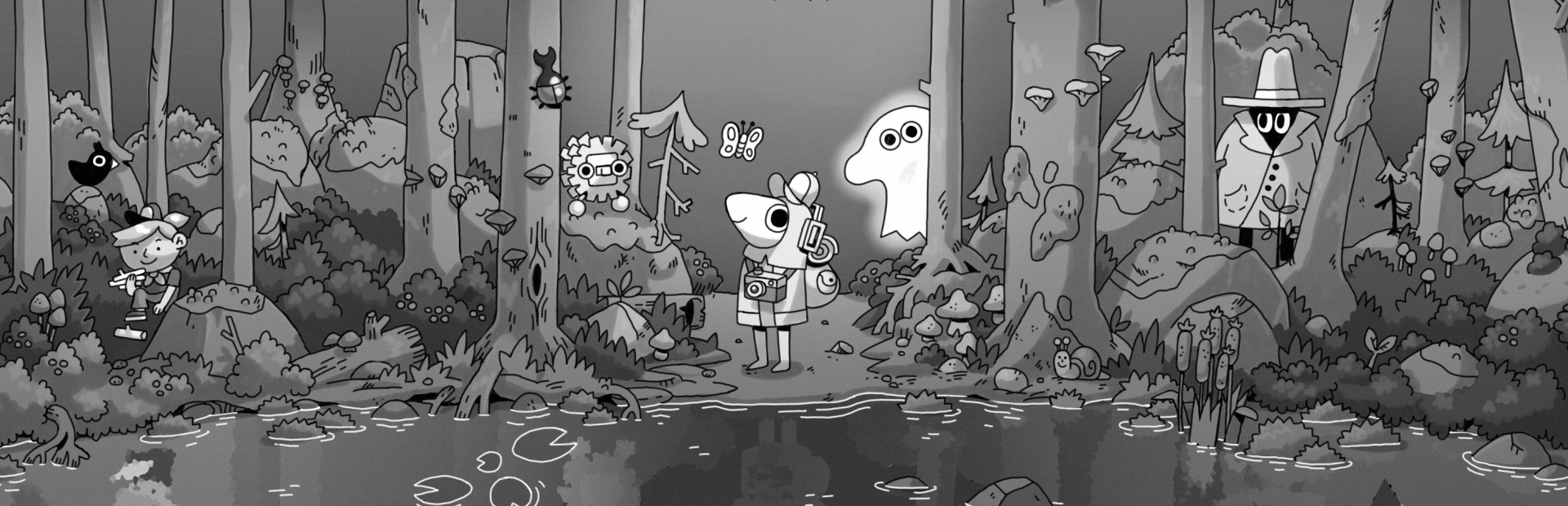
Stat Modifiers
1 optionAdjust running speed from half to three times the normal pace.
View stat modifiers →Choose a closer exploration view, adjust your running pace or add equipment for your traveller in TOEM. Explore hand-drawn places, help their inhabitants and solve puzzles with your camera.
Start with free mods
Download Bytonian Mods for Windows and try these free features. Choose one to see how it works and any requirements.
Choose equipment to add to your inventory, then equip it in the game.
Close menus and dialogue before adding one item.
Items already in your inventory cannot be added again.
Enable a custom exploration camera distance.
Turn on Camera Zoom, then adjust Camera Distance.
Camera Zoom changes how close the exploration camera sits. Running Speed adjusts your pace, while Spawn Equipment adds missing equipment to your inventory for you to equip in the game.
Install Bytonian Mods, open TOEM and choose the controls you want. Apply exploration controls while your traveller is roaming, with menus and dialogue closed.
Explore with your own look
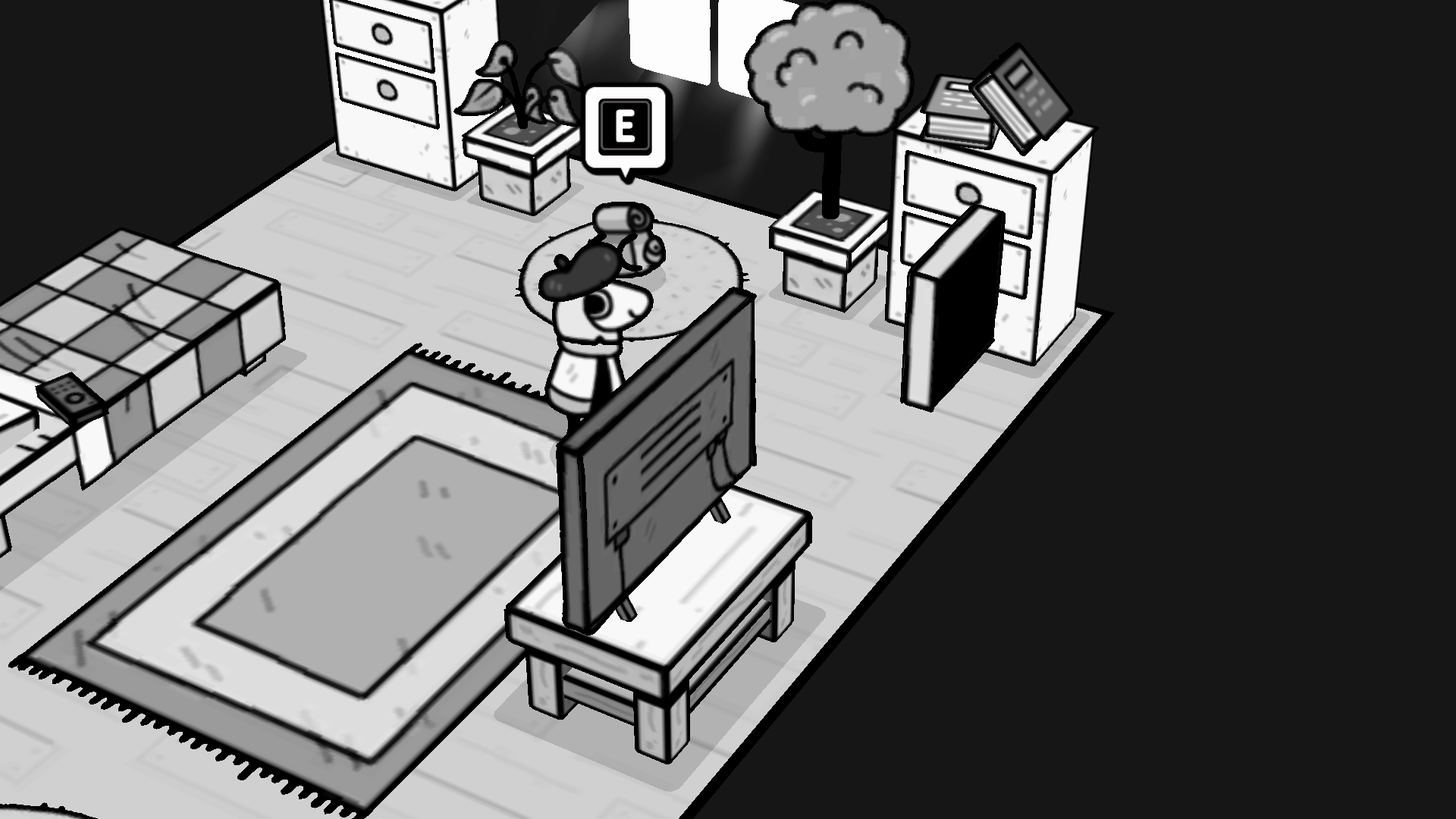
Adjust your view, choose your running speed and add equipment for your TOEM adventure.
Adjust running speed from half to three times the normal pace.
View stat modifiers →Set a closer or wider exploration view.
View perspective modifiers →Add missing equipment and create a different look.
View game actions →Browse the Steam achievement names and descriptions for TOEM: A Photo Adventure. Choose and unlock achievements for free with Bytonian Mods in the Windows app.
View all achievements →Download the Windows app and follow the setup prompts.
Open TOEM: A Photo Adventure and select it in Bytonian Mods. Follow the app’s connection prompts.
Review the available options in the app and choose the ones that suit how you play.