

Bucks, healing and wings when you need them
Choose a one-time action for your character during single-player exploration. Add Bucks changes your balance, Heal fills your health bar, and Icarus Wings gives you the game's familiar timed flight power-up.

Choose your bucks amount
Enter a whole-number amount from 1 to 99, then use Add Bucks. Your resulting balance must stay at 99 or below; choose a smaller amount when you are near the limit.
Restore health or take flight
Use Heal to restore your living character to full health. Icarus Wings uses the normal power-up timer and flight controls. Wait for any current timed present to finish before activating the wings.
Available game actions
Add BucksFree
Add your chosen bucks to your character during single-player play.
Choose a whole-number amount from 1 to 99, then use Add Bucks.
Your resulting balance must be 99 or below.
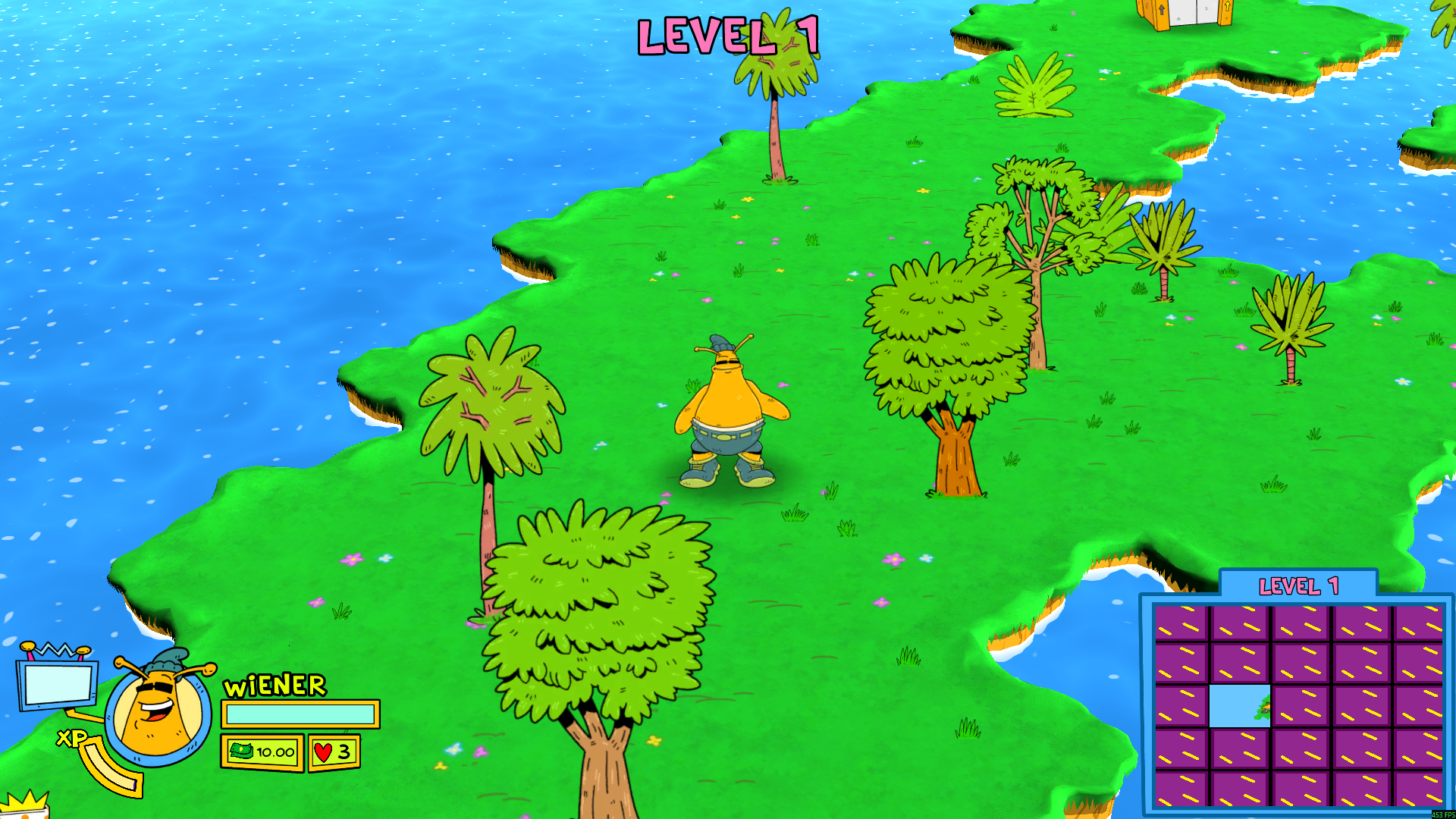
Add bucks for local exploration
Choose how many bucks to add to your first local character, keeping the total at 99 or below.
HealFree
Restore your living single-player character to full health.
Use Heal during active single-player play.
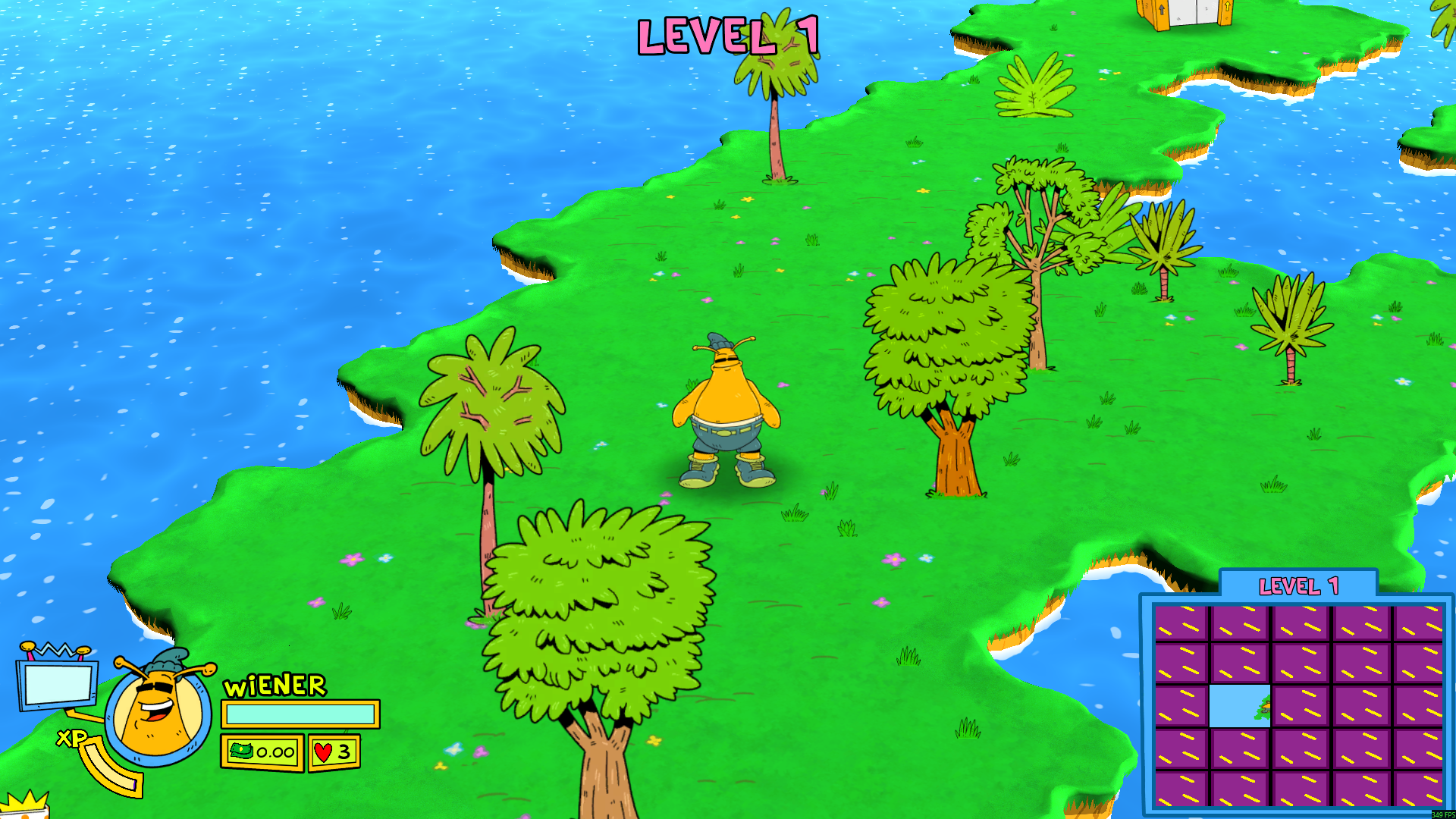
Restore your character's health
Restore the first local character to full health during local play.
Icarus WingsFree
Give your single-player character the normal timed Icarus Wings power-up.
Use the normal flight controls before the timer ends.
Wait for any current timed present to finish.
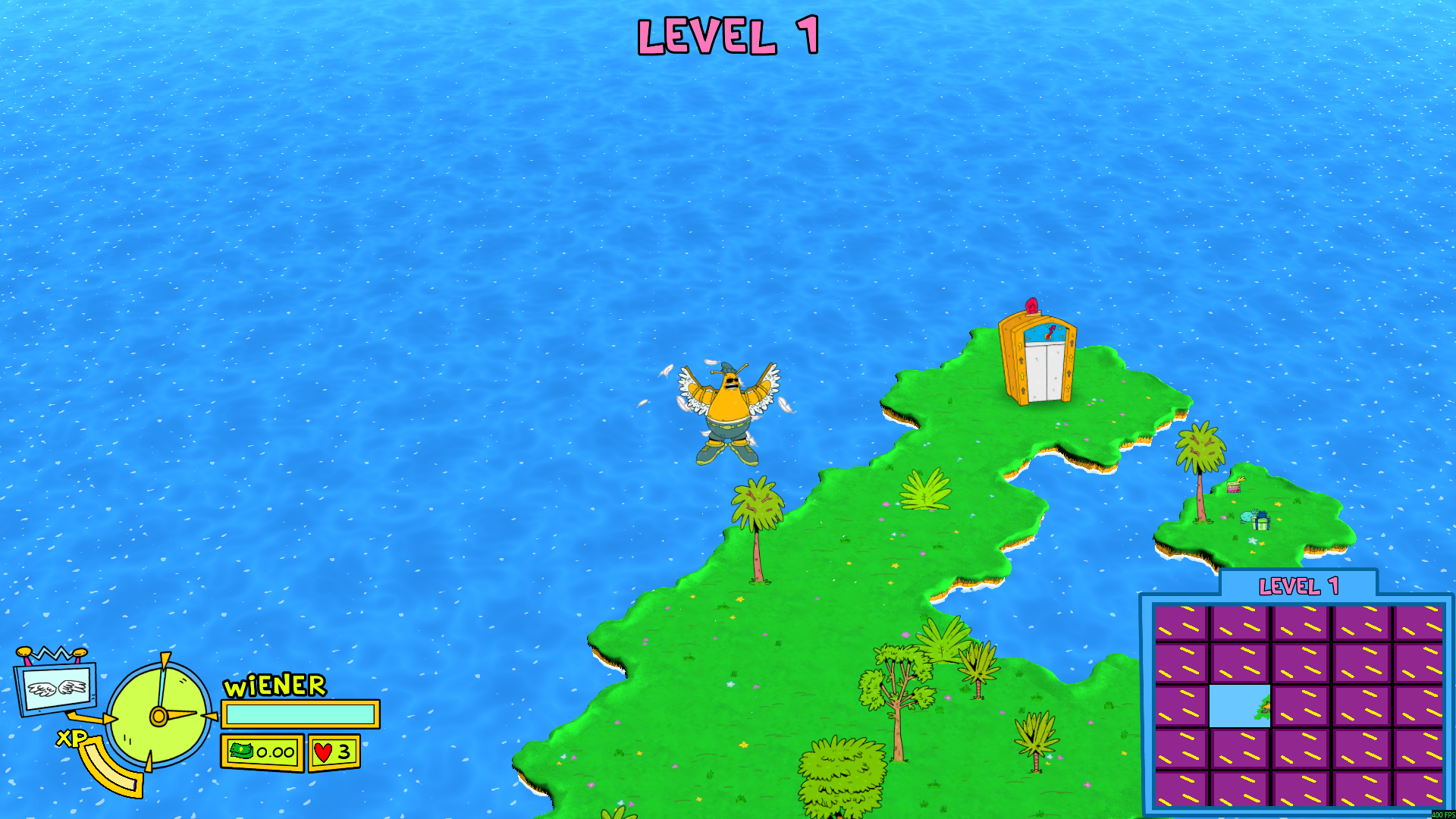
Take flight with Icarus Wings
Give your first local character the normal timed Icarus Wings power-up and take flight before its timer ends.
More ways to customise ToeJam & Earl: Back in the Groove!
- ToeJam & Earl: Back in the Groove! stat modifiers
Single-player movement speed and health-damage protection.
Questions about game actions
- Are the wings permanent?
- No. They use the normal timed Icarus Wings power-up. Fly with the usual controls before its timer ends.
Using these features
Choose the feature in the Windows app after connecting your game. Check its requirements before making a change.
Setup for ToeJam & Earl: Back in the Groove! →