

Stat Modifiers
2 optionsSingle-player movement speed and health-damage protection.
View stat modifiers →Add bucks, restore health, take timed flight or adjust movement speed in ToeJam & Earl: Back in the Groove! Field Tools gives your single-player adventure free controls for exploring Earth.

Start with free mods
Download Bytonian Mods for Windows and try these free features. Choose one to see how it works and any requirements.
Add your chosen bucks to your character during single-player play.
Choose a whole-number amount from 1 to 99, then use Add Bucks.
Your resulting balance must be 99 or below.
Restore your living single-player character to full health.
Use Heal during active single-player play.
Give your single-player character the normal timed Icarus Wings power-up.
Use the normal flight controls before the timer ends.
Wait for any current timed present to finish.
Prevent negative health damage for your living single-player character.
Switch on Prevent Health Damage. Positive healing still works.
Game Actions offers bucks, healing and the normal timed Icarus Wings power-up. Stat Modifiers lets you adjust movement speed or prevent health damage.
Open your installed game through Bytonian Mods, enable Field Tools and start a single-player game with one local character. Choose an action when you need it, or switch a modifier on while you play.
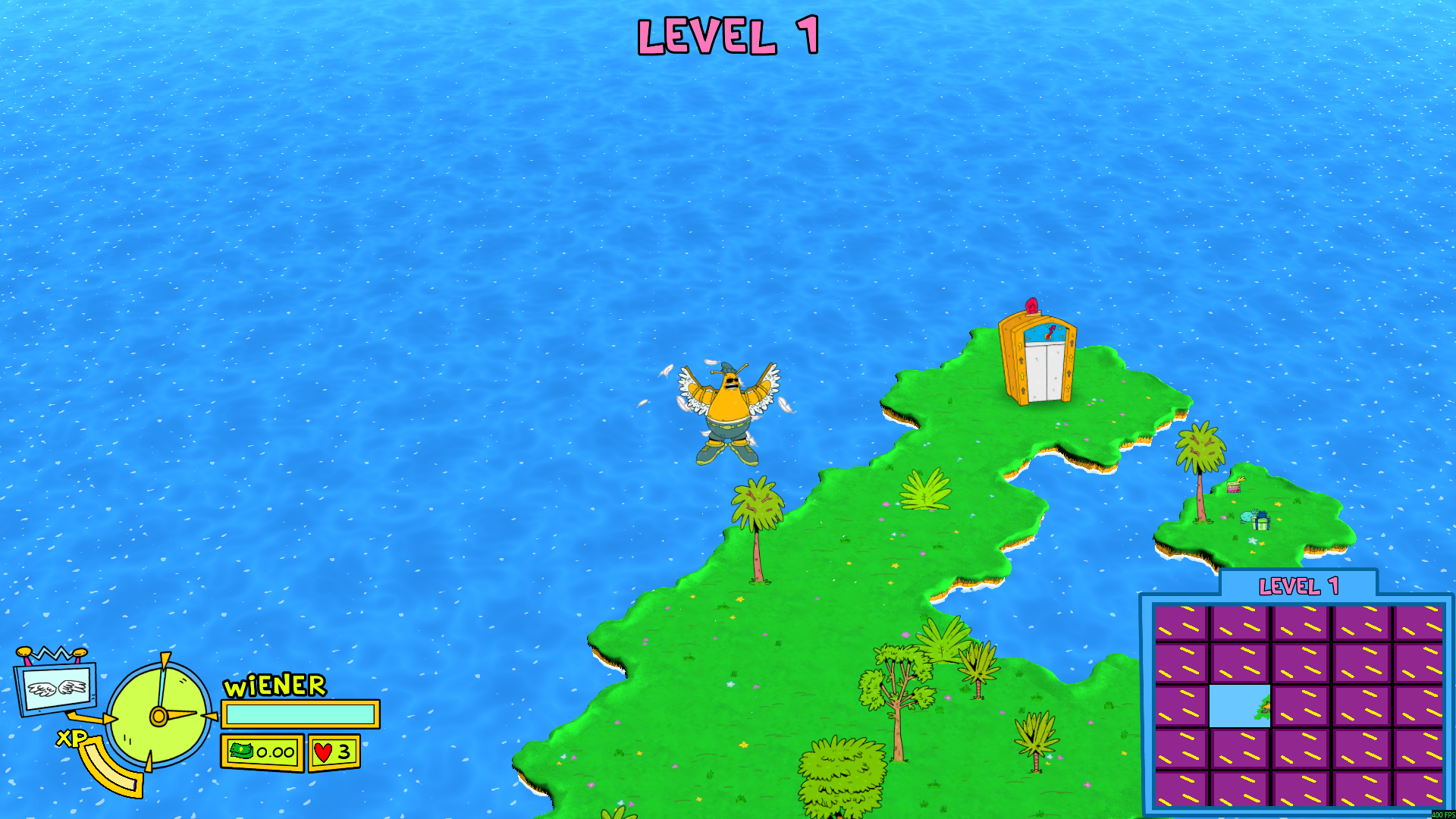
Explore Earth with Icarus Wings
Use the normal timed wings power-up to fly above the islands in local play.
Single-player movement speed and health-damage protection.
View stat modifiers →One-time bucks, healing and timed wings for your single-player character.
View game actions →Browse the Steam achievement names and descriptions for ToeJam & Earl: Back in the Groove!. Choose and unlock achievements for free with Bytonian Mods in the Windows app.
View all achievements →Download the Windows app and follow the setup prompts.
Open ToeJam & Earl: Back in the Groove! and select it in Bytonian Mods. Follow the app’s connection prompts.
Review the available options in the app and choose the ones that suit how you play.