
Choose coins and carry capacity
Set a Coins balance for normal colony purchases and choose the food carrying capacity of your player ant. Both controls use whole-number values.
Requires the Windows app and the Bytonian Mods browser extension for Chrome or Edge. Browser setup guide
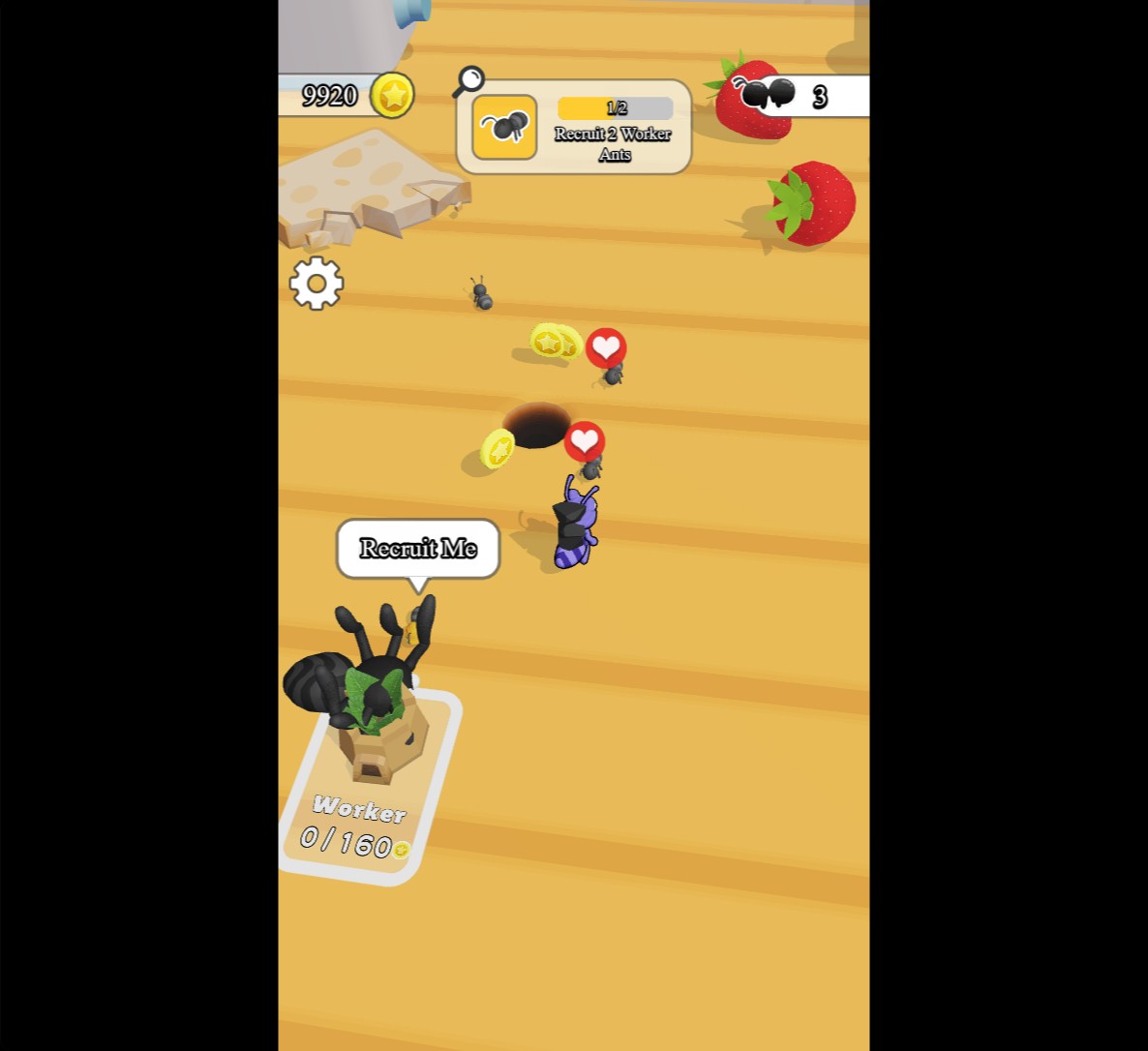
Coins for your growing colony
Choose your Coins balance and use normal colony purchases, including Worker recruitment.
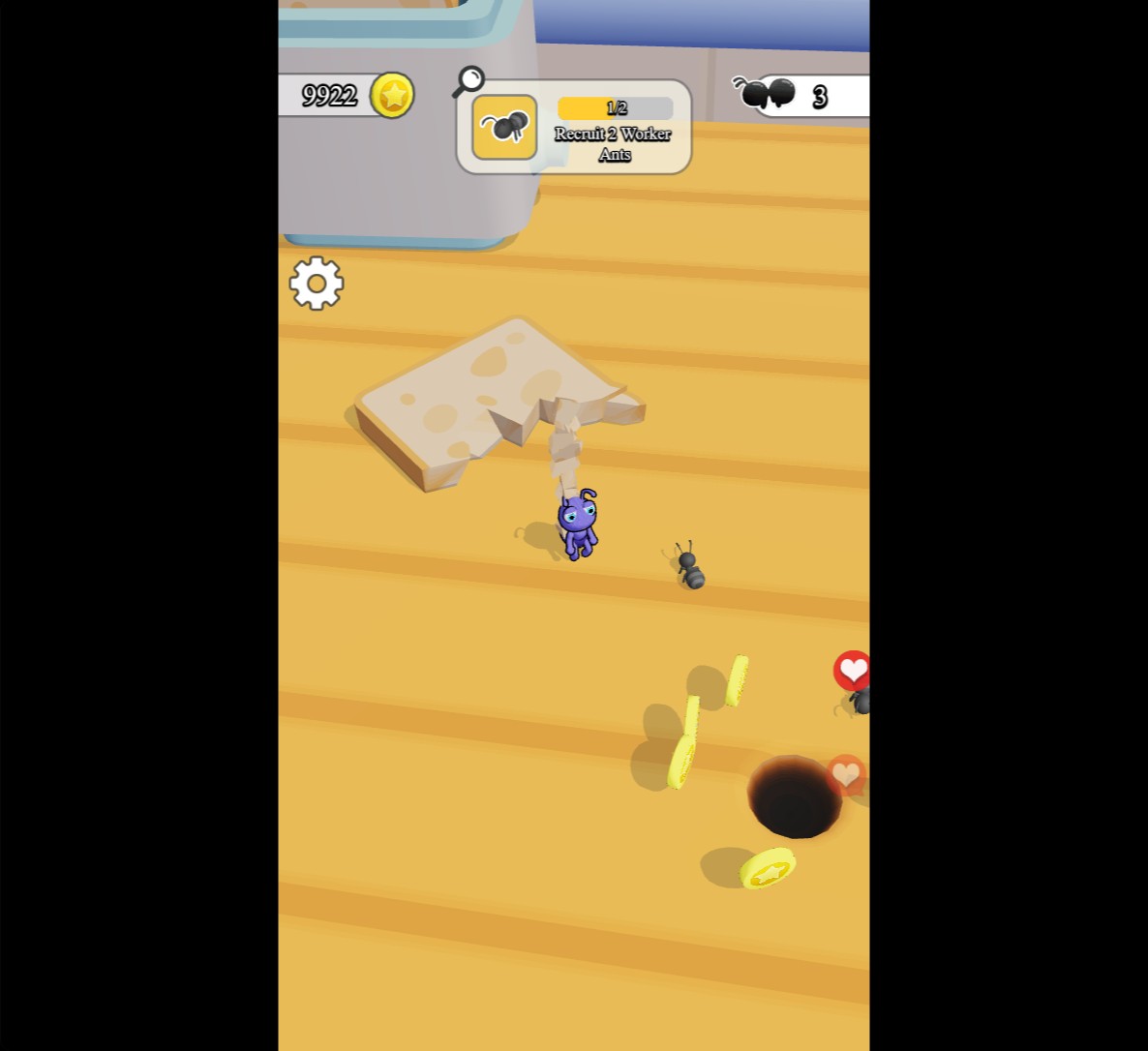
Carry more food each trip
Choose your ant's food carrying capacity and gather a larger stack before returning to the nest.
Choose your Coins balance
Set Coins between 0 and 1,000,000. Move onto a normal recruitment or purchase pad and stop to spend them through the game.
Set food carrying capacity
Choose a capacity from 1 to 50 food pieces for your own ant. Stop close to food to gather a stack, then return to the nest to deposit it.
Available customisation options
CoinsFree
Set your Coins balance for normal colony purchases.
Choose a whole-number balance from 0 to 1,000,000, then use normal recruitment and purchase pads.
Carry CapacityFree
Choose how many food pieces your ant can carry per trip.
Set a whole-number capacity from 1 to 50, stop near food to gather it and return to the nest with your stack.
Questions about customisation options
- What values can I set?
- Coins range from 0 to 1,000,000. Carry Capacity ranges from 1 to 50 food pieces.
- How do I use the extra Coins?
- Use the game's normal colony purchase pads, including Worker recruitment.
Using these features
Connect your game, then open Customise in the Windows app. Choose an option, check its available values and follow its instructions. Each option lists its own requirements and limits.
Setup for Tiny Ants →