
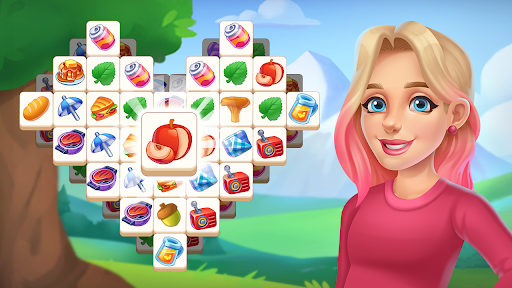
Customise
3 optionsApply your chosen quantities, open a puzzle and use the shuffle arrows, light bulb or curved arrow when you need them.
View customisation options →Set separate stocks for Undo, Shuffle and Match when you need more ways through a crowded board. Match kitchen tiles in threes while keeping room in the tray.
Requires the Windows app and the Bytonian Mods browser extension for Chrome or Edge. Browser setup guide
Start with free mods
Download Bytonian Mods for Windows and try these free features. Choose one to see how it works and any requirements.
Set your Match item stock for more matching-tile assistance.
Choose a quantity, apply it, then use the light bulb during a puzzle.
Booster controls appear at level 6. Match helps with a group rather than finishing the entire puzzle.
Set your Shuffle item stock for more chances to rearrange the board.
Choose a quantity, apply it, then use the shuffle arrows during a puzzle.
Booster controls appear at level 6. Shuffling changes the arrangement and does not complete the puzzle.
Set your Undo item stock so you can return selected tiles to the board.
Choose a quantity, apply it, then use the curved arrow during a puzzle after selecting a tile.
Undo needs a tile in the tray. Booster controls appear at level 6.
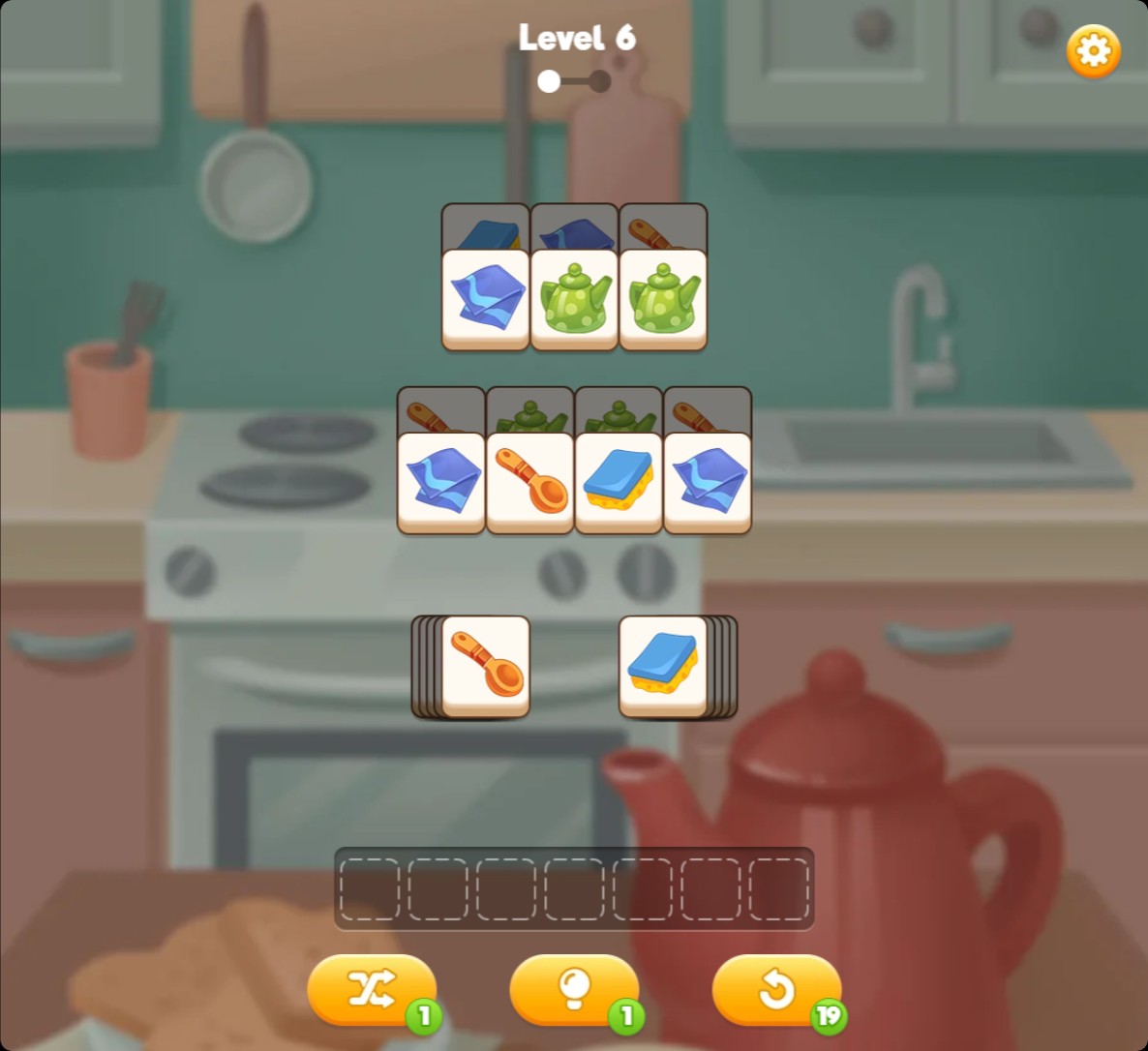
Undo a tile selection
Return a selected tile to the board with Undo items.
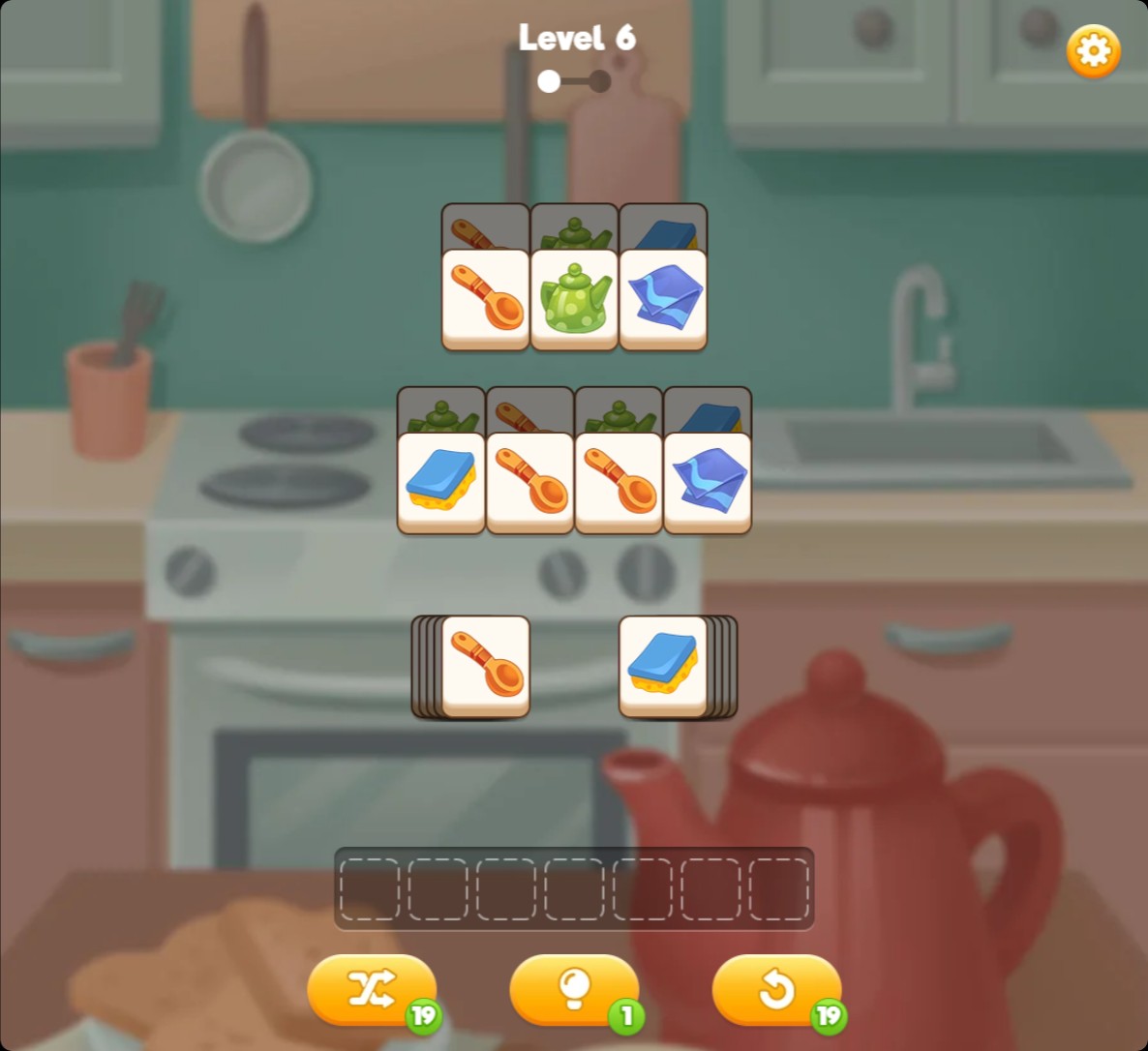
Rearrange the tile board
Use Shuffle items for a different tile arrangement.
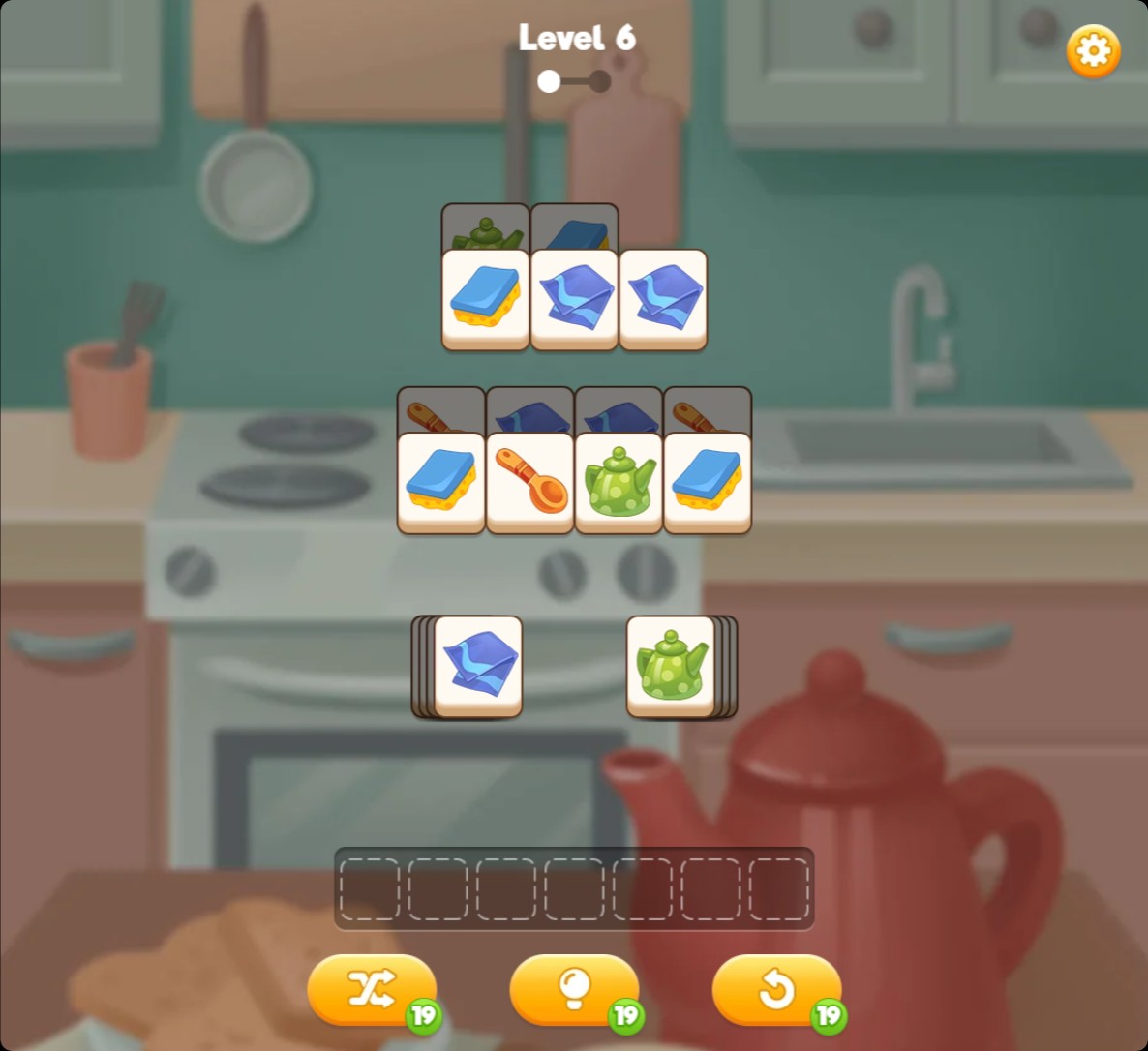
Complete a matching group
Use a Match item to help clear matching tiles from the board and tray.
Undo returns a selected tile from the tray to the board. Shuffle rearranges the remaining tiles, while Match helps complete a matching group.
The booster buttons become available at level 6 through normal play. You still choose your tiles and work through each puzzle.
Set each booster inventory independently. Keep extra Undo items for misplaced selections, Shuffle items for a fresh arrangement and Match items for help with a group.
Apply your chosen quantities, open a puzzle and use the shuffle arrows, light bulb or curved arrow when you need them.
View customisation options →Download the Windows app and follow the setup prompts.
Set up the browser extension in Chrome or Edge, then open the supported YouTube Playable. Follow the connection guide if the game is already running.
Open Customise in Bytonian Mods, choose an option and follow its instructions. Check the available values and any limits before making your change.