
Resources
3 optionsSet the coins, hints and extra time boosters you want on hand.
View resources →Keep hints ready for a tricky shelf, stock up on extra time boosters or set coins for hint purchases. Arrange plants and other objects before the clock runs out.
Requires the Windows app and the Bytonian Mods browser extension for Chrome or Edge. Browser setup guide
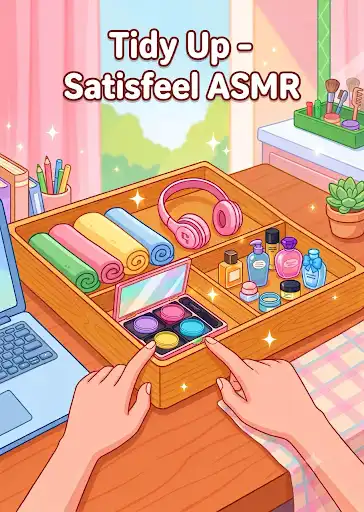
Start with free mods
Download Bytonian Mods for Windows and try these free features. Choose one to see how it works and any requirements.
Choose your coin balance and spend it on hints when a puzzle has you stuck.
Refresh the amount, set the total you want and apply it before visiting the shop.
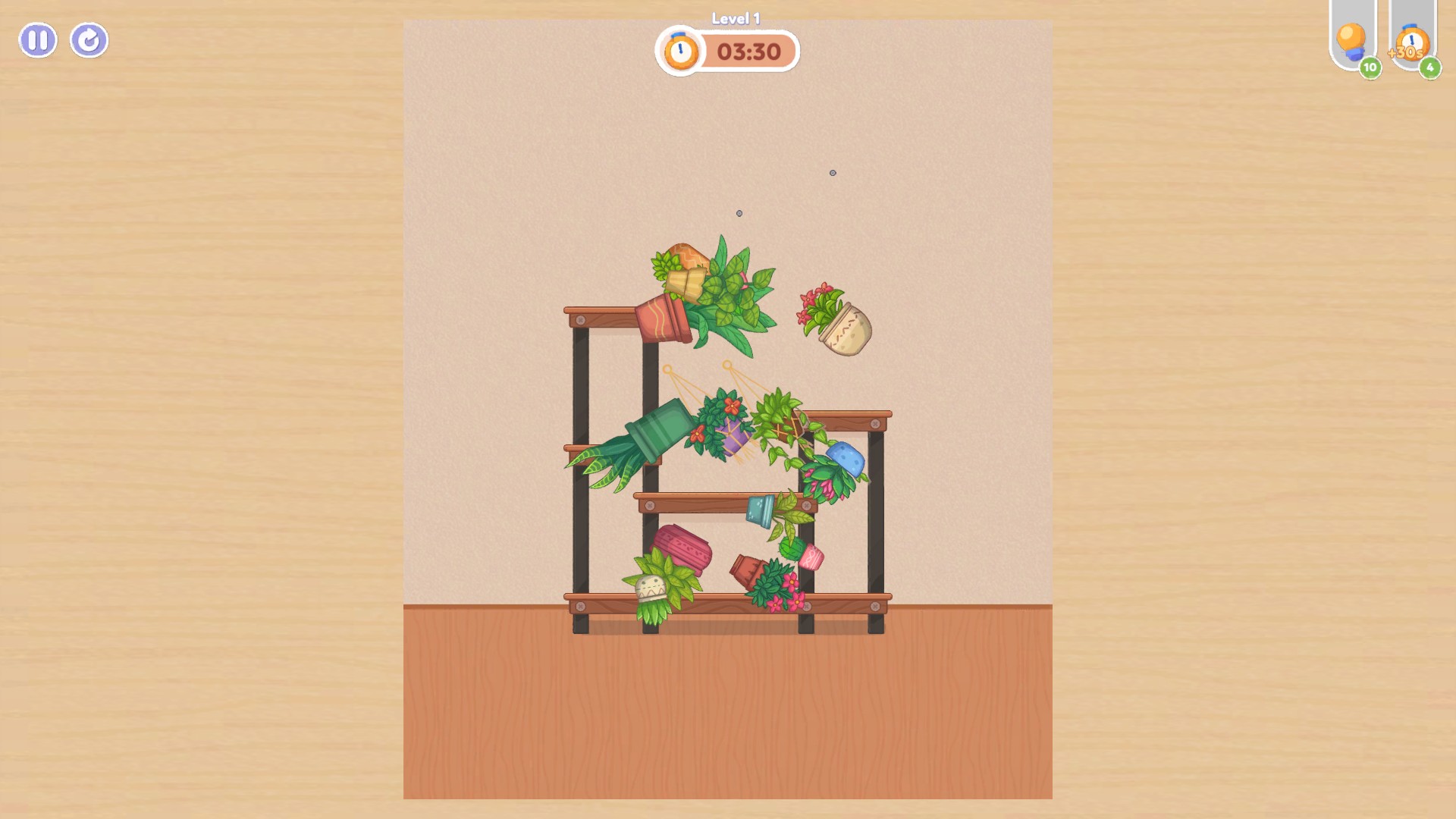
Put every plant in its place
Sort the potted plants into a neat shelf arrangement before time runs out.
Resources lets you choose how many coins and helpers to keep on hand. Coins can buy hints, while hints and extra time boosters have their own controls.
Open Tidy Up - Satisfeel ASMR through Bytonian Mods and choose a control from Resources. Refresh the current amount, enter the total you want and apply it. Use the hint and +30-second buttons inside the game when you need them.
Set the coins, hints and extra time boosters you want on hand.
View resources →Download the Windows app and follow the setup prompts.
Set up the browser extension in Chrome or Edge, then open the supported YouTube Playable. Follow the connection guide if the game is already running.
Review the available options in the app and choose the ones that suit how you play.