

Set up your next coin-sorting session
Choose the help you want for the merge board or the solo challenge menu. Shuffle stock is free; board-slot and challenge-access controls are premium.
Requires the Windows app and the Bytonian Mods browser extension for Chrome or Edge. Browser setup guide

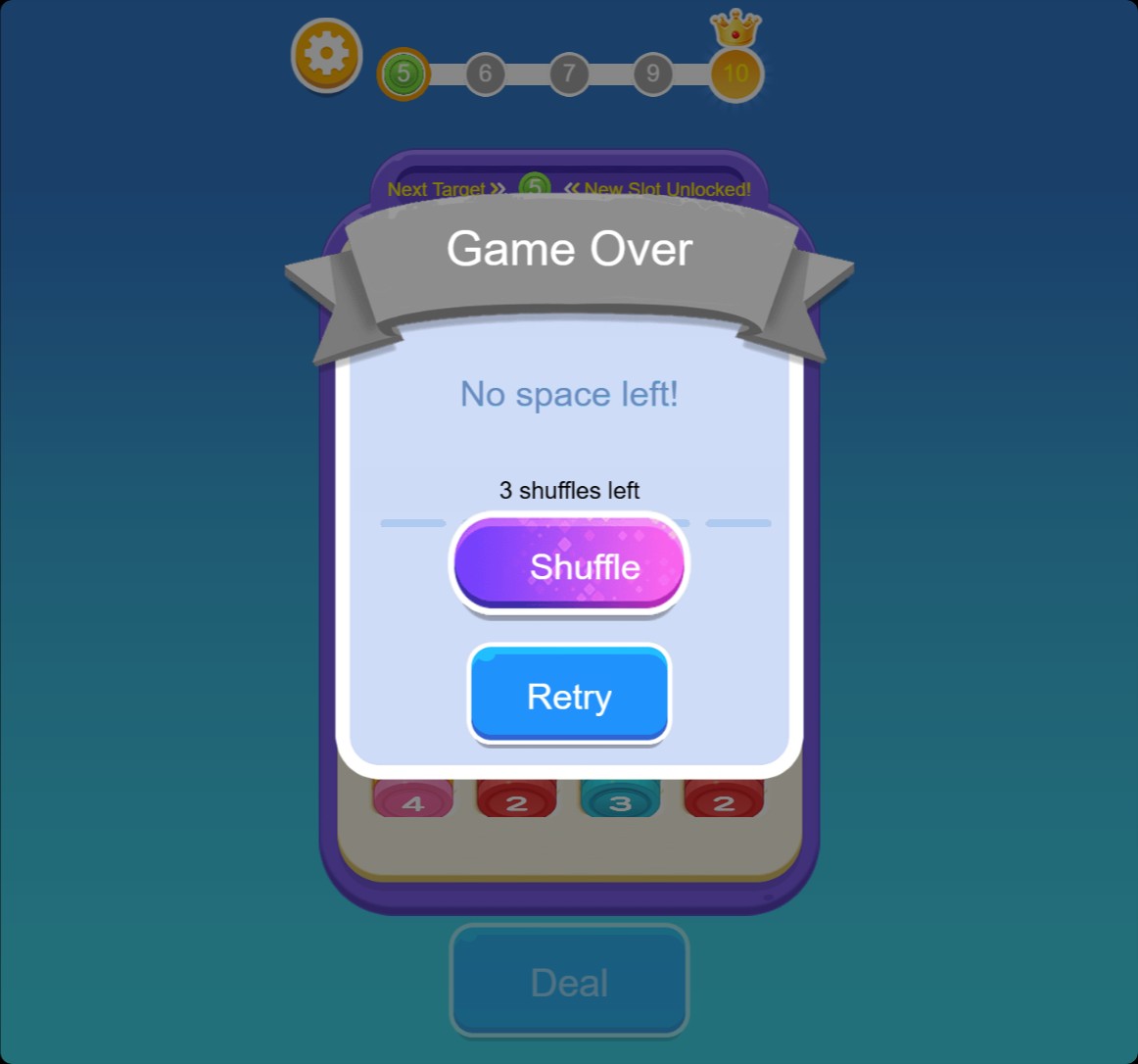
Three shuffles ready
Refill shuffle stock so a full merge board has another way forward. Use the normal Shuffle button to regroup the coins.
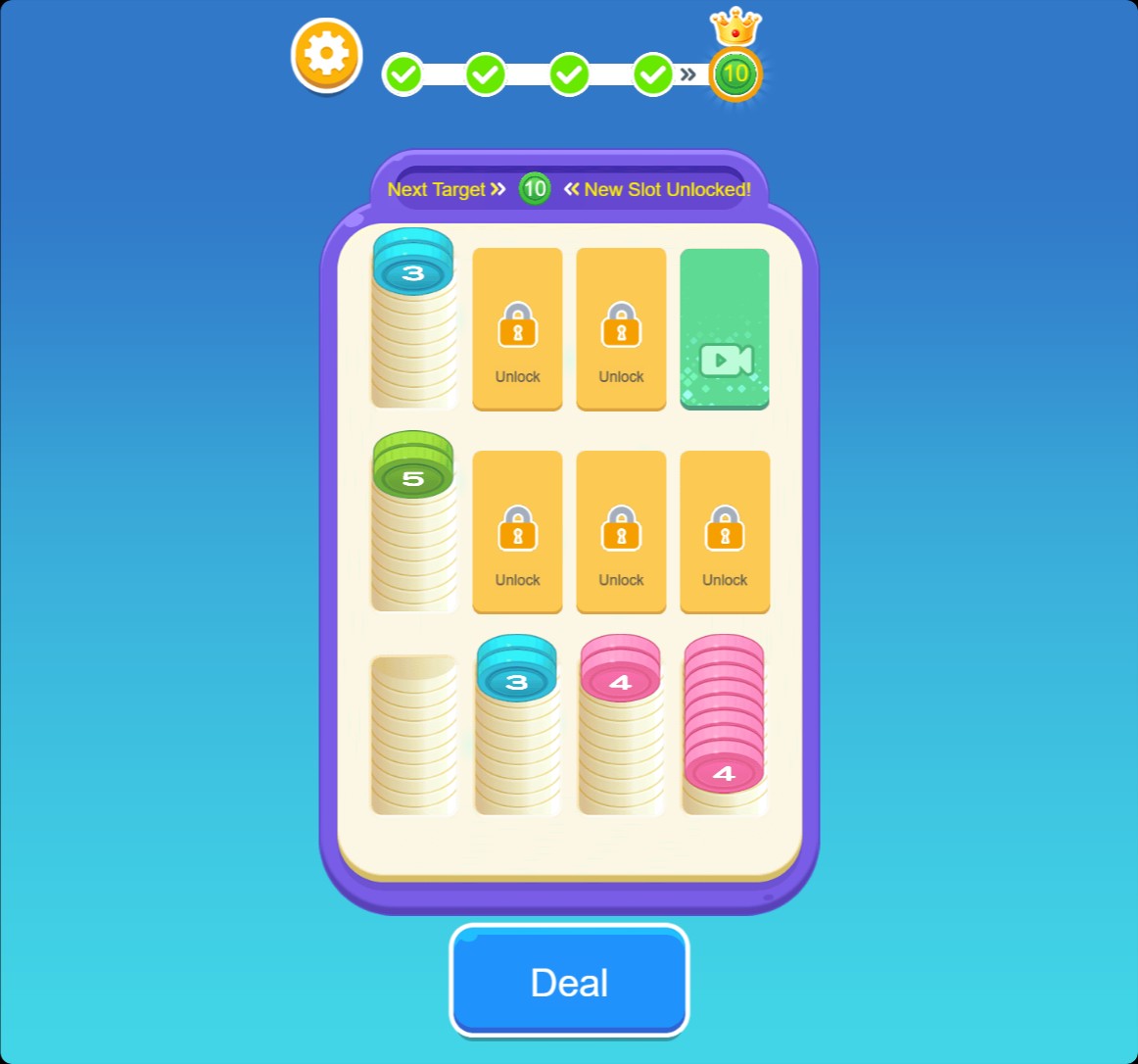
More room for coin stacks
Make ordinary progression slots available, tap Unlock, then move coins into the space. The separate video-reward slot keeps its normal requirement.
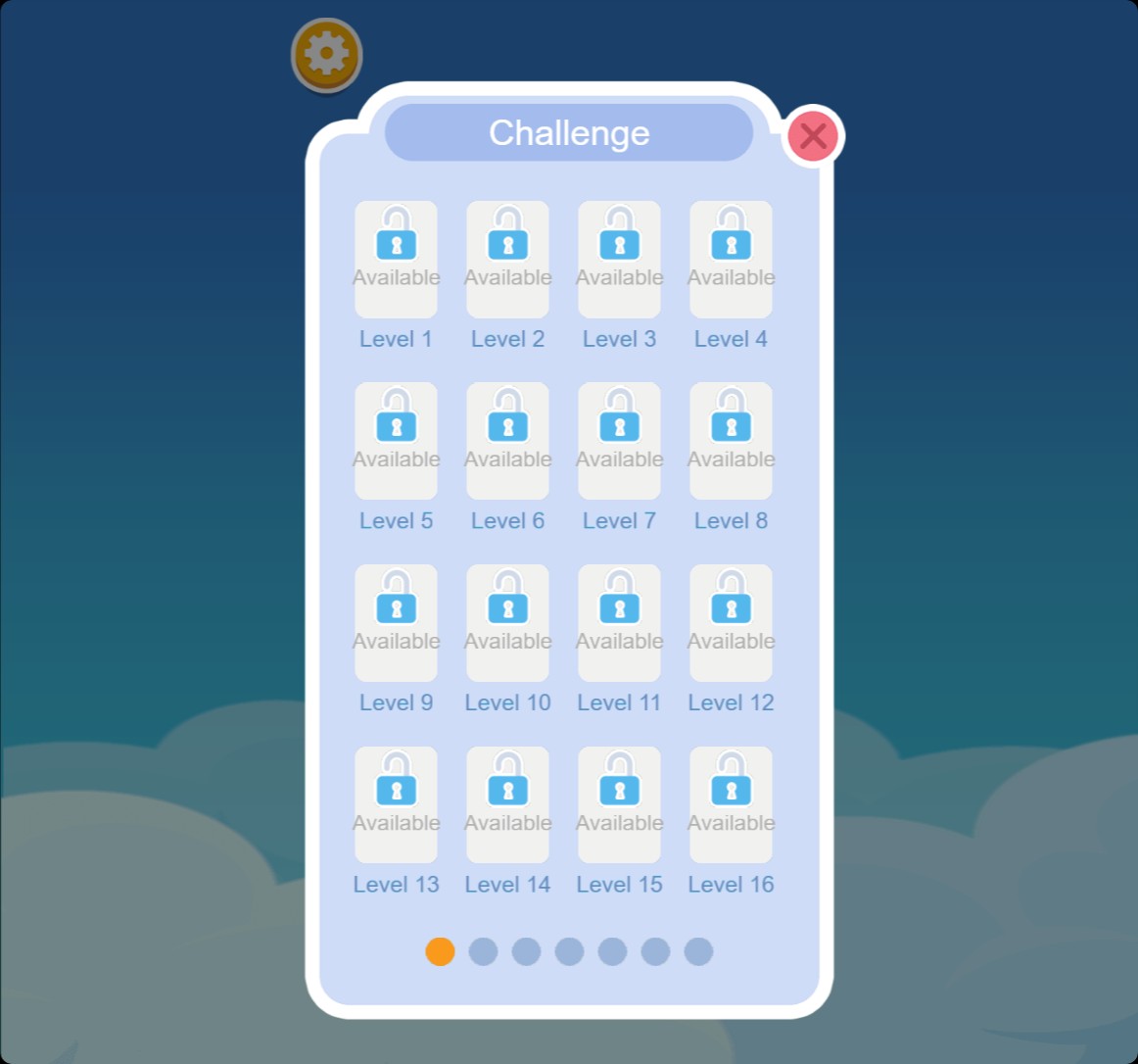
Choose more challenge puzzles
Make more solo sorting challenges available from the Challenge menu. Normal video-entry requirements still apply.
Shuffle stock
Choose a stock from zero to three. For a refill, set it to three and use Shuffle when the full-board dialog appears. The game keeps its normal video requirements for later shuffles.
Ordinary board slots
Make the current board's ordinary progression slots available, then tap the orange Unlock cells. You can move stacks into the newly opened space. This advances the board's target checkpoint; the separate video-reward cell keeps its normal requirement.
Available challenges
Choose how many solo challenge puzzles are available, up to 100. Open Challenge from the title screen and select a puzzle. Access does not complete puzzles or change best times, and normal video-entry requirements still apply.
Available customisation options
Shuffle stockFree
Refill up to three shuffles for a full merge board.
Set stock to three, apply, then use Shuffle in the full-board dialog. Later shuffles keep normal video requirements.
Open board slotsPremium
Make ordinary progression slots available on the current merge board.
Apply, enter the merge board and tap each orange Unlock cell. Advances the target checkpoint; the separate video-reward slot keeps its normal requirement.
Available challengesPremium
Choose access to up to 100 solo challenge puzzles.
Apply your chosen count, then open Challenge from the title screen. Normal video-entry requirements remain; best times are unchanged.
Questions about customisation options
- How do I use a newly available slot?
- Tap its orange Unlock cell, select a coin stack, then tap the opened slot to move compatible coins into it.
- Which control is free?
- Shuffle stock is free. Ordinary board-slot access and challenge access are premium.
Using these features
Connect your game, then open Customise in the Windows app. Choose an option, check its available values and follow its instructions. Each option lists its own requirements and limits.
Setup for Tidy Coins 3D →