
Plan your Shop purchases and board choices
Choose coin and hint stock, unlock Challenge difficulties, or make the Shop's cosmetic themes available. After Apply, use the game's menus to make your purchases, choose your difficulty or equip a new look.
Requires the Windows app and the Bytonian Mods browser extension for Chrome or Edge. Browser setup guide
Shop prices
Marker themes and Symbol Sets cost 300 coins each, board themes cost 500, and a three-hint pack costs 100. An owned cosmetic can be equipped from its Shop category.
Refresh the match hint count
After changing your hint stock, open the Shop's Items tab and buy the three-hint pack for 100 coins. This refreshes the match count and adds three hints. Return to the board and press the bulb to highlight a suggested move.
Pick your opponent and appearance
Choose 3 by 3 or 5 by 5, then open Challenge Mode to select Rookie, Expert or Pro. Cosmetic ownership is separate from your current look: equip marker and board themes in their Shop tabs, and find Symbol Sets under Items.
After equipping your choices, start a fresh round to see the board colors and marks together.
Available customisation options
CoinsFree
Set the coin balance used for normal Shop purchases.
Apply a balance, enter the game and open the Shop. Buy a cosmetic or hint pack with the usual purchase button. Equip a board theme, then start a fresh round to use it on the board.
HintsFree
Set your hint stock for suggested moves on the board.
After Apply, enter the game and open the Shop's Items tab. Buy the three-hint pack for 100 coins to refresh the match count. Return to the board and press the bulb for a suggested square. The purchase adds three hints; each use consumes one.
Buy the three-hint pack for 100 coins in the Shop's Items tab after changing your stock to refresh the match count.
Unlock challenge difficultiesFree
Unlock Rookie, Expert and Pro Challenge choices for both board sizes.
Apply the unlock, return to the main menu and select 3 by 3 or 5 by 5. Open Challenge Mode, then choose Rookie, Expert or Pro to start a normal match.
Unlock all cosmetic themesFree
Unlock five marker themes, five board themes and five symbol sets to equip in the Shop.
After Apply, open the Shop and choose Equip in Marker Themes and Board Themes. Find Symbol Sets under Items. Start a fresh round to use the new board and marks together.
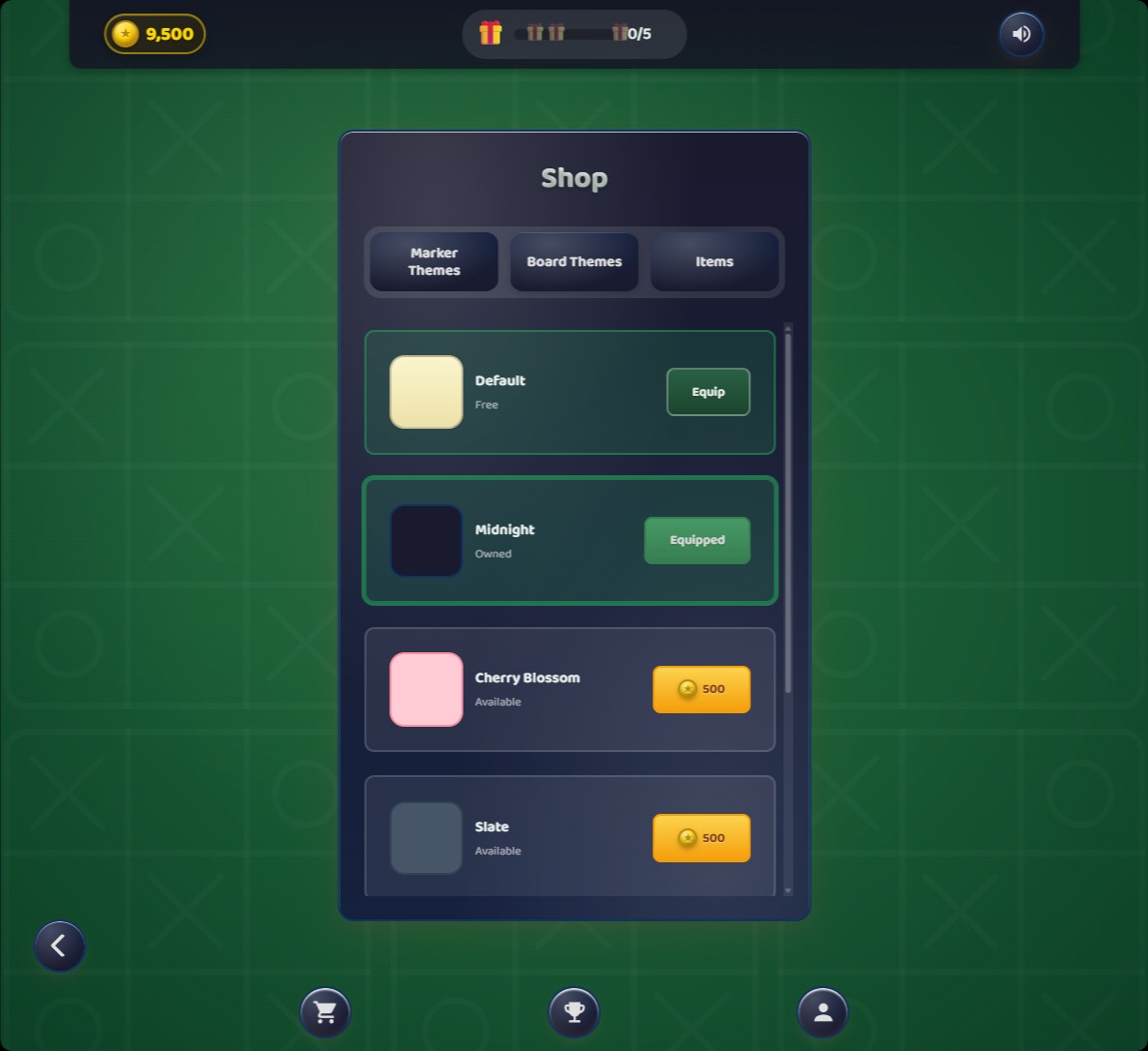
Spend coins on a board theme
A normal 500 coin purchase makes Midnight available to equip. The balance here is 9500 after starting with 10000.
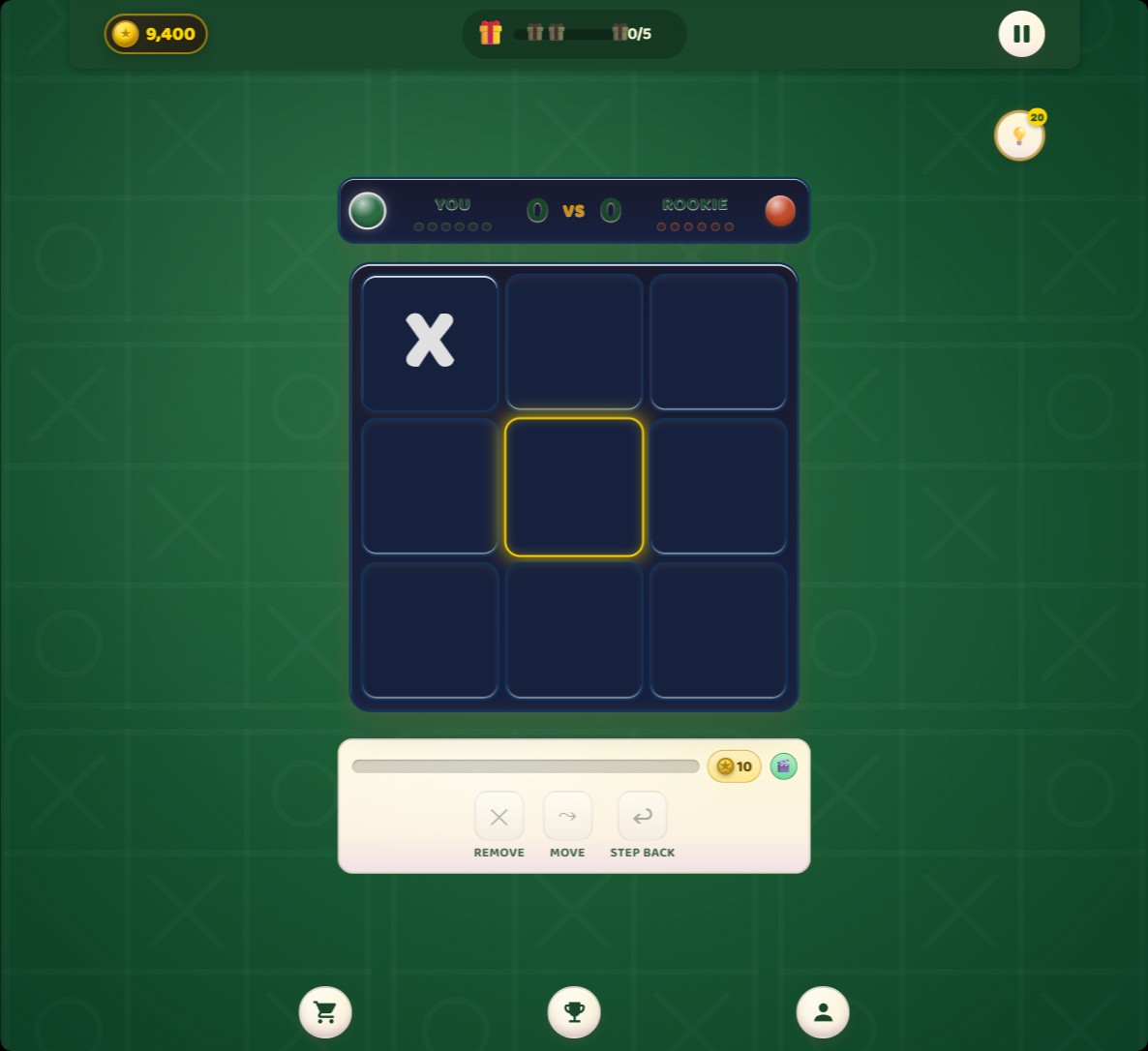
Use your refreshed hints
Set your hint stock, then open Shop > Items and buy the three-hint pack for 100 coins to refresh the match count. Return to the board and press the bulb to highlight a suggested move.
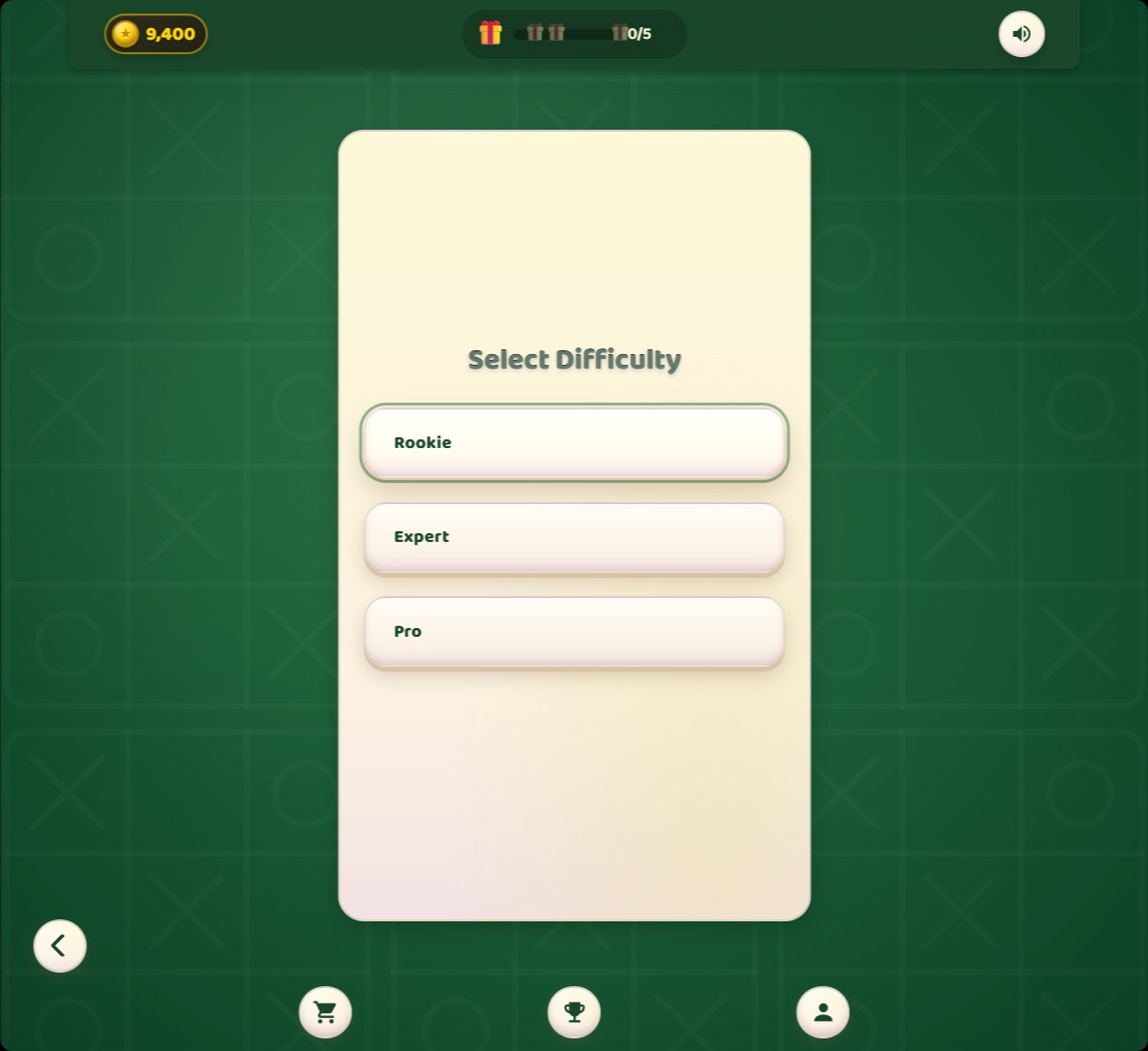
Choose your Challenge difficulty
Unlock Rookie, Expert and Pro choices for both board sizes. Select a board size in the main menu, open Challenge Mode and choose the opponent you want to face.
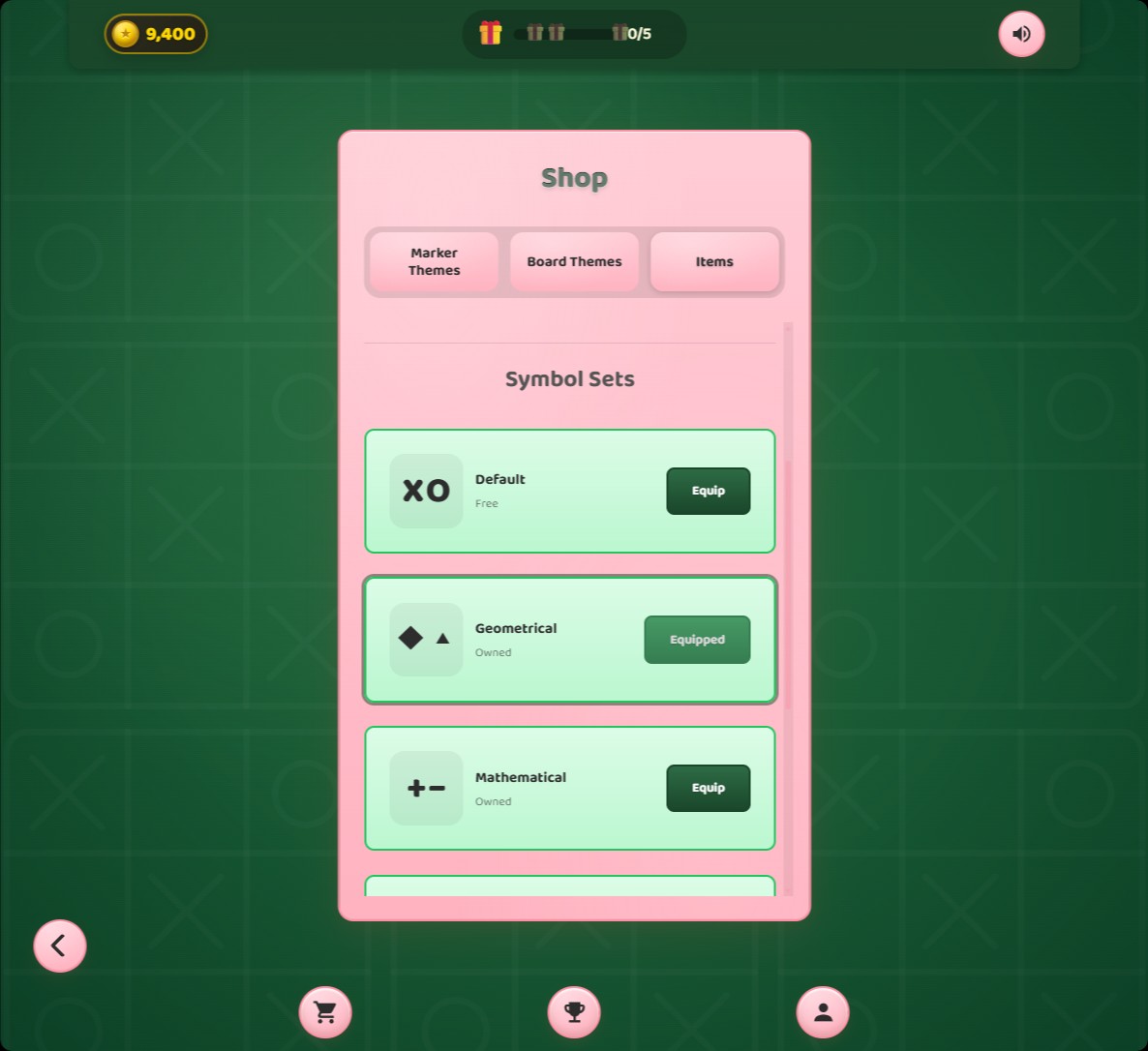
Equip your unlocked symbol sets
The cosmetic unlock makes five marker themes, five board themes and five symbol sets available. Open each Shop category and press Equip on your choices. Symbol Sets are under Items.
Questions about customisation options
- Why does the match show a different hint count?
- The match can retain its starting count. Buying the three-hint pack for 100 coins in the Shop's Items tab refreshes it to your current stock plus the three purchased hints.
Using these features
Connect your game, then open Customise in the Windows app. Choose an option, check its available values and follow its instructions. Each option lists its own requirements and limits.
Setup for Tic Tac Toe Evolved - Noughts and Crosses →