

Choose your faction resource balances
Give yourself room to try different building plans by choosing the resource balance for each faction. Government, Elite, Business and Public remain separate, so you can adjust the one you need.

Set a balance or add an amount
Read the current balance, set a new total or add an amount using the chosen faction's card. Use whole-number totals from 1 to 1,000,000. Zero ends a run in the game, so these controls keep the balance above zero.
Adjust resources between decisions
Use these controls during an active city run with the regular building-card view open. Close pause menus and finish dialogue first. For launcher setup, see the game overview.
Available resources
Business ResourcesFree
Set the Business faction's resource total or add to its current balance while planning your city.
Read the current balance, then set a total or add an amount with this card.
Use a whole-number total from 1 to 1,000,000 during an unpaused city run. Finish dialogue and close menus first.
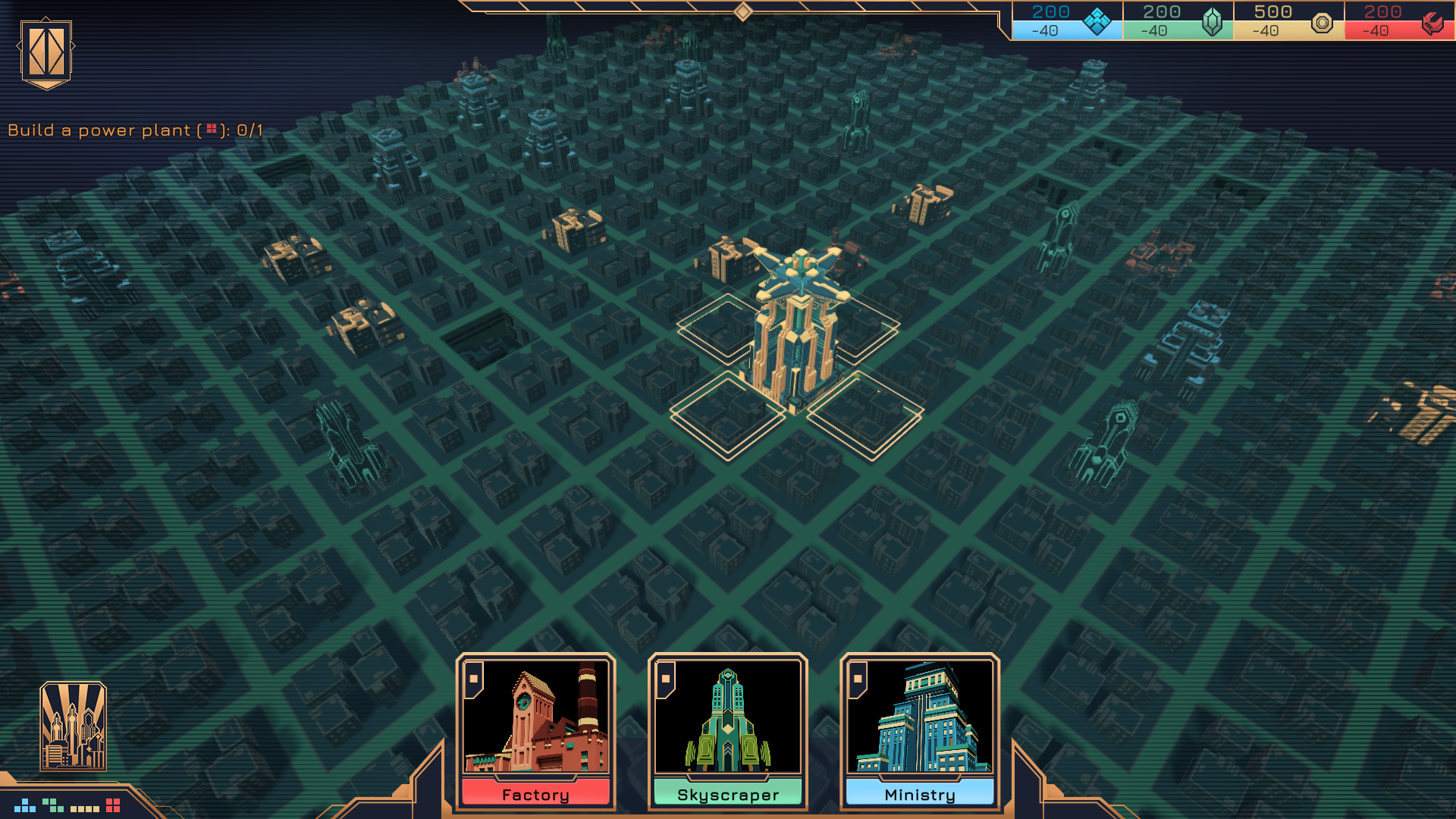
Business resources
Adjust the Business faction's resource balance while managing your city.
Elite ResourcesFree
Set the Elite faction's resource total or add to its current balance while planning your city.
Read the current balance, then set a total or add an amount with this card.
Use a whole-number total from 1 to 1,000,000 during an unpaused city run. Finish dialogue and close menus first.
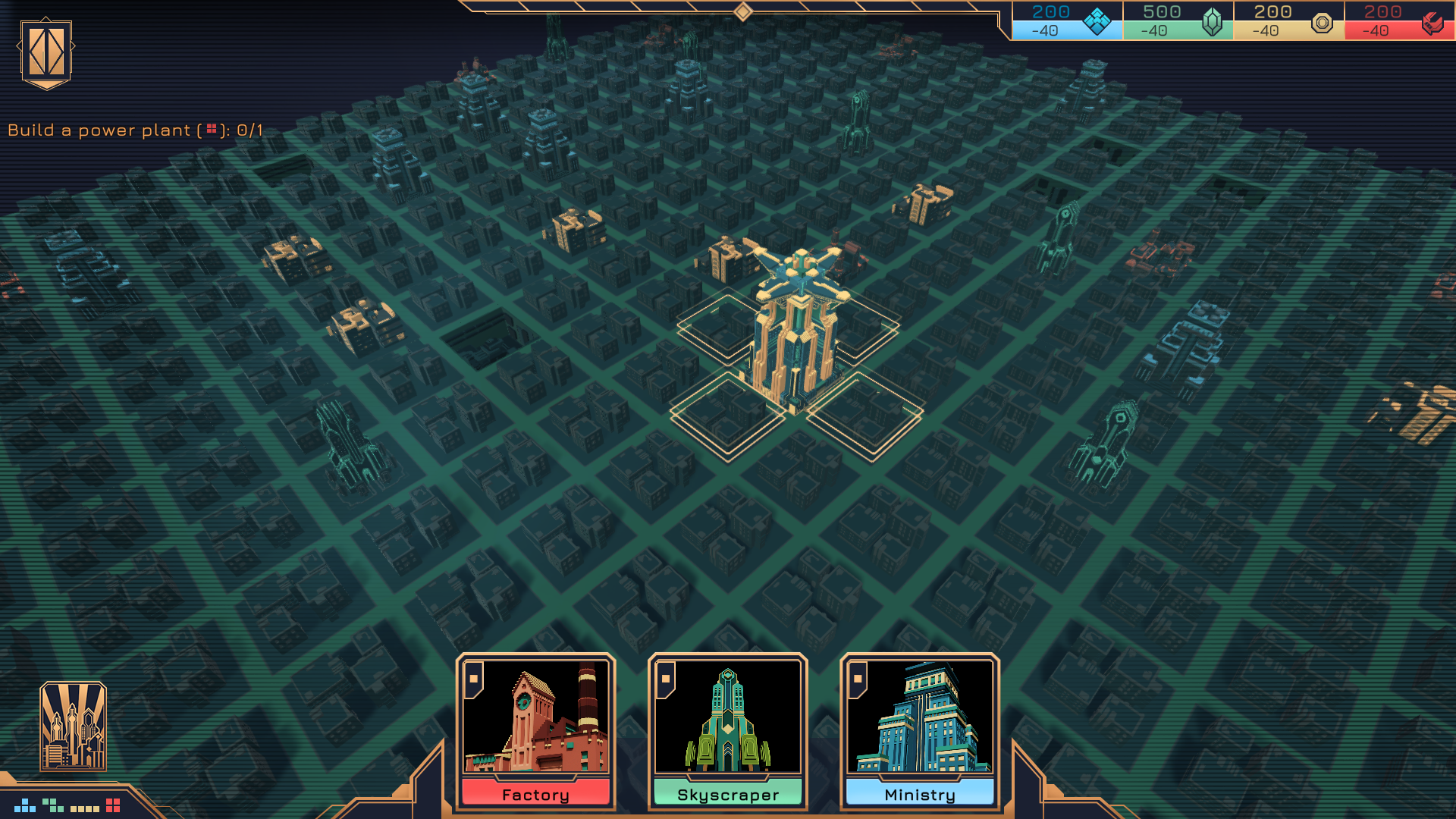
Elite resources
Adjust the Elite faction's resource balance while managing your city.
Government ResourcesFree
Set the Government faction's resource total or add to its current balance while planning your city.
Read the current balance, then set a total or add an amount with this card.
Use a whole-number total from 1 to 1,000,000 during an unpaused city run. Finish dialogue and close menus first.
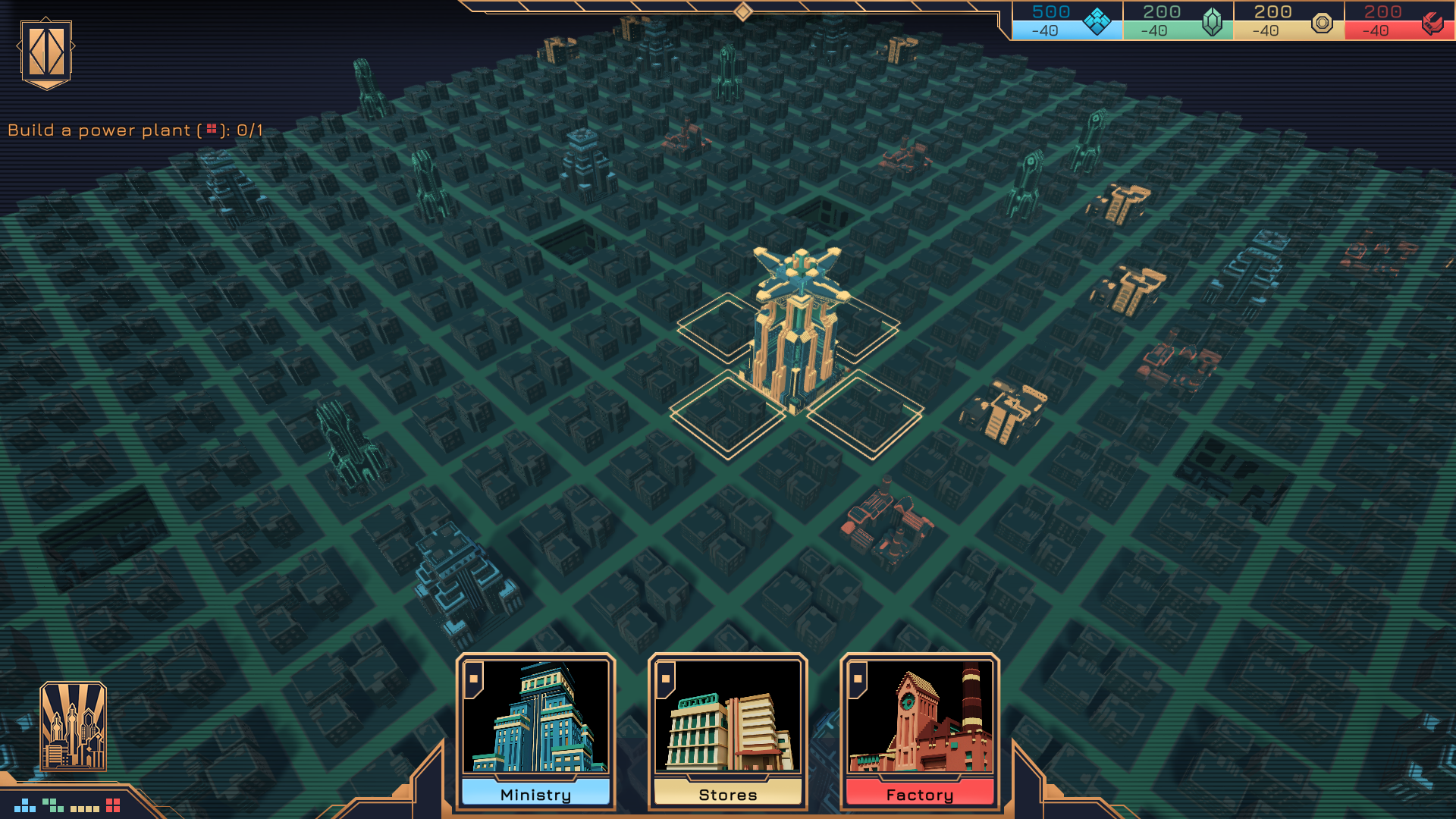
Government resources
Adjust the Government faction's resource balance while managing your city.
Public ResourcesFree
Set the Public faction's resource total or add to its current balance while planning your city.
Read the current balance, then set a total or add an amount with this card.
Use a whole-number total from 1 to 1,000,000 during an unpaused city run. Finish dialogue and close menus first.
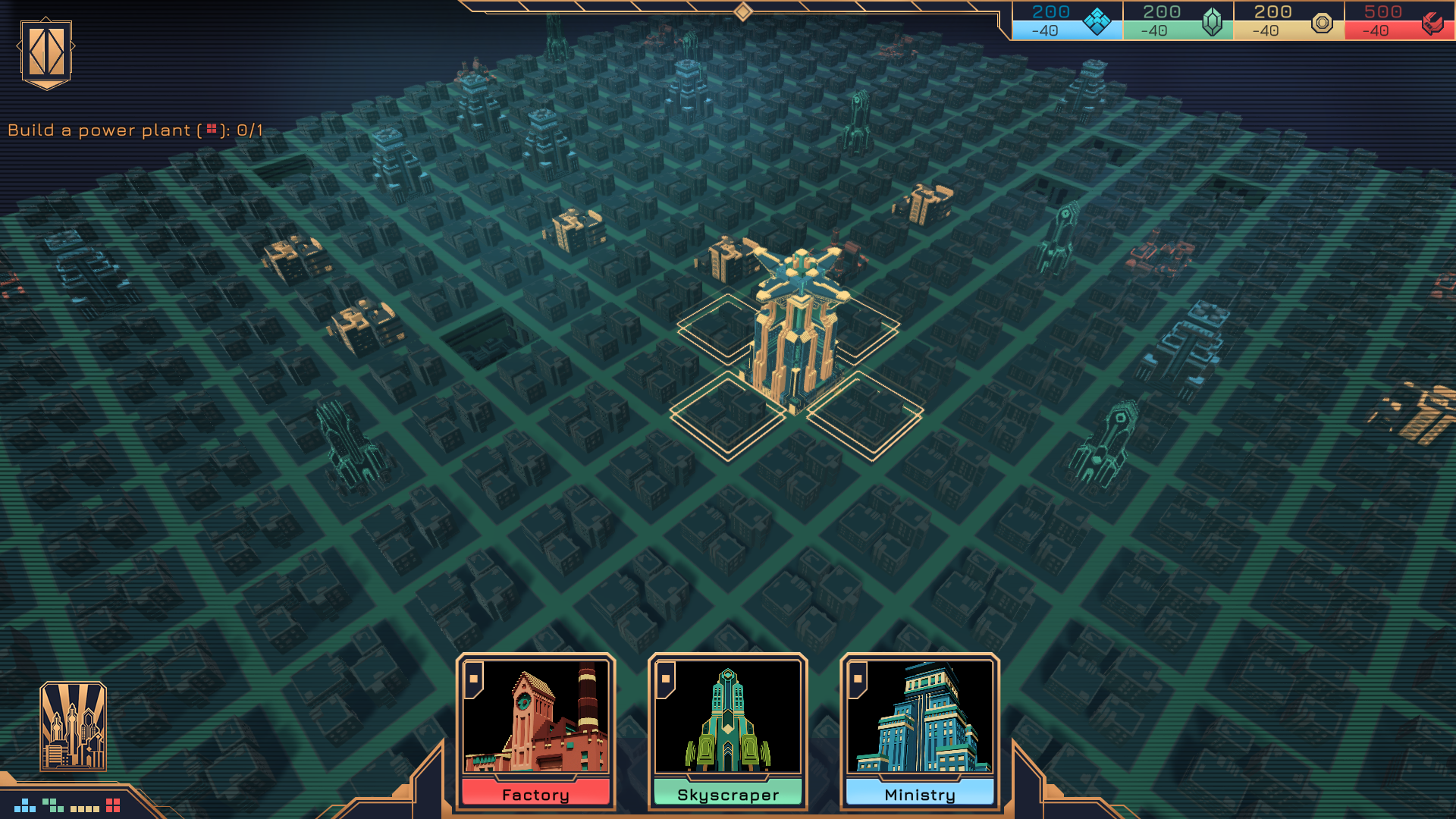
Public faction resources
Adjust the Public faction's resource balance while managing your city.
More ways to customise Technotopia
- Technotopia stat modifiers
Adjust keyboard panning from half speed to three times normal.
Using these features
Choose the feature in the Windows app after connecting your game. Check its requirements before making a change.
Setup for Technotopia →