

Resources
4 optionsSet or add to each of the four faction resource balances independently.
View all resources →Set Government, Elite, Business and Public resources independently or adjust keyboard camera panning in Technotopia. Choose the free controls that suit your city-building plans.

Start with free mods
Download Bytonian Mods for Windows and try these free features. Choose one to see how it works and any requirements.
Set the Government faction's resource total or add to its current balance while planning your city.
Read the current balance, then set a total or add an amount with this card.
Use a whole-number total from 1 to 1,000,000 during an unpaused city run. Finish dialogue and close menus first.
Slow down or speed up keyboard camera panning across your city.
Enable the control and choose the Speed percentage. Turn it off for normal panning.
Applies during active, unpaused city play. Mouse dragging, rotation and zoom keep their usual behavior.
Set the Elite faction's resource total or add to its current balance while planning your city.
Read the current balance, then set a total or add an amount with this card.
Use a whole-number total from 1 to 1,000,000 during an unpaused city run. Finish dialogue and close menus first.
Set the Business faction's resource total or add to its current balance while planning your city.
Read the current balance, then set a total or add an amount with this card.
Use a whole-number total from 1 to 1,000,000 during an unpaused city run. Finish dialogue and close menus first.
Resources provides separate controls for Government, Elite, Business and Public. Camera Pan Speed lets you slow down or speed up keyboard panning without changing mouse dragging, rotation or zoom.
Install and open the Windows launcher, select Technotopia and enable the controls you want. Start or continue a city, finish any dialogue and close menus before changing faction resources or using the camera-speed setting.
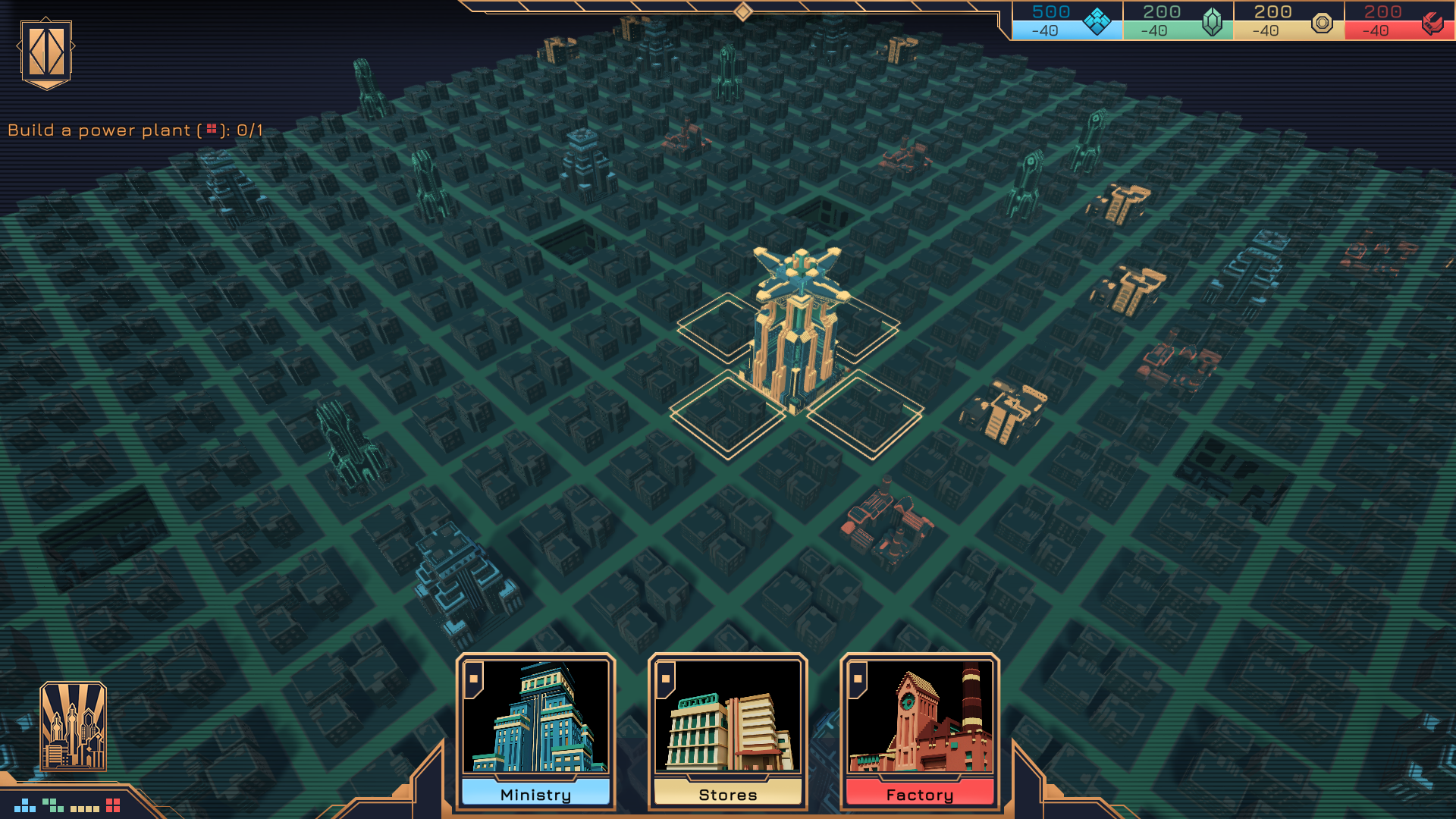
Build a city with room to experiment
Choose your faction resource balances while planning the next buildings in your city.
Set or add to each of the four faction resource balances independently.
View all resources →Adjust keyboard panning from half speed to three times normal.
View stat modifiers →Browse the Steam achievement names and descriptions for Technotopia. Choose and unlock achievements for free with Bytonian Mods in the Windows app.
View all achievements →Download the Windows app and follow the setup prompts.
Open Technotopia and select it in Bytonian Mods. Follow the app’s connection prompts.
Review the available options in the app and choose the ones that suit how you play.