
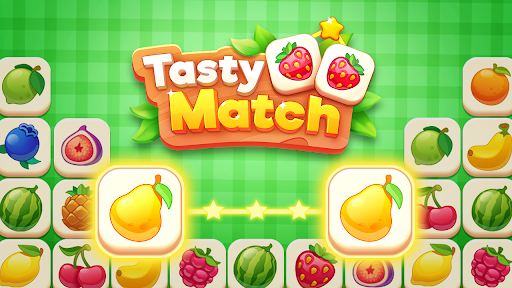
Choose your next Tasty Match puzzle
Open Customize to choose your level, Coins balance and booster supplies. Select Apply & reload, then press Play in the game.
Requires the Windows app and the Bytonian Mods browser extension for Chrome or Edge. Browser setup guide
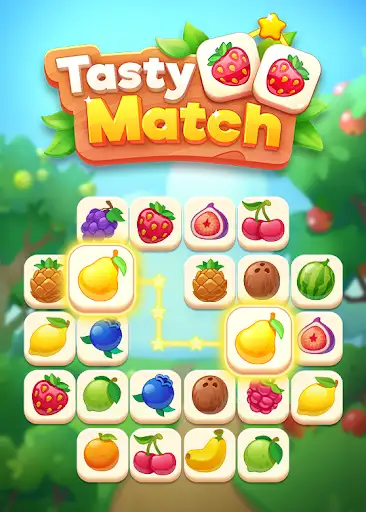
Choose a level and Coins balance
The Level control covers the fixed puzzles from 1 to 200. Set your Coins balance for paid boosts; normal boost costs still apply when you use Coins.
Keep Hint and Shuffle items ready
Choose how many Hint and Shuffle items you want. The buttons appear from Level 3 onward. Each use spends one item: Hint highlights a matching pair, while Shuffle rearranges the tiles.
Available customisation options
LevelFree
Choose and play a puzzle from Levels 1–200.
Select a level, apply your change, then press Play.
CoinsFree
Choose your Coins balance for paid boosts.
Set your balance before returning to the puzzle. After your Hint items run out, another Hint costs 75 Coins.
Hint ItemsFree
Choose your Hint supply to highlight matching tile pairs before spending Coins.
Apply your supply, press Play, then use the Hint button from Level 3 onward.
The Hint button appears from Level 3 onward.
Shuffle ItemsFree
Choose your Shuffle supply to rearrange tiles before spending Coins.
Apply your supply, press Play, then use the Shuffle button from Level 3 onward.
The Shuffle button appears from Level 3 onward.
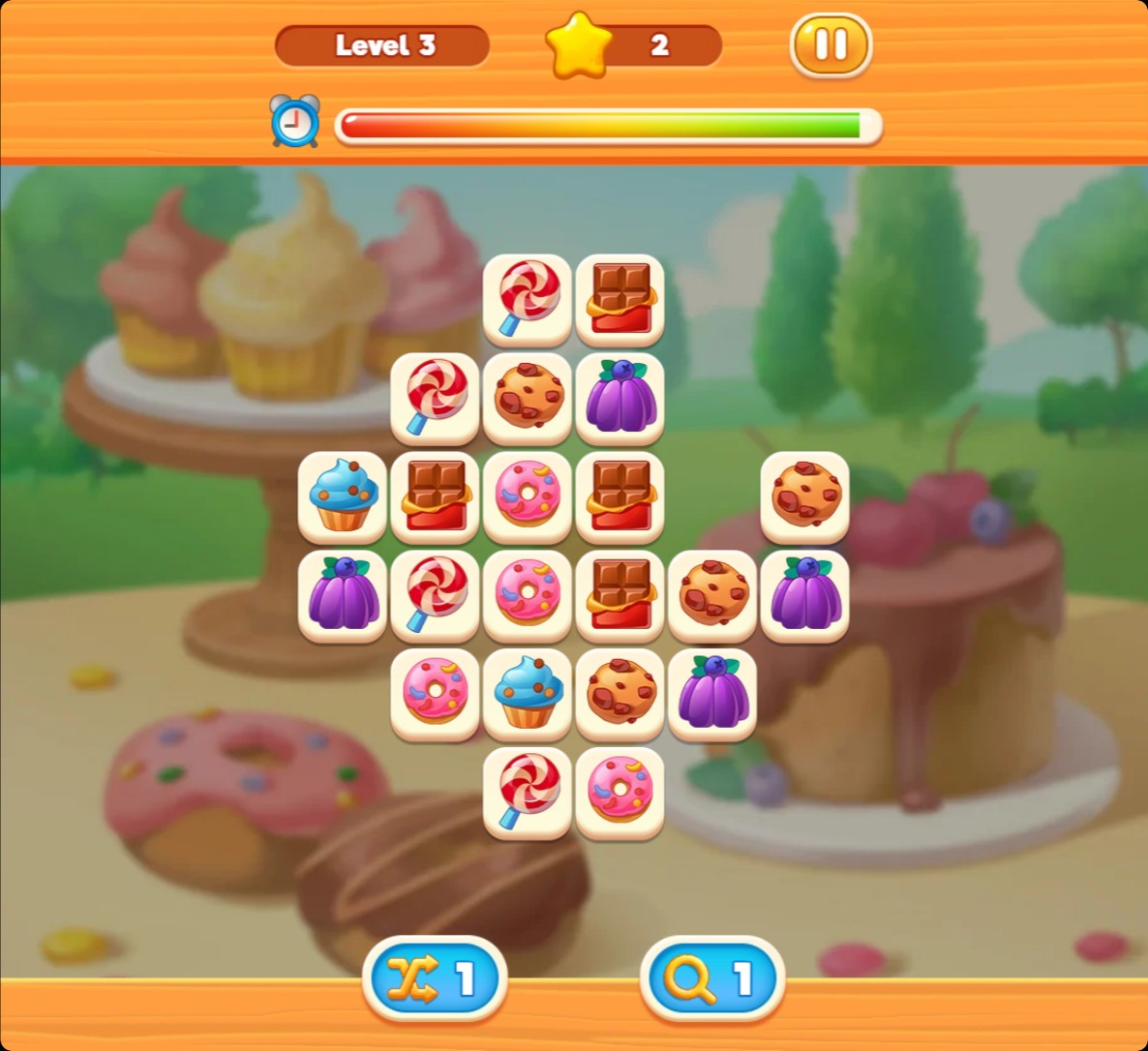
Match sweets on your chosen level
Level 3 after a matching pair has been cleared, with Hint and Shuffle buttons below the board.
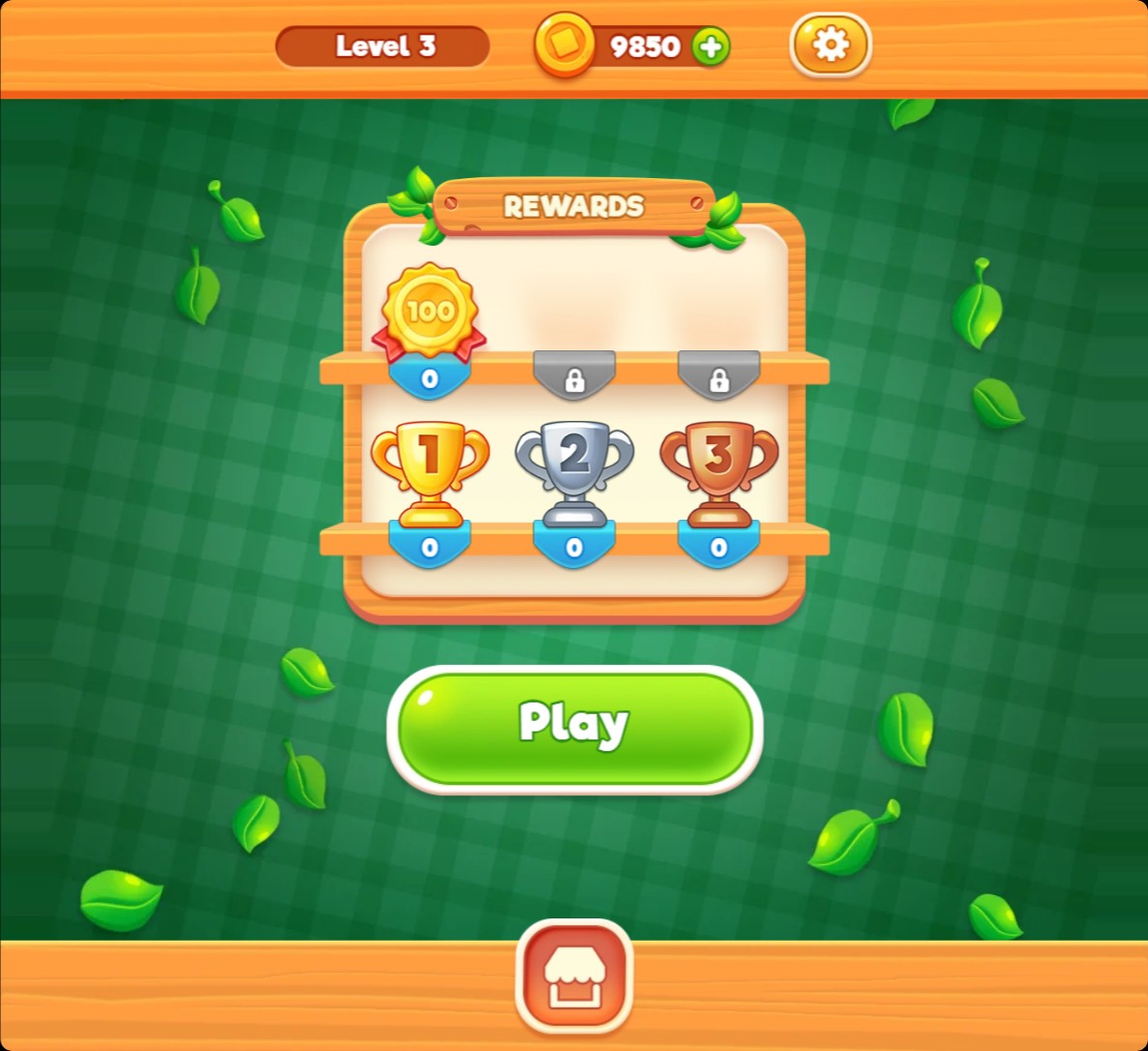
Keep Coins ready for boosts
After using the available Hint and paying for two further Hints, the balance is 9,850 Coins.
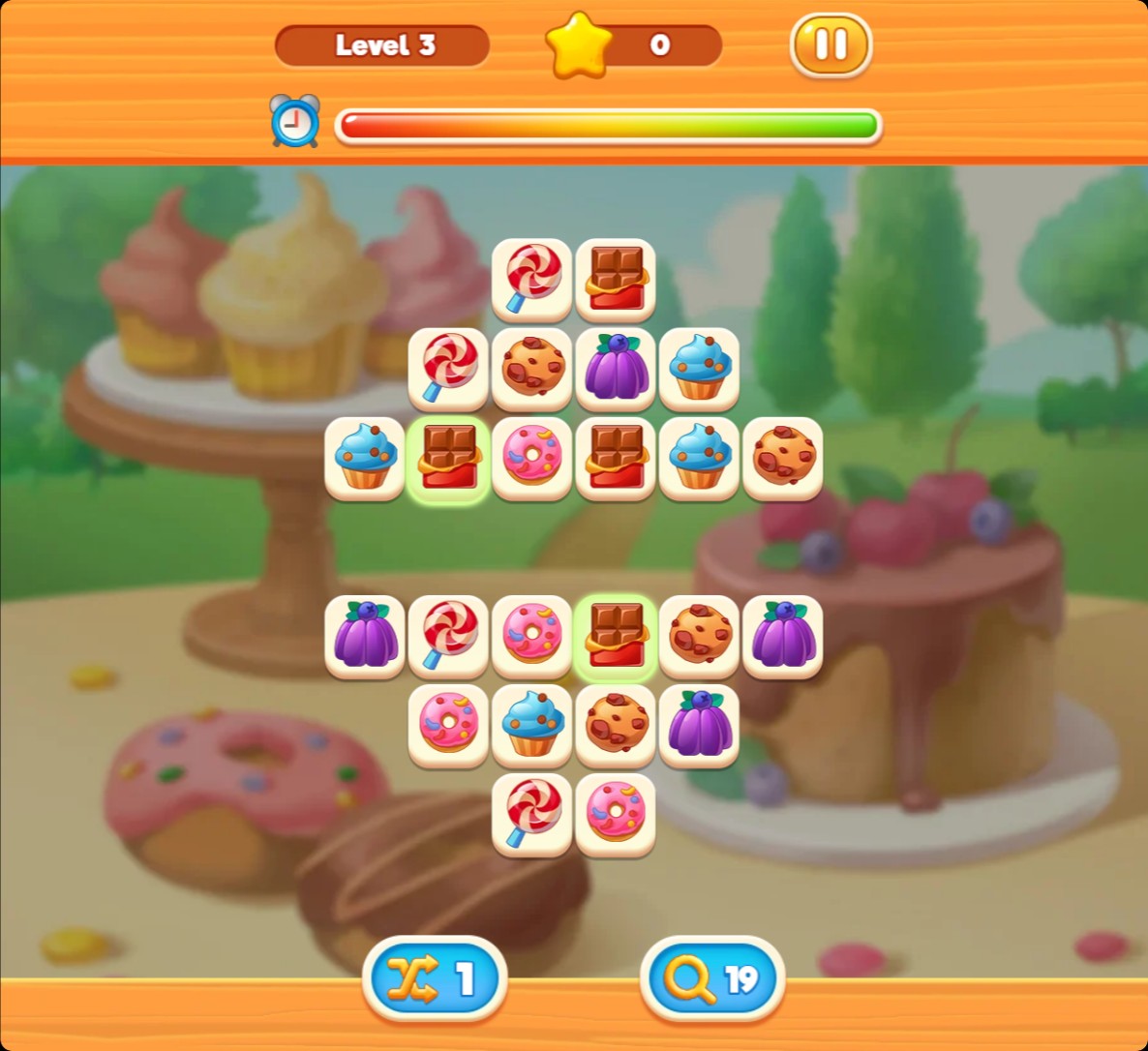
Find a matching pair with a Hint
A Hint highlights two matching chocolate tiles, with 19 Hint items remaining after use.
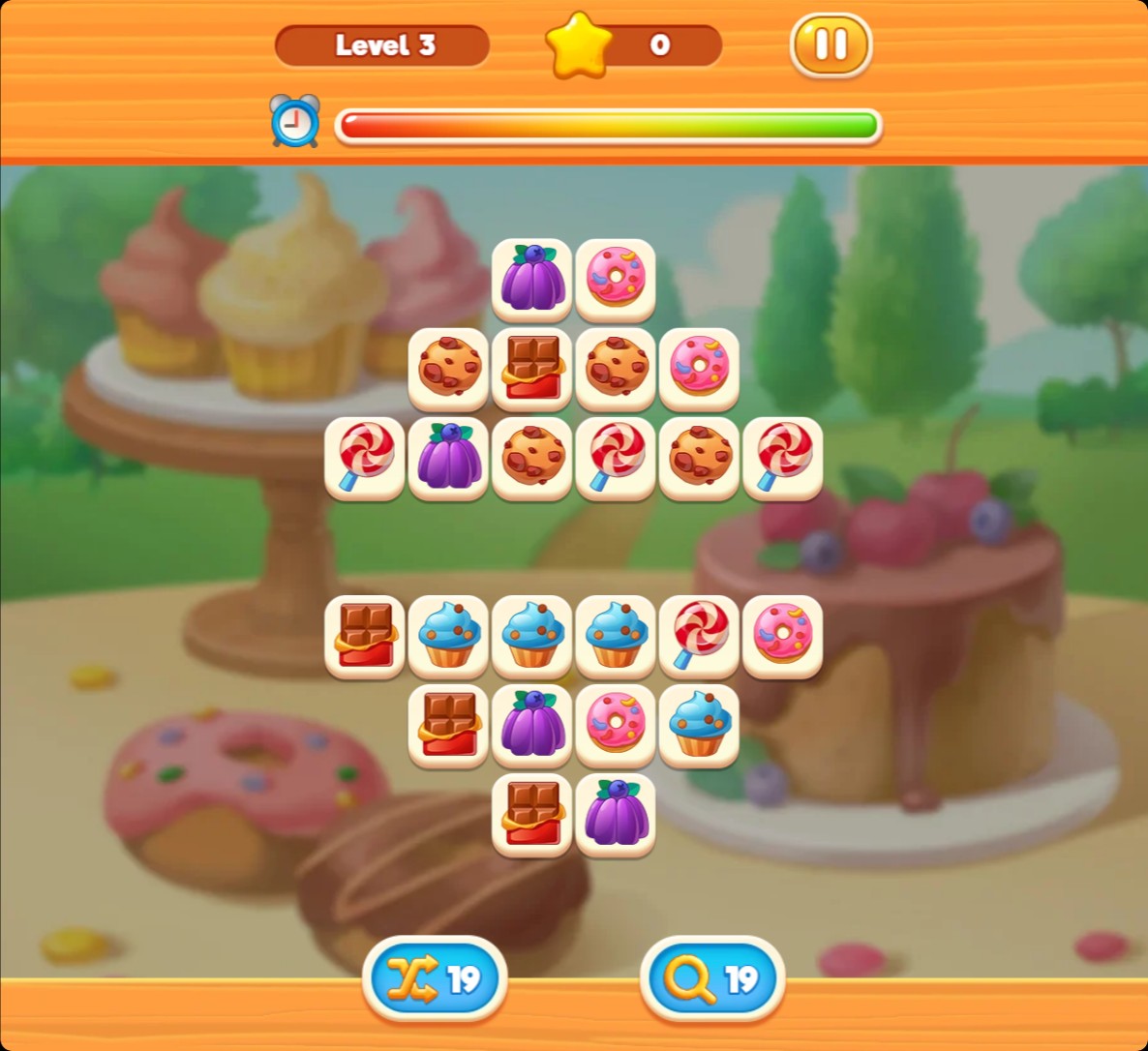
Give the tiles a fresh arrangement
A normal Shuffle rearranges the Level 3 sweets and leaves 19 Shuffle items.
Using these features
Connect your game, then open Customise in the Windows app. Choose an option, check its available values and follow its instructions. Each option lists its own requirements and limits.
Setup for Tasty Match - Tile Connect →