
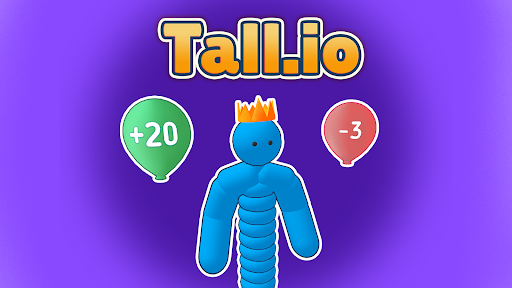
Stat Modifiers
1 optionSet current power from 1 to 10,000 during a round.
View stat modifiers →Set your power while a Tall.io round is underway, then keep growing by collecting colored bricks and passing through numbered gates around the island.
Requires the Windows app and the Bytonian Mods browser extension for Chrome or Edge. Browser setup guide

Start with free mods
Download Bytonian Mods for Windows and try these free features. Choose one to see how it works and any requirements.
Set your character's current power to a value from 1 to 10,000.
Refresh your power while a round is active, enter an amount and apply it before carrying on through the arena.
A new round starts with its normal power.
The Stats category contains the current round power control. Set the value you want, then carry on moving through the arena and collecting pickups.
Open Tall.io with Bytonian Mods connected. Once your character is in a round, enable Current Round Power, refresh the displayed value and enter your chosen amount.
Set current power from 1 to 10,000 during a round.
View stat modifiers →Download the Windows app and follow the setup prompts.
Set up the browser extension in Chrome or Edge, then open the supported YouTube Playable. Follow the connection guide if the game is already running.
Review the available options in the app and choose the ones that suit how you play.