
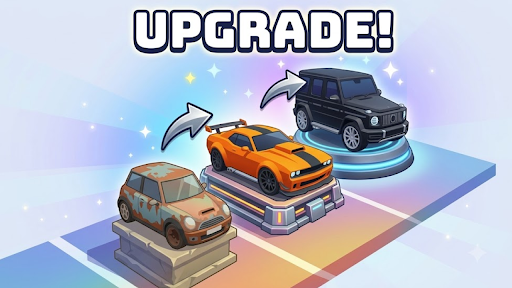
Resources
2 optionsSet cash for upgrades and choose the value of the car you take into a run.
View resources →Set your Cash for upgrades, choose the current car's value, or explore your garage with adjustable walking speed and flight. Take your car through a run, then sell it or save it for your collection.
Requires the Windows app and the Bytonian Mods browser extension for Chrome or Edge. Browser setup guide

Start with free mods
Download Bytonian Mods for Windows and try these free features. Choose one to see how it works and any requirements.
Choose how quickly you walk around your garage.
Set the walking speed percentage and turn the control on. Turn it off to return to normal walking.
Cash helps you buy garage upgrades, while Car value changes the ride you are taking through a run. Use Sell at the finish to turn that car into cash, or keep playing toward the collection you want.
Garage walking speed lets you choose a comfortable pace on foot. Garage Fly lifts you above the parking spaces for a fresh view, with an on/off control that returns you to walking.
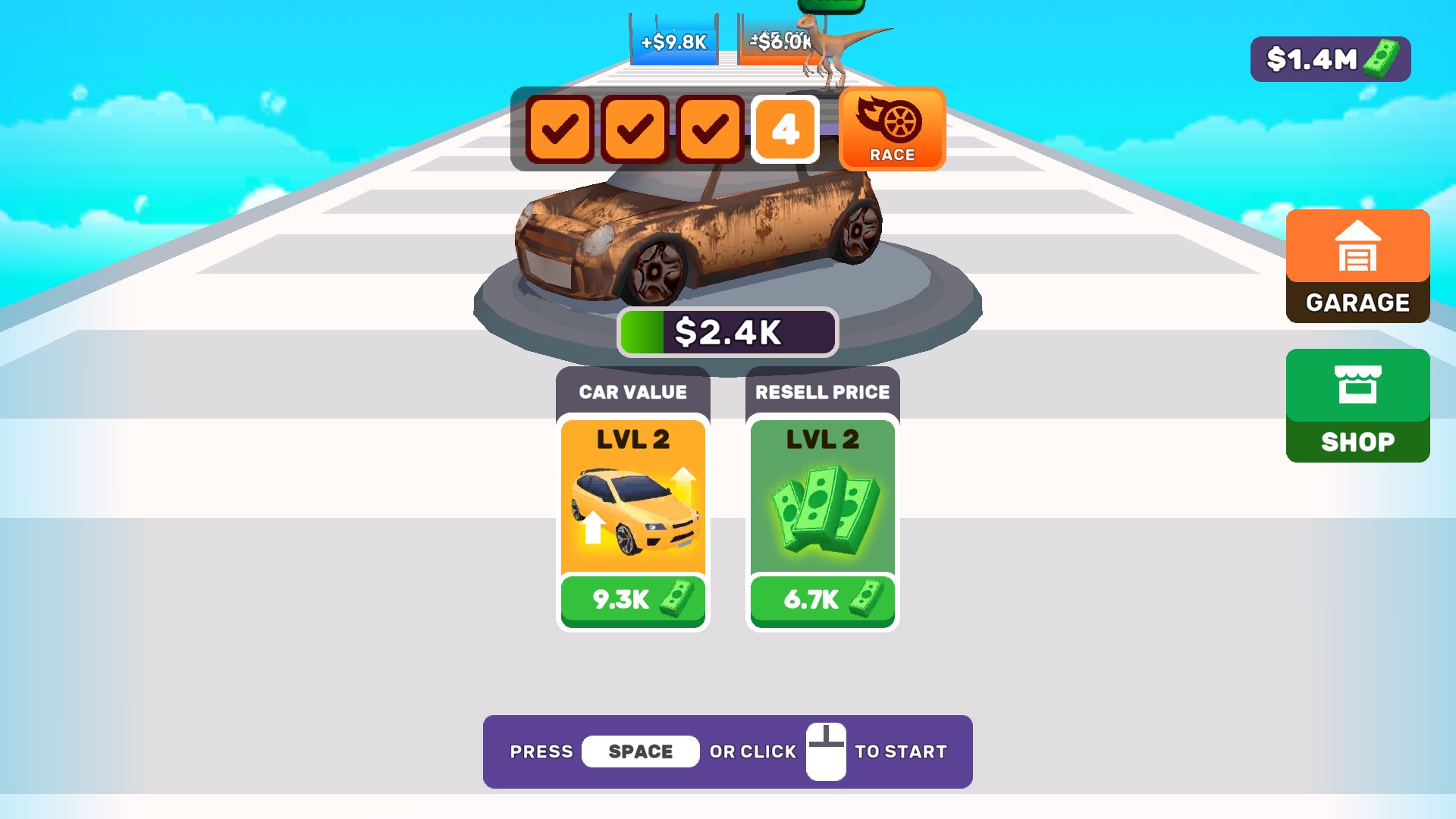
Build your garage one run at a time
Upgrade your starting car, head into the next run, and choose whether to sell your ride or keep it for your garage.
Set cash for upgrades and choose the value of the car you take into a run.
View resources →Adjust your walking pace while exploring the garage.
View stat modifiers →Fly above the garage and explore your collection from a fresh angle.
View ability modifiers →Download the Windows app and follow the setup prompts.
Set up the browser extension in Chrome or Edge, then open the supported YouTube Playable. Follow the connection guide if the game is already running.
Review the available options in the app and choose the ones that suit how you play.