
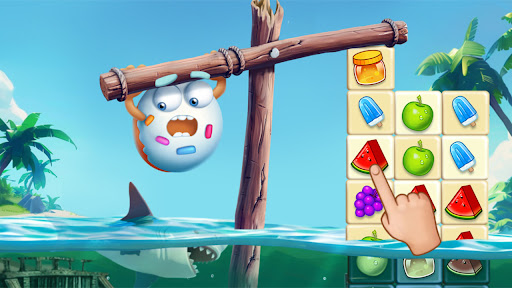
Prepare your next Sugar Heroes board
Stock up for difficult puzzle goals and choose how much help to bring. These nine free controls cover coins, lives, six booster supplies and the blue hero's level.
Requires the Windows app and the Bytonian Mods browser extension for Chrome or Edge. Browser setup guide
Keep coins ready for boosters
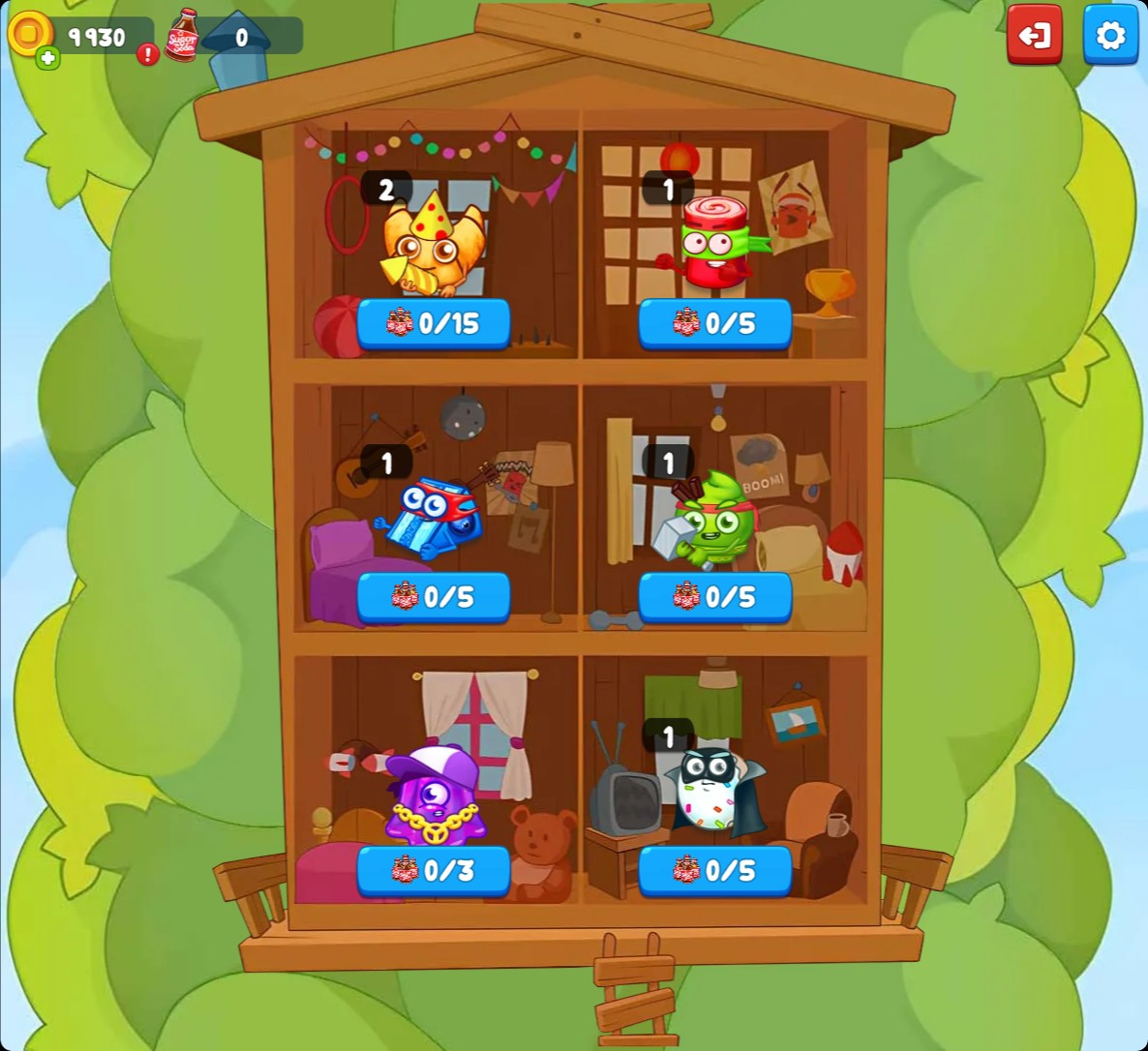
A 9,930 coin balance remains after buying and using a Hammer to remove a board tile.
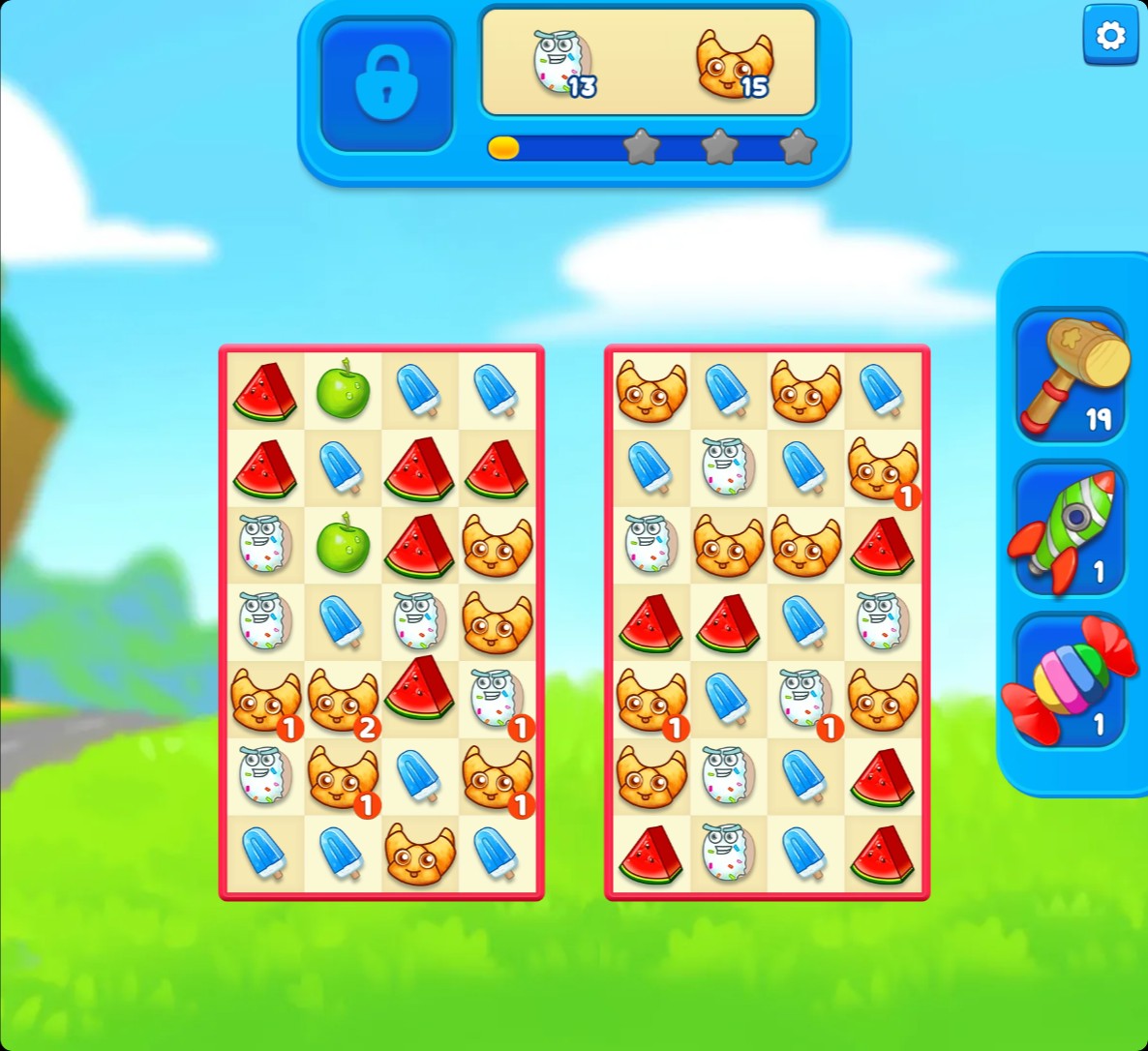
Remove a tile with the Hammer
Keep Hammer charges ready to remove a chosen sweet without using a move.
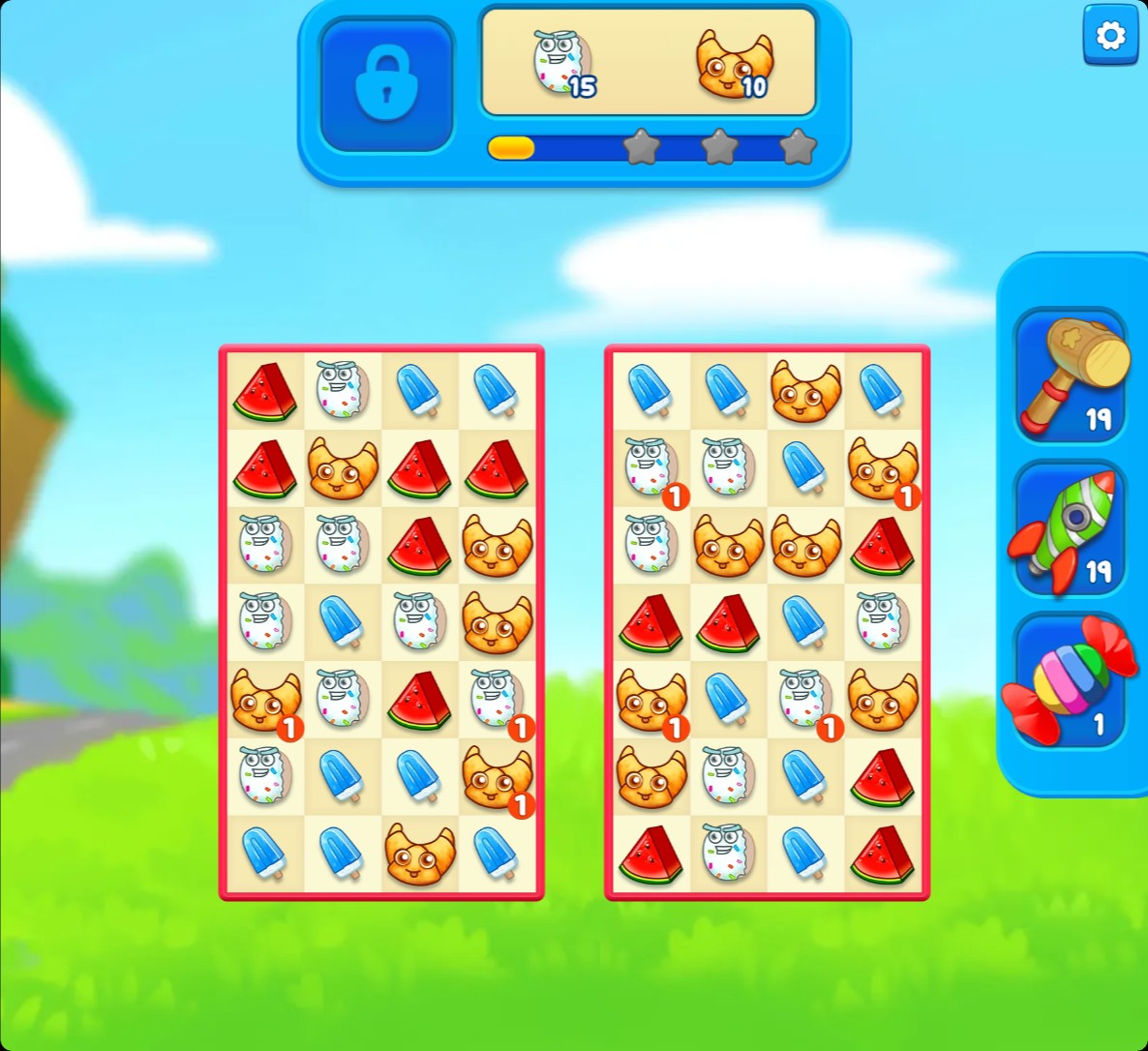
Clear a column with the Rocket
Keep Rocket charges ready to clear a column without using a move.
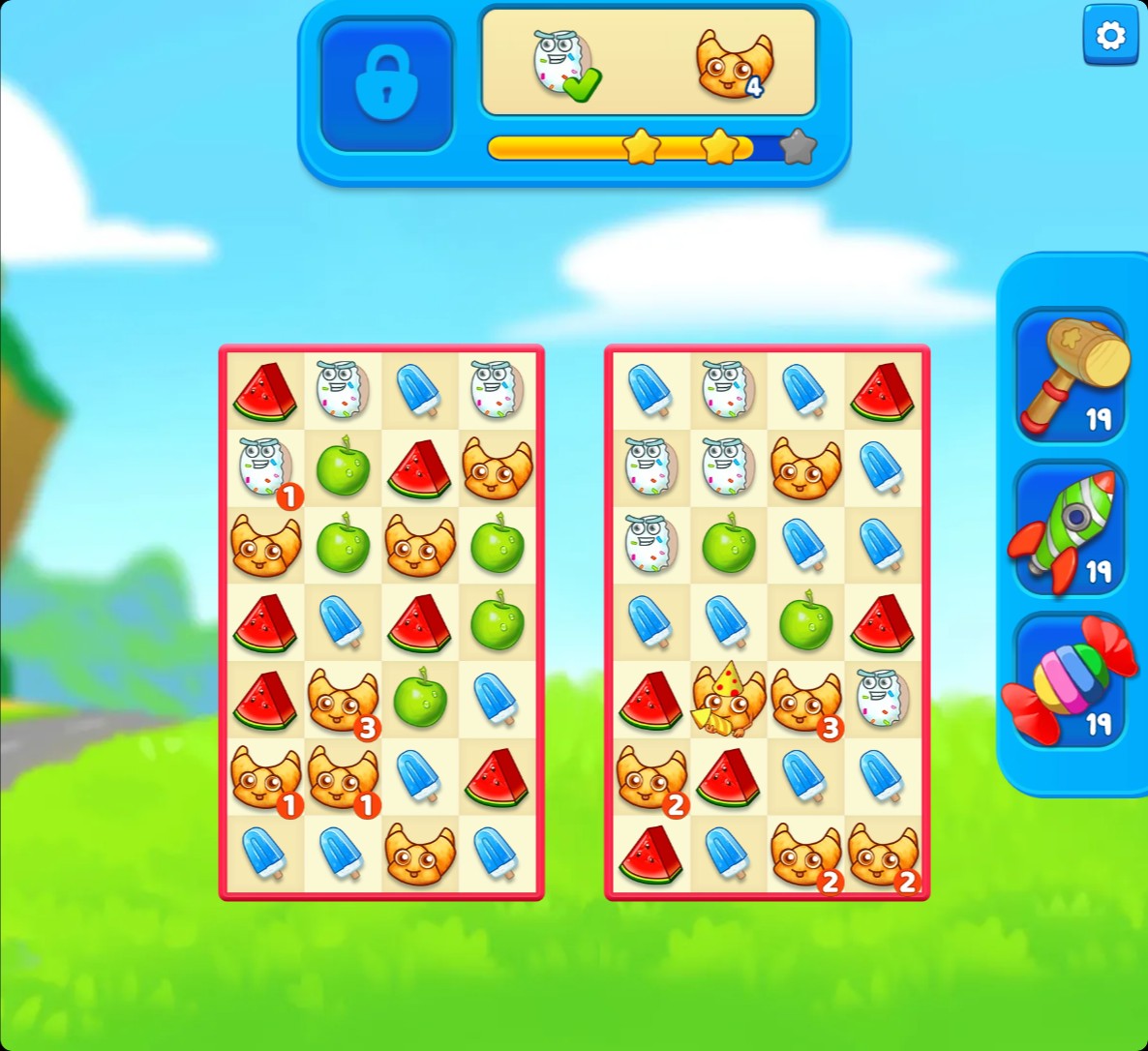
Clear a color with a Rainbow Lollipop
Refill Rainbow Lollipops, then choose a piece to remove its matching color. This use completed the white goal and left four cats to collect.
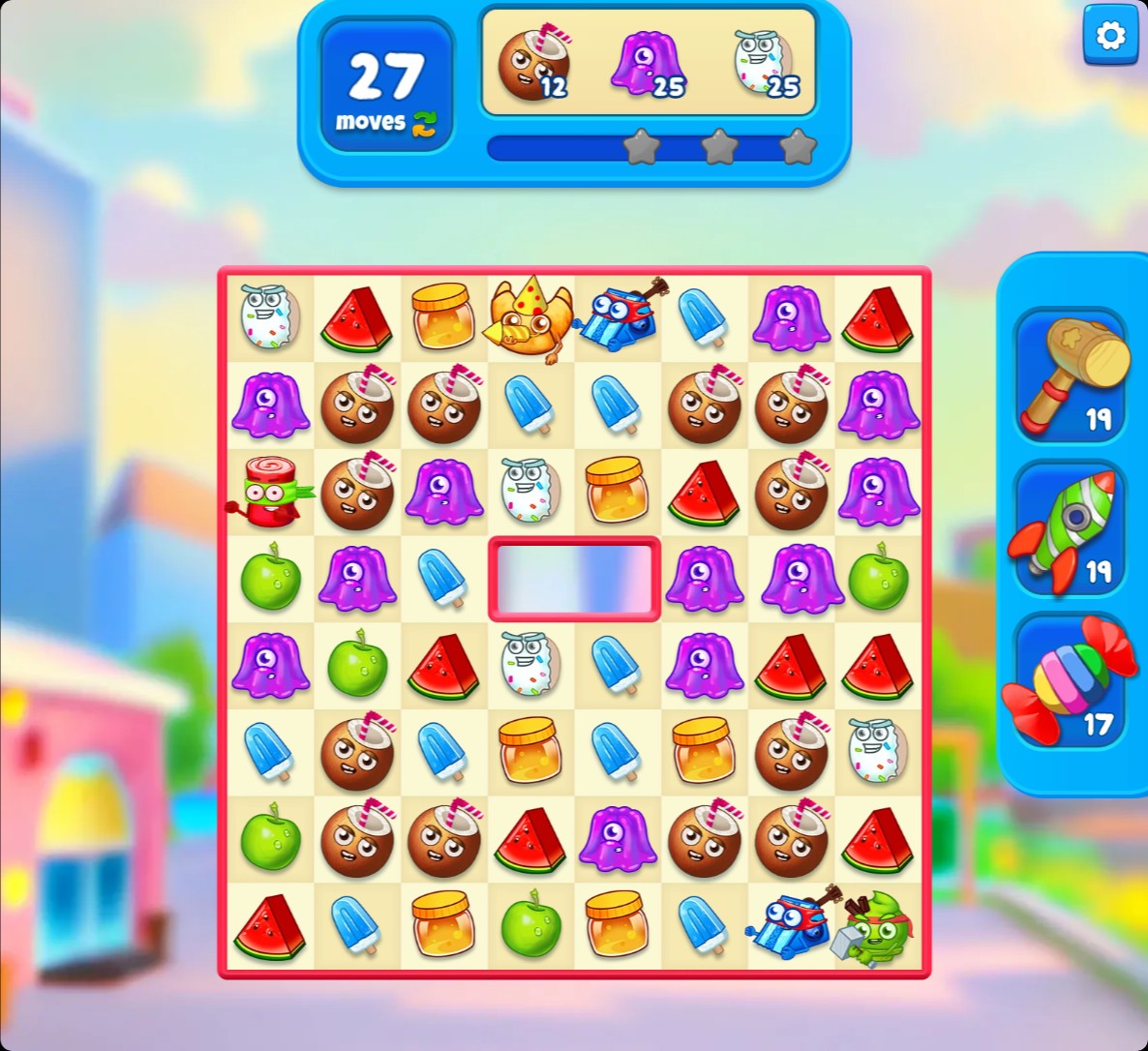
Start a level with five heroes
Refill the Combo booster and select it before Play to place five random heroes on the board at the start of a level.
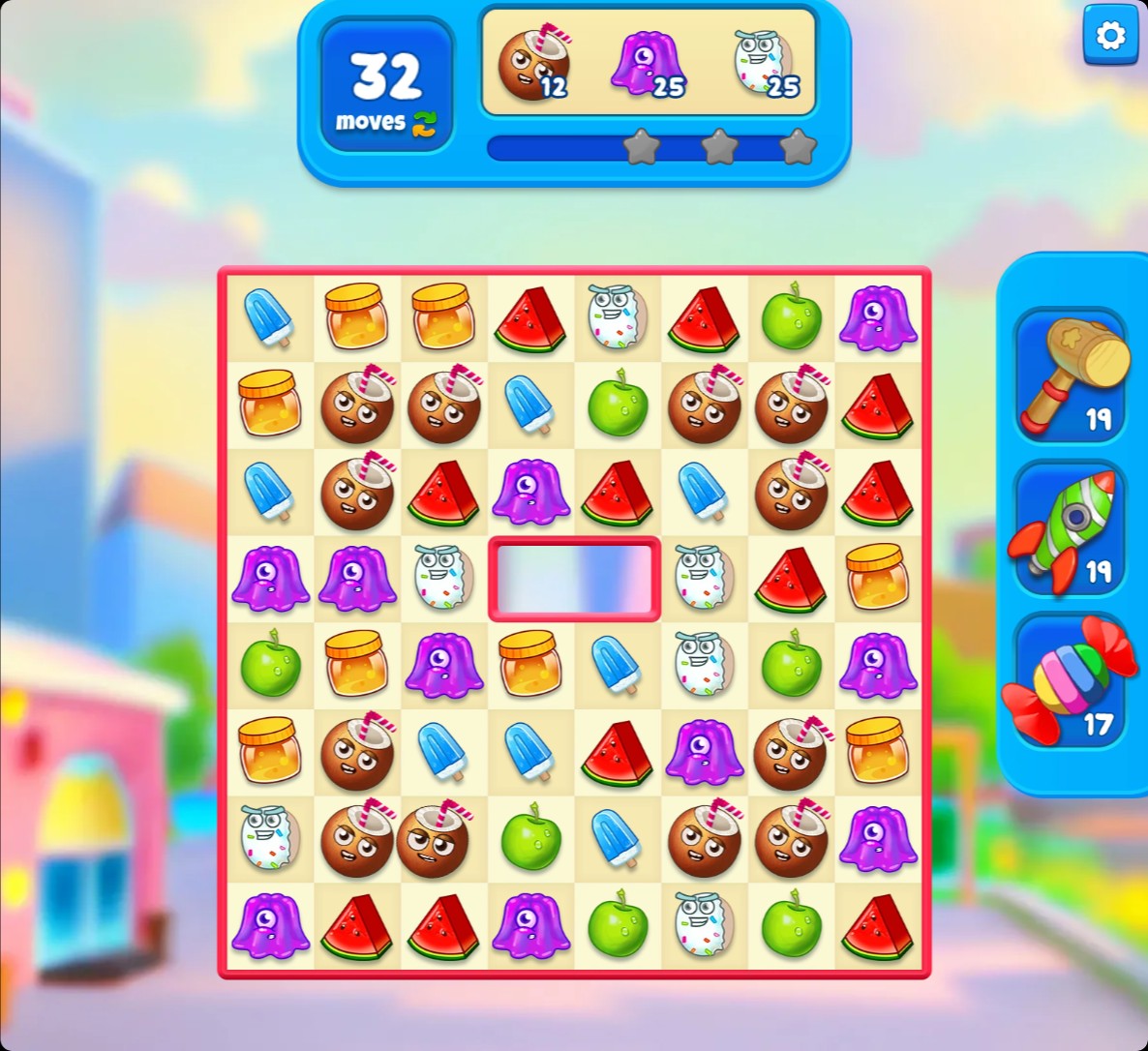
Begin a level with five extra moves
Refill the extra-moves booster and select it before Play. This level starts with 32 moves instead of 27, giving you more matches to reach its goals.
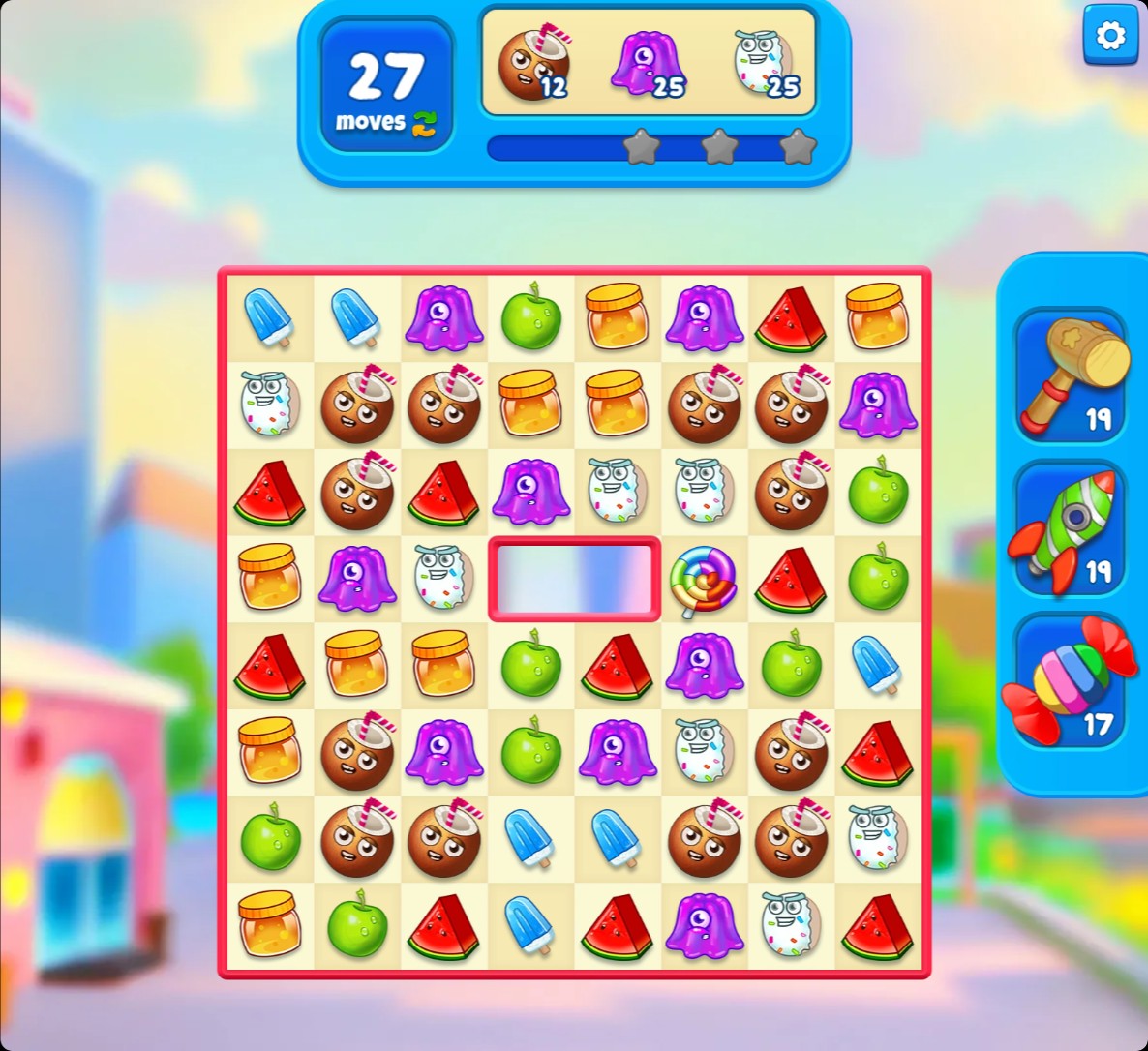
Start with a Rainbow Lollipop on the board
Refill the multicolor start booster and select it before Play. Swap the added Rainbow Lollipop with a neighboring piece to clear that color.
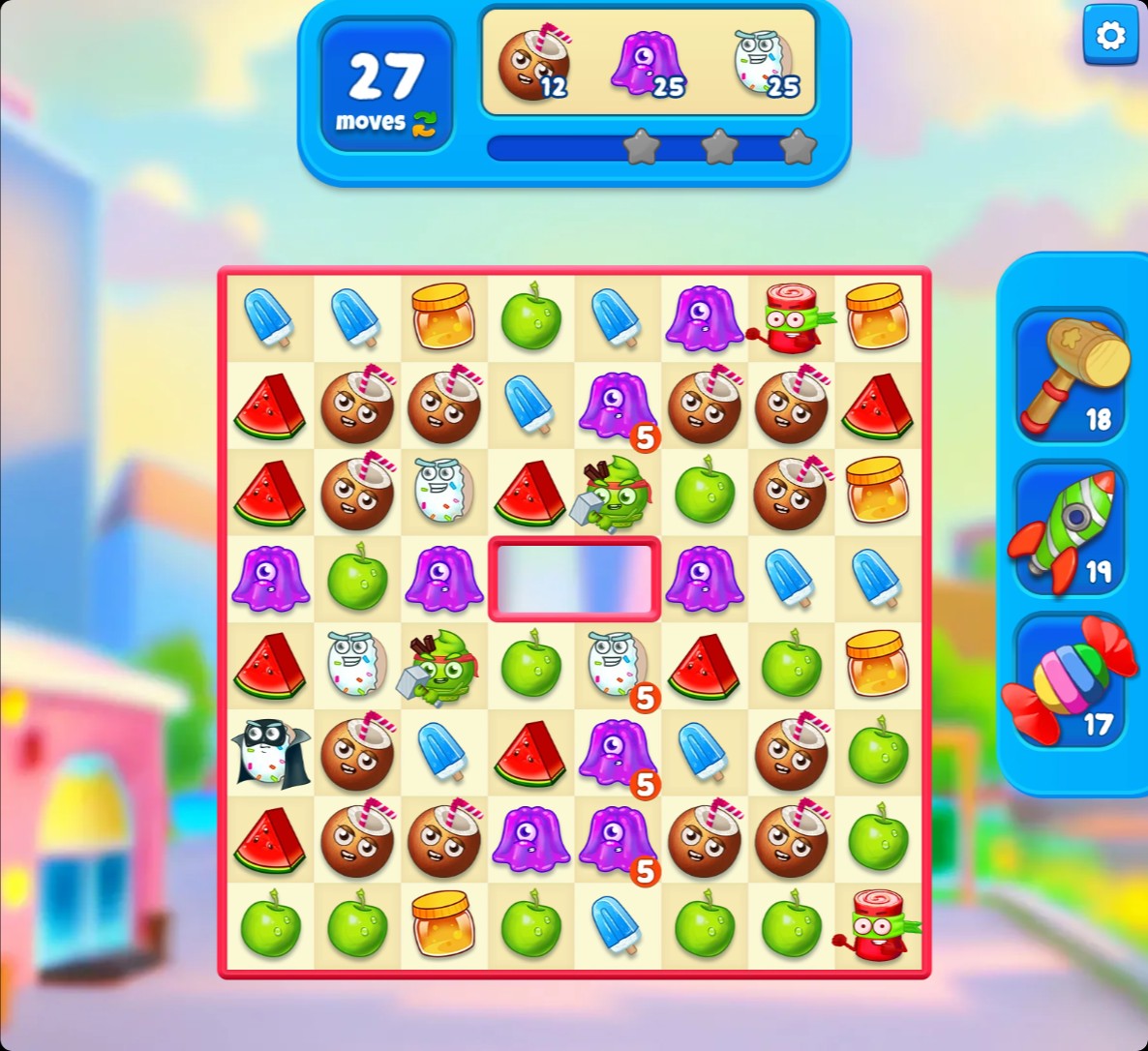
Boost the blue hero's multiplier power
Raise the blue hero's level to strengthen its goal bonuses. At level seven, its normal activation added five-point bonuses, making one boosted white piece count for six toward the goal.
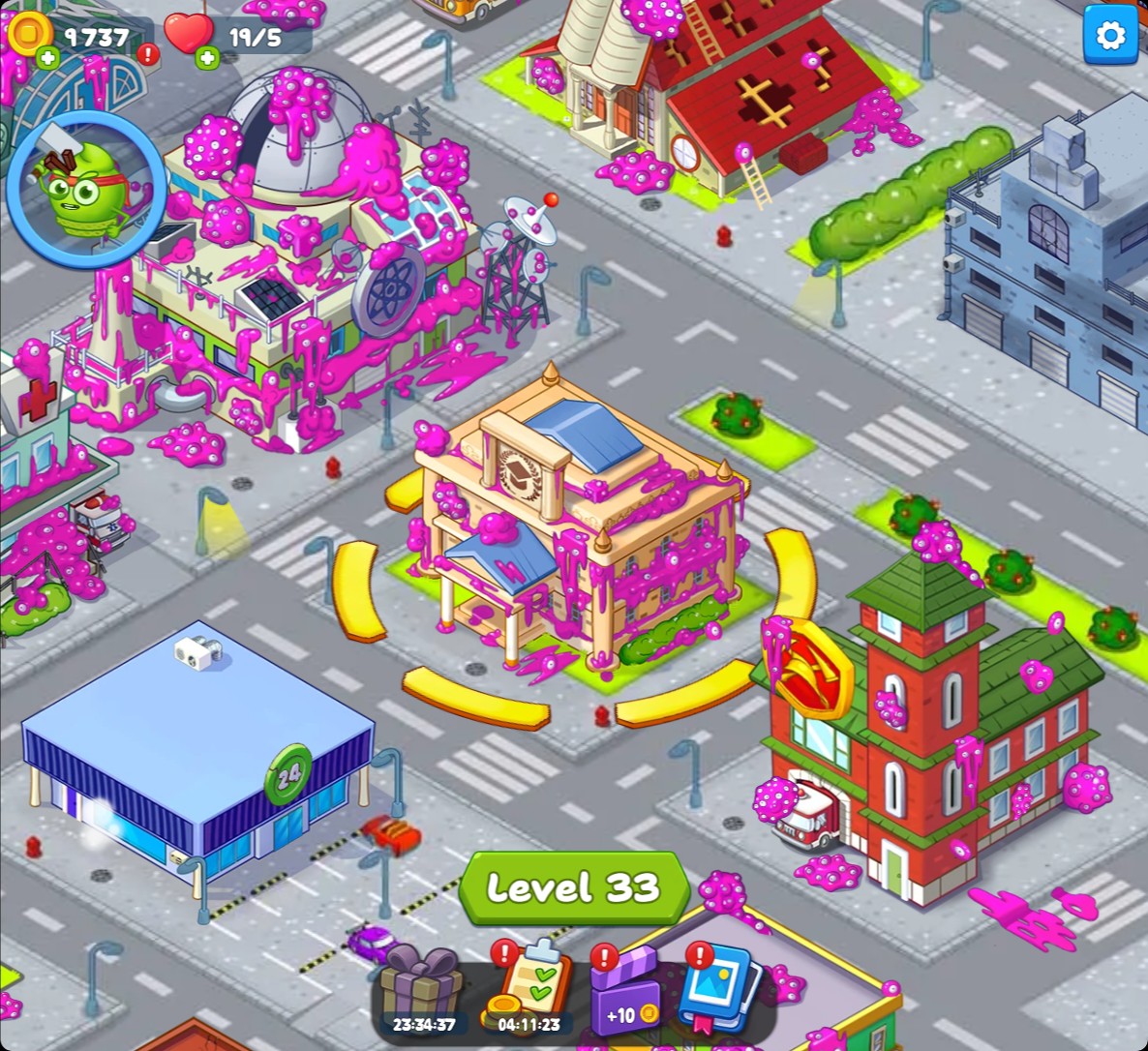
Keep lives ready for more attempts
Set a larger life balance for campaign attempts. After starting a level, making a match and leaving the unfinished attempt, 19 of the 20 lives remained.
Use boosters at the right moment
Hammer, Rocket and Rainbow Lollipop supplies help during a level once those boosters are unlocked. Select Combo, extra moves or a multicolor starter before pressing Play. The extra-moves starter adds five moves to a finite-move board; unlimited-move tutorials do not gain extra moves.
Build stronger goal bonuses
Raise the unlocked blue hero's level to strengthen the bonuses it places on goal pieces. At level seven, a boosted piece can contribute six toward its goal. The hero must be present on the board to use its ability.
Keep trying campaign puzzles
Coins support ordinary booster and life purchases. A larger life balance gives you more attempts, while an active unlimited-lives bonus temporarily takes priority over ordinary life spending.
Available customisation options
CoinsFree
Choose your coin balance for ordinary booster and life purchases.
Single Tile BoostersFree
Refill Hammer charges to remove a chosen tile without spending a move.
Choose the Hammer during a level, then select the tile.
The Hammer must be unlocked through normal progression.
Column BoostersFree
Refill Rocket charges to clear a chosen column without spending a move.
Choose the Rocket during a level, then select a tile in the column.
The Rocket must be unlocked through normal progression.
Color BoostersFree
Refill Rainbow Lollipops to remove pieces of a chosen color.
Select a Rainbow Lollipop during a level, then choose the color to clear.
The Rainbow Lollipop must be unlocked through normal progression.
Combo Start BoostersFree
Refill Combo starters to begin a level with five random heroes.
Select Combo before pressing Play, once the booster is unlocked.
Extra Move Start BoostersFree
Refill extra-move starters to add five moves to a level.
Select the booster before pressing Play.
Unlimited-move tutorial boards do not gain extra moves.
Multicolor Start BoostersFree
Refill multicolor starters to add a Rainbow Lollipop to the starting board.
Select the booster before Play after its normal unlock. Swap the added piece with a neighboring sweet to clear that color.
Blue Hero LevelFree
Raise the blue hero's level to strengthen its goal bonuses. At level seven, a boosted piece can count for six toward its goal.
The blue hero must be unlocked and present on the board.
LivesFree
Choose a larger life balance for more campaign attempts.
Active unlimited-lives bonuses temporarily take priority over ordinary life spending.
Using these features
Connect your game, then open Customise in the Windows app. Choose an option, check its available values and follow its instructions. Each option lists its own requirements and limits.
Setup for Sugar Heroes →