

Start further along
Choose how many levels you have completed before starting your next round. Use a higher count to move to a later challenge without playing through every earlier level first.
Requires the Windows app and the Bytonian Mods browser extension for Chrome or Edge. Browser setup guide

Pick a starting point
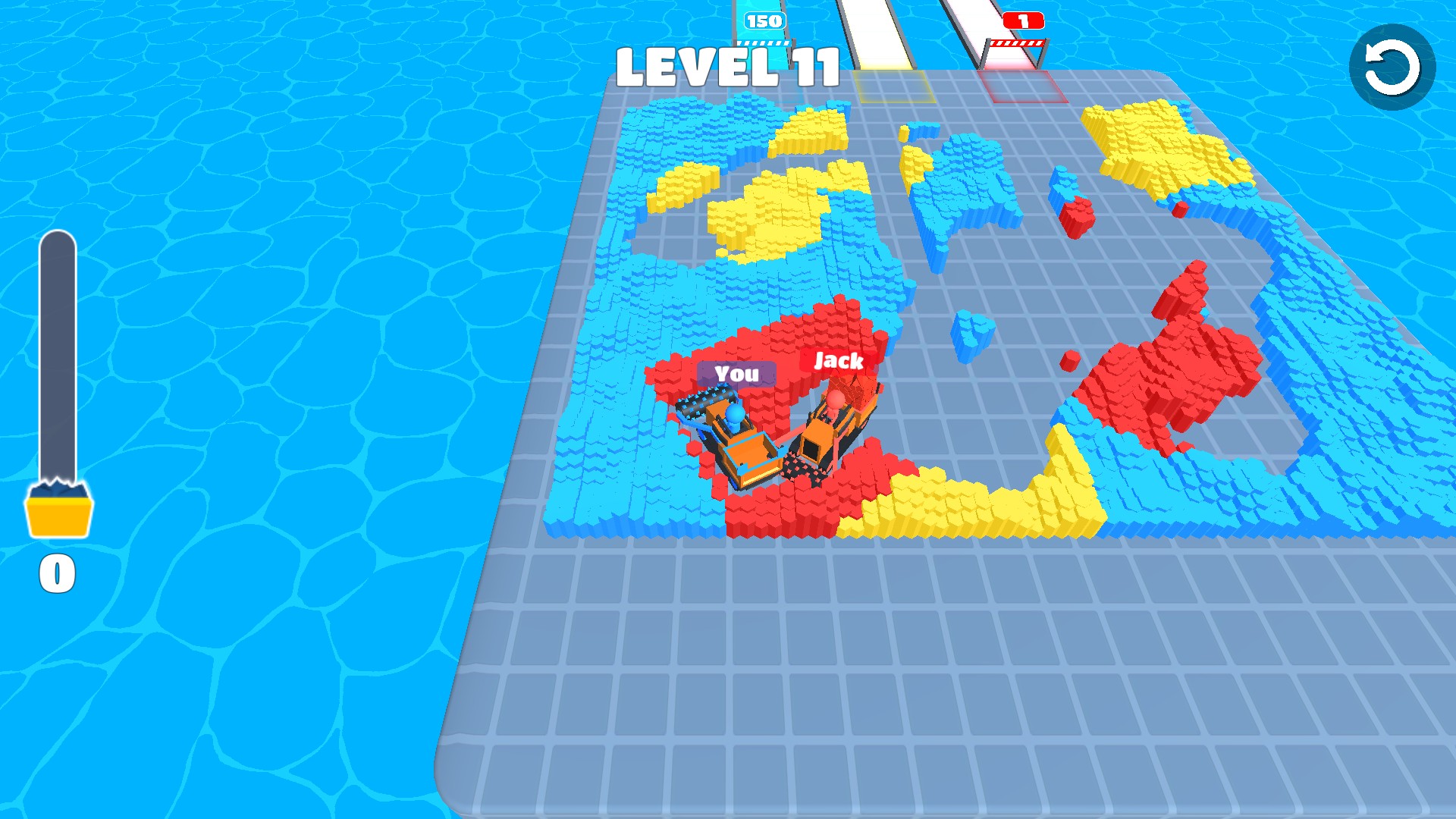
The completed-level count comes before the level you play: a count of 10 starts Level 11. Apply your chosen amount to load the next challenge.
Keep collecting and building
Once the level loads, steer your tractor through its stone piles and work toward the bridges ahead. Changing your progress does not finish the loaded level for you.
Available customisation options
Completed levelsFree
Choose your completed-level count to start further along in Stone Master.
Set the count and apply your change. Choosing 10 starts Level 11.
You still play the loaded level using its normal driving, collecting and building rules.
Start further along
Choose your completed levels and jump into a later stone-collecting challenge.
Using these features
Connect your game, then open Customise in the Windows app. Choose an option, check its available values and follow its instructions. Each option lists its own requirements and limits.
Setup for Stone Master →