
Stat Modifiers
2 optionsSeparate cards to restore health and replenish mana during supported battles.
View stat modifiers →Restore your fighter's health to stay in an arena battle, or refill mana to keep using skills. Stickman Warriors mixes aerial movement with close-range attacks on YouTube Playables.
Requires the Windows app and the Bytonian Mods browser extension for Chrome or Edge. Browser setup guide
Start with free mods
Download Bytonian Mods for Windows and try these free features. Choose one to see how it works and any requirements.
Restore your living fighter to full health and refresh the health bar immediately.
Press Restore Health during a Story, Training or Tutorial battle before your fighter is defeated.
Requires a living fighter in Story, Training or Tutorial.
Restore Health tops up a living fighter's health. Refill Mana gives you more mana to spend on skills. Each has its own card, so you can use the resource you need during a fight.
Enter Story, Training or Tutorial with a living fighter, then press Restore Health or Refill Mana. The matching bar updates immediately. Use Training to practice movement and skills against the dummy.
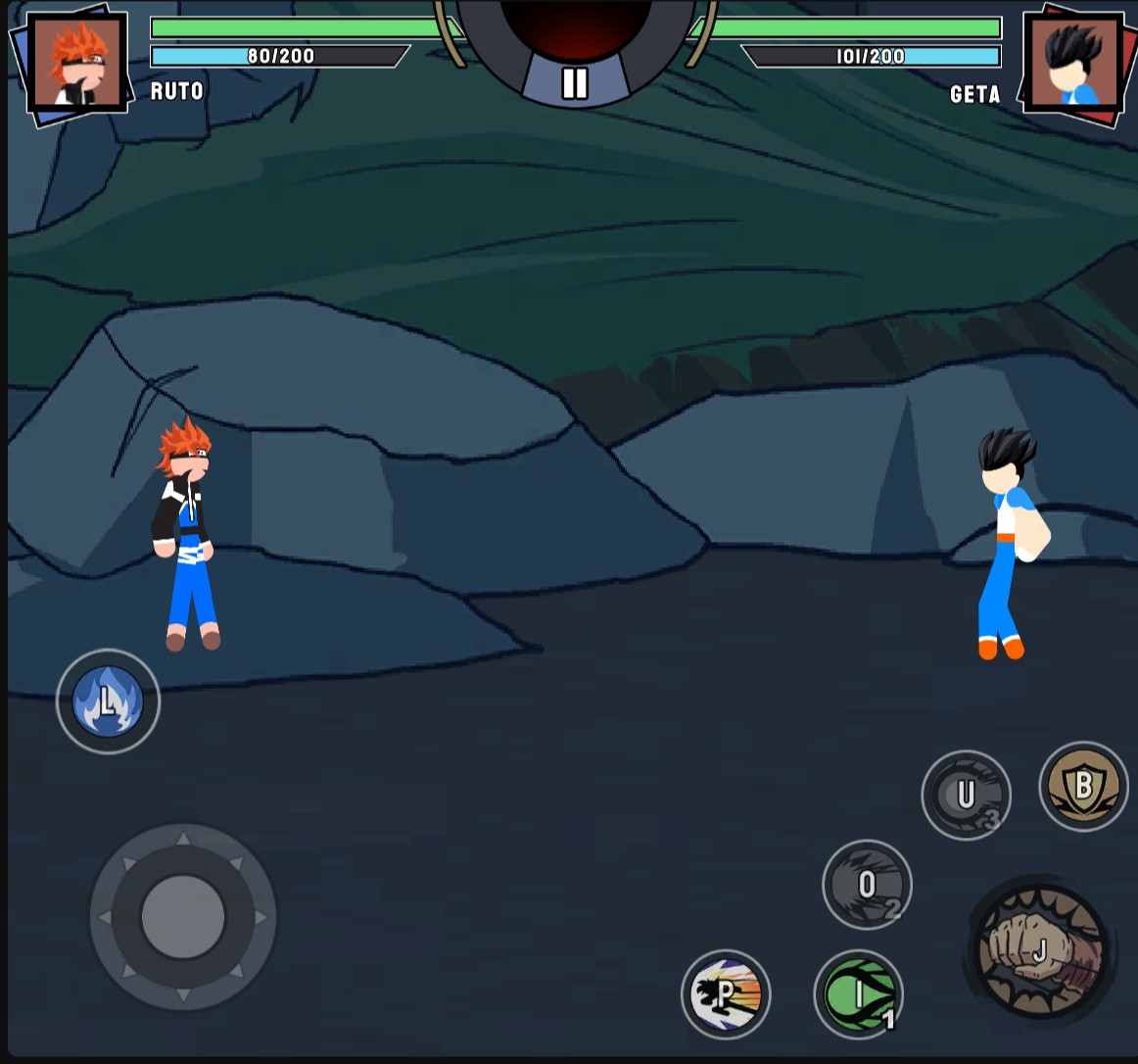
Stickman Warriors arena battles
Choose a fighter for fast-paced arena battles, or practice your skills against the Training dummy.
Separate cards to restore health and replenish mana during supported battles.
View stat modifiers →Download the Windows app and follow the setup prompts.
Set up the browser extension in Chrome or Edge, then open the supported YouTube Playable. Follow the connection guide if the game is already running.
Review the available options in the app and choose the ones that suit how you play.