
Customise
2 optionsManage picture pieces and refill jigsaw placement hints.
View customisation options →Choose more pieces for a story picture or refill the hints that help with placement. Solve number-clue puzzles and bring each picture together one hexagon at a time.
Requires the Windows app and the Bytonian Mods browser extension for Chrome or Edge. Browser setup guide
Start with free mods
Download Bytonian Mods for Windows and try these free features. Choose one to see how it works and any requirements.
Restore 20 daily jigsaw hints to help place available picture pieces.
Use Refill jigsaw hints, then open an unfinished story picture and press its lightbulb.
You need an available unplaced picture piece for a hint to place.
Choose your collected story jigsaw-piece total and make more picture pieces available to arrange.
Set the total, open the Jigsaw tab and choose a story picture. Place its available tray pieces manually or with a jigsaw hint.
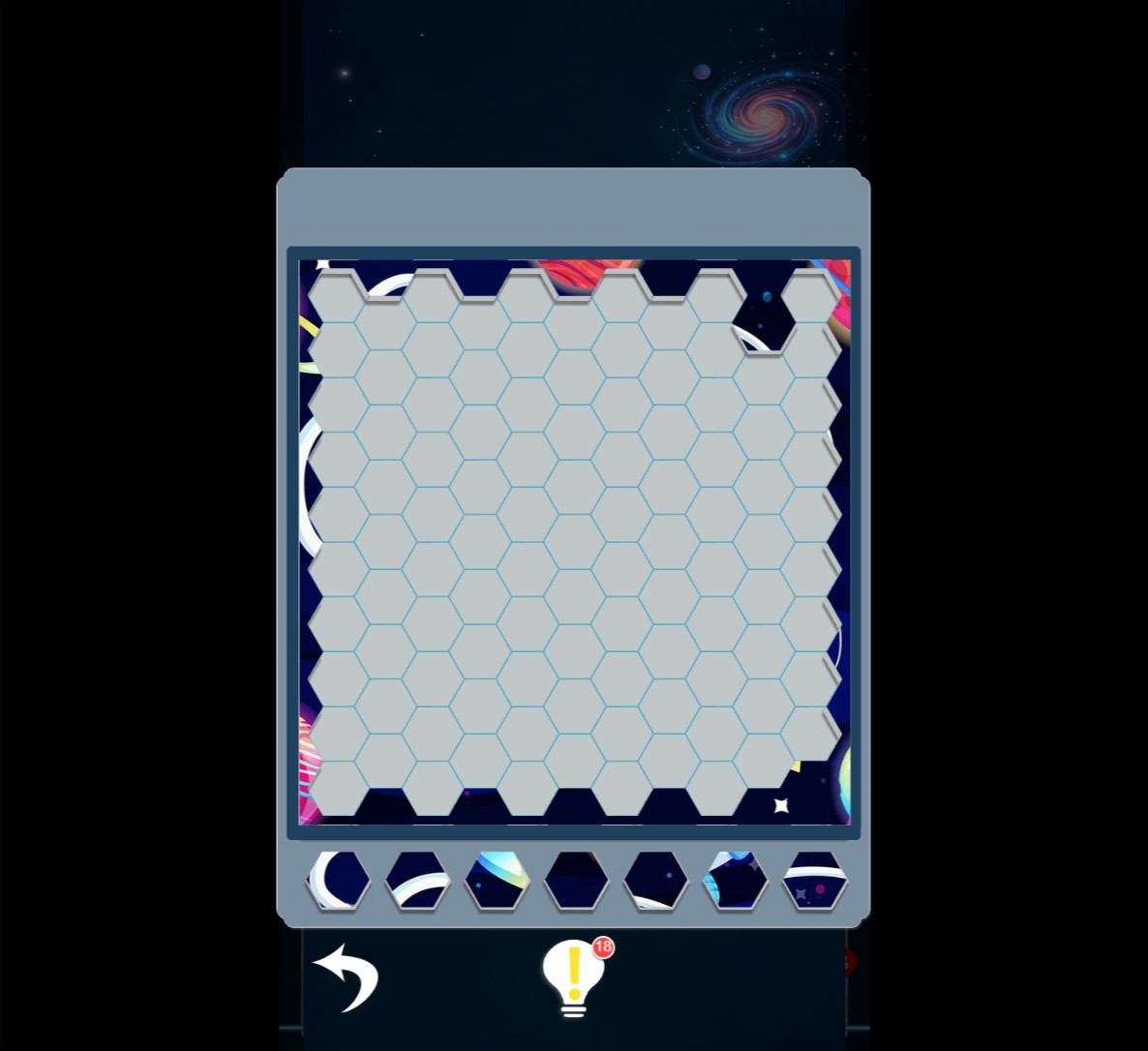
More pieces for your story jigsaw
Choose your collected jigsaw pieces, then arrange them on the picture board or use a hint to place one.
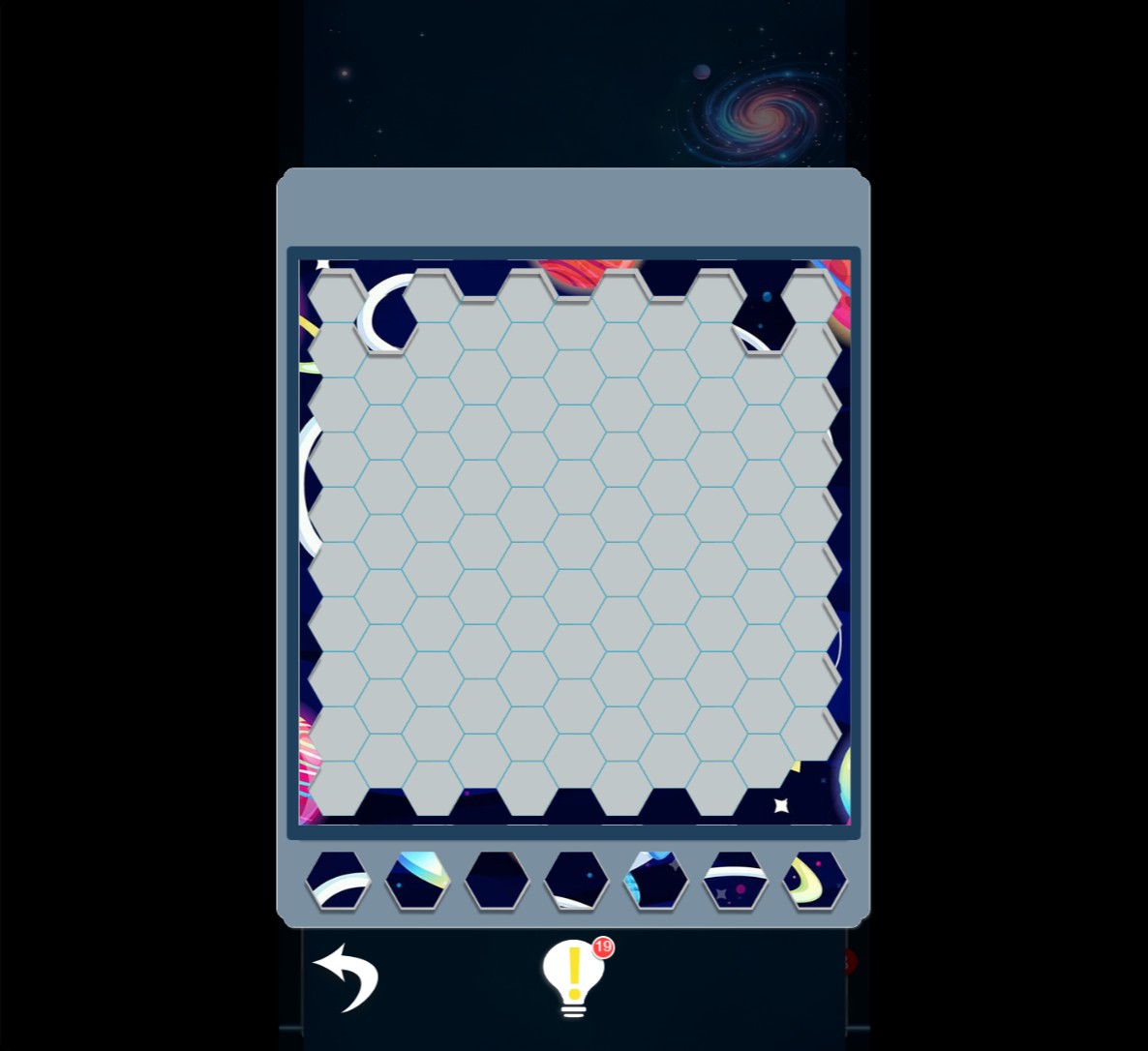
Refill hints for picture-piece placement
Restore your 20 daily jigsaw hints and use the lightbulb to place an available picture piece.
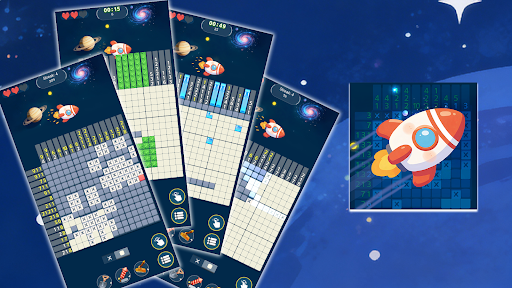
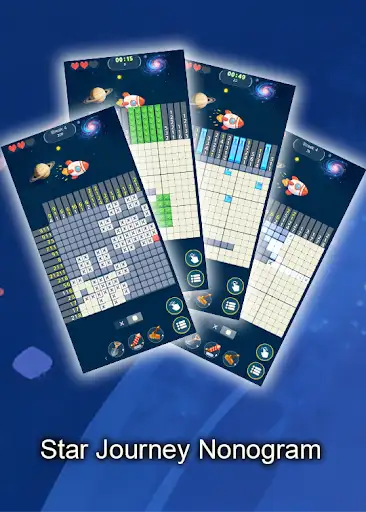
Star Journey Nonogram combines number-clue grids with story jigsaws. Choose your collected jigsaw-piece total to make more picture pieces available in the tray, then arrange them on the board.
Refill the daily supply of 20 jigsaw hints when you want help finding where a piece belongs. Open a story picture and use its lightbulb to place an available piece.
Manage picture pieces and refill jigsaw placement hints.
View customisation options →Download the Windows app and follow the setup prompts.
Set up the browser extension in Chrome or Edge, then open the supported YouTube Playable. Follow the connection guide if the game is already running.
Open Customise in Bytonian Mods, choose an option and follow its instructions. Check the available values and any limits before making your change.