
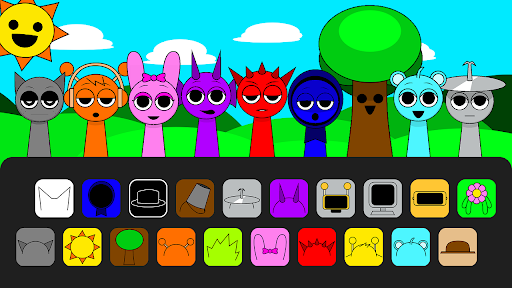
Game Actions
5 optionsSelected-sound adjustments, solo and mute controls, and a free action to clear the lineup.
View all game actions →Adjust a performer's pitch or volume, focus on one part with Solo, mute another, or clear the lineup to start a new mix. Drag sound icons onto gray performers to build an arrangement, then select the sound you want to change.
Requires the Windows app and the Bytonian Mods browser extension for Chrome or Edge. Browser setup guide

Start with free mods
Download Bytonian Mods for Windows and try these free features. Choose one to see how it works and any requirements.
Clear the sounds assigned to the current arrangement.
Use Clear Mix when you want an empty lineup to start another combination.
This clears the current arrangement. It does not restore a saved mix or reset account progress.
Add sounds using the game's palette and select a performer before adjusting it. Sound Pitch changes pitch and playback rate together; Sound Volume adjusts that performer's sound rather than the game's master volume.
Solo Performer uses the game's listen control to focus on your selection. Mute Performer uses its mute control, so you can change the arrangement without removing the sound from its slot.
Clear Mix is free and removes the sounds assigned to the current lineup. It gives you an empty arrangement to build from again.
Pitch and volume settings may reset when you replace a sound or change the music set. Choose a performer before using Solo or Mute.
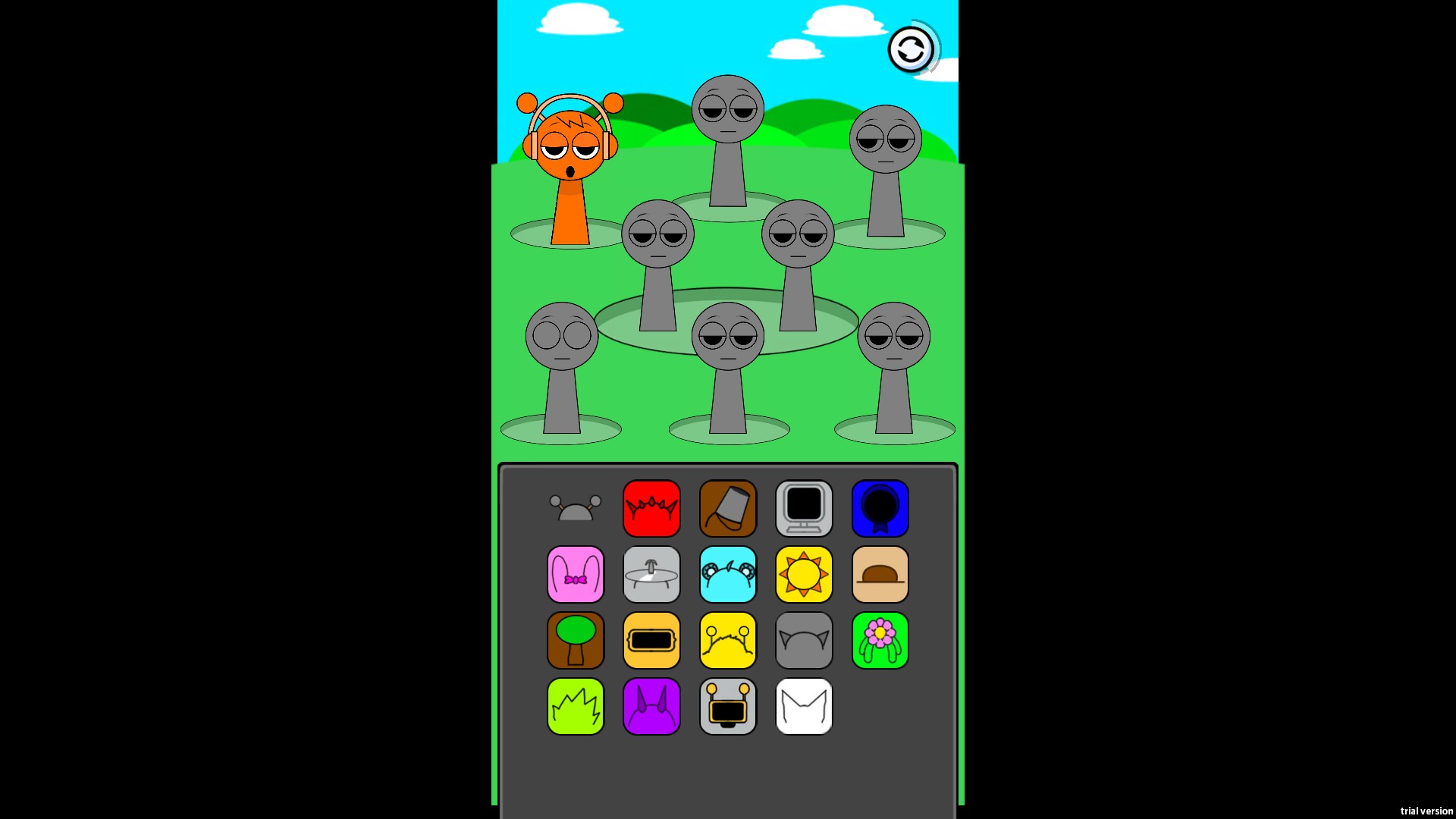
Build a musical lineup
An orange performer joins the lineup after a sound icon is dragged onto an empty slot. Explore the palette to combine different characters in Sprunki Beat: Full Mod Music!.
Selected-sound adjustments, solo and mute controls, and a free action to clear the lineup.
View all game actions →Download the Windows app and follow the setup prompts.
Set up the browser extension in Chrome or Edge, then open the supported YouTube Playable. Follow the connection guide if the game is already running.
Review the available options in the app and choose the ones that suit how you play.