
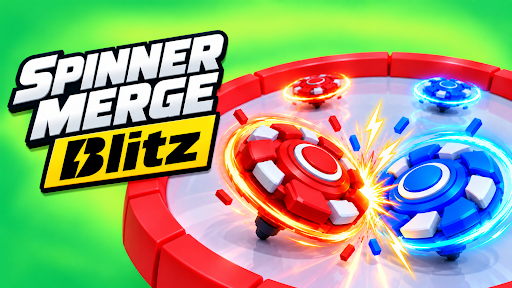
Resources
2 optionsAdjust coins and scraps between battles, then spend them through the game's normal purchase and construction screens.
View resources →Build a stronger squad for the next arena fight. Adjust your coins to buy more spinners, choose scraps for construction upgrades, or restart the current campaign attempt with your squad intact.
Requires the Windows app and the Bytonian Mods browser extension for Chrome or Edge. Browser setup guide
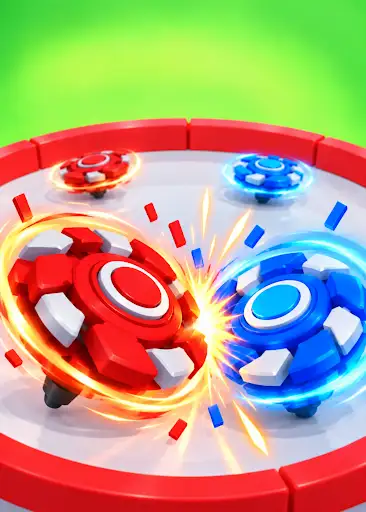
Start with free mods
Download Bytonian Mods for Windows and try these free features. Choose one to see how it works and any requirements.
Restart the current campaign attempt while keeping the same level and squad.
Press Retry Battle to return to preparation and try the current battle again.
For the local campaign.
Use coins to buy more spinners, then merge matching ones into stronger fighters. Adjust your balance between campaign battles, within the coin control's range of up to 1 million.
Choose your scraps balance and use the game's Tap to Build screen. Construction upgrades improve the spinners you can spawn for later battles.
Retry Battle restarts your current local campaign attempt while keeping the same level and squad. Return to preparation and take another run at the arena.
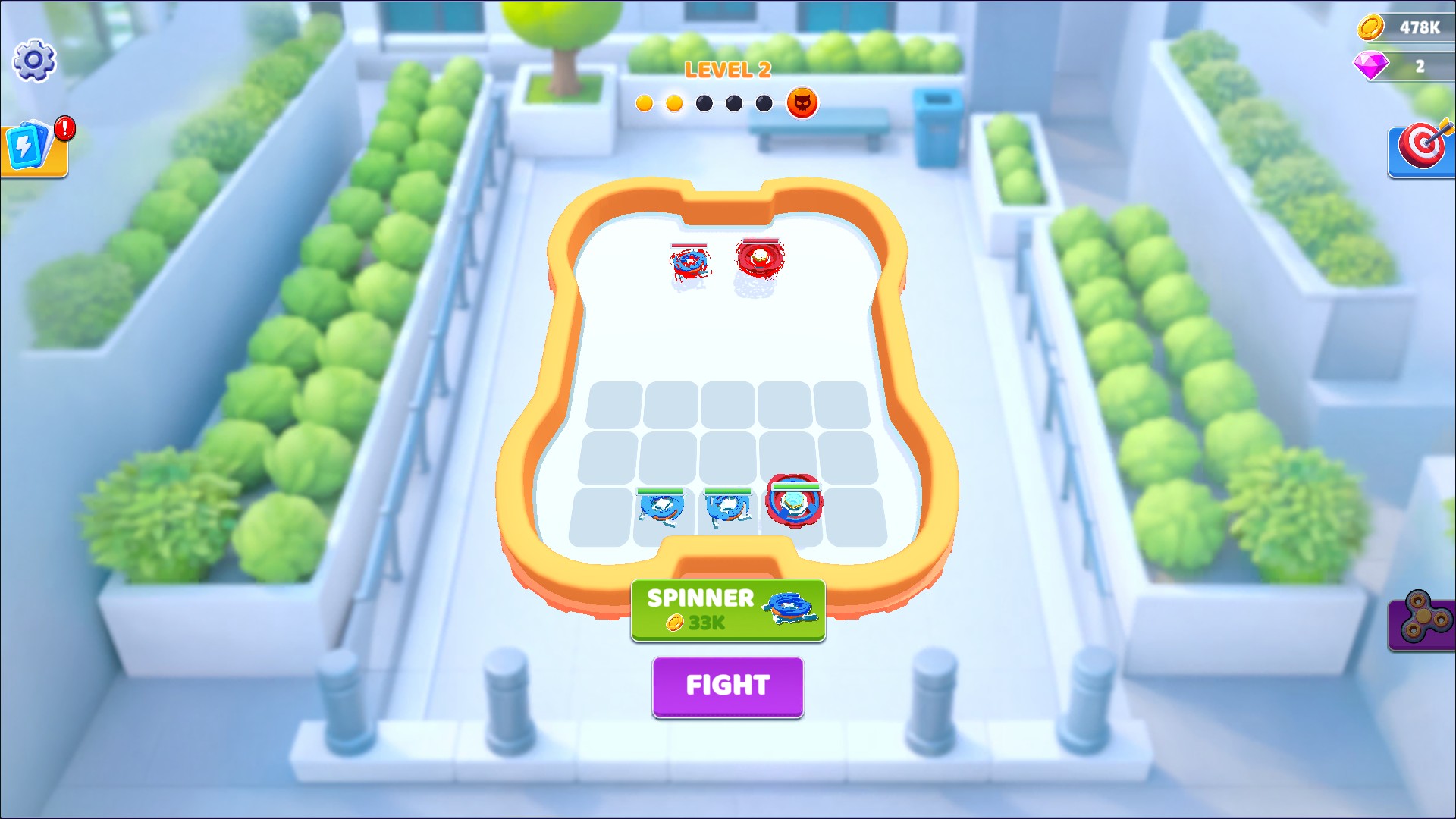
Build your spinner squad
Set your coin balance to buy extra spinners before the fight, then merge matching spinners to strengthen your squad.
Adjust coins and scraps between battles, then spend them through the game's normal purchase and construction screens.
View resources →A free retry for the current local campaign attempt, without advancing to the next level.
View game actions →Download the Windows app and follow the setup prompts.
Set up the browser extension in Chrome or Edge, then open the supported YouTube Playable. Follow the connection guide if the game is already running.
Review the available options in the app and choose the ones that suit how you play.