
Customise
2 optionsUnlock all ten cars and give the first car a red finish.
View customisation options →Open all ten cars in the garage or give the first car a red finish. Pick your ride, steer through traffic and collect stars along the neon road.
Requires the Windows app and the Bytonian Mods browser extension for Chrome or Edge. Browser setup guide
Start with free mods
Download Bytonian Mods for Windows and try these free features. Choose one to see how it works and any requirements.
Paint the first car red.
Apply Red first car, select the first car in the car menu and press Play.
Changes only the first car's paint.
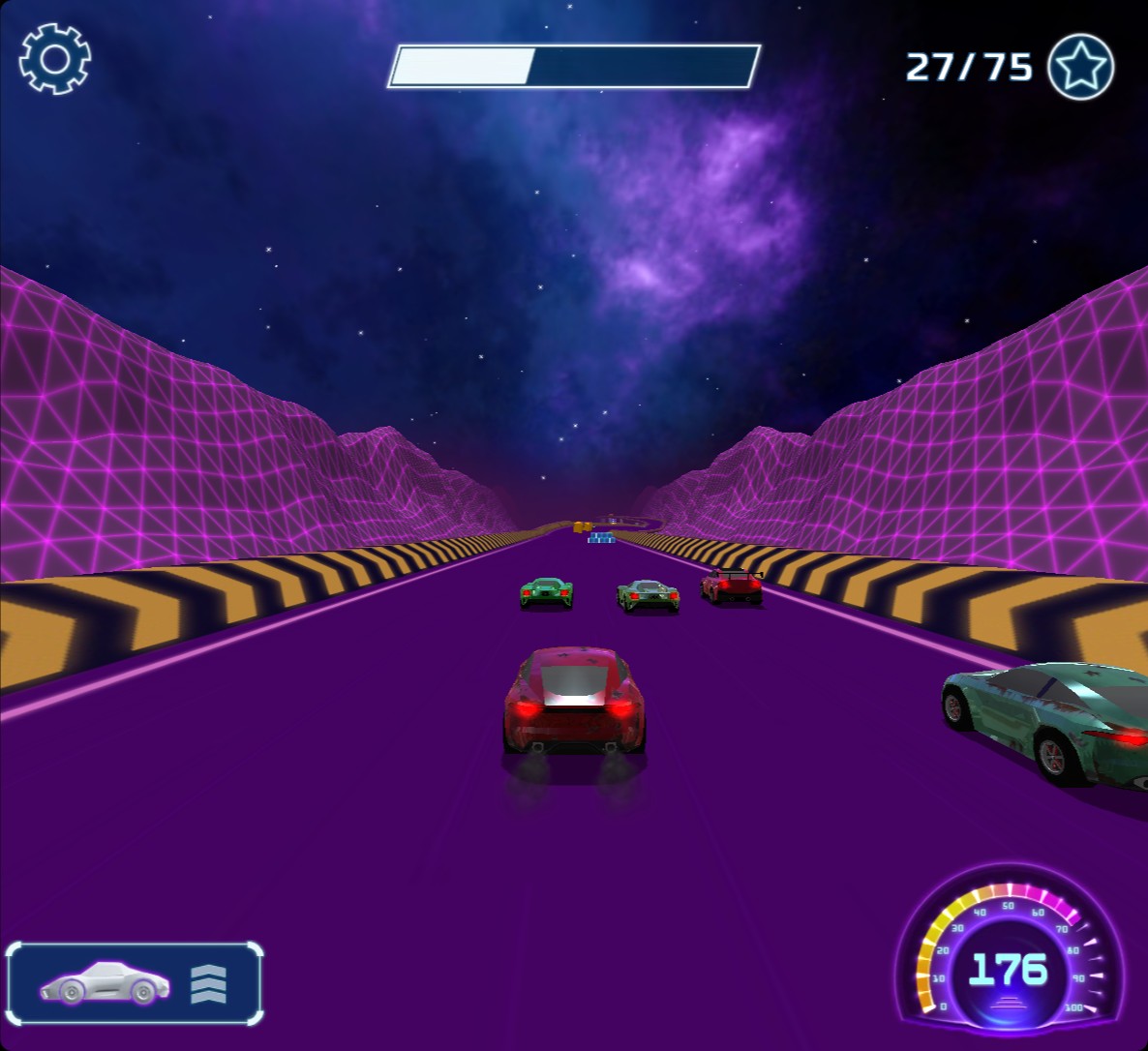
A red car on the neon road
Drive through neon traffic in Speed Master - Racing Game with the first car painted red.
Unlock all ten cars, browse the garage with the arrows and choose the one you want to drive. Use the normal Play button to take your choice onto the road.
Change the first car's paint while keeping the other cars' colors. The red finish appears in the garage and during ordinary driving.
Open Speed Master - Racing Game and apply your changes in Bytonian Mods. During a run, use the car button to open the garage. If the results screen is open, restart a run first.
Unlock all ten cars and give the first car a red finish.
View customisation options →Download the Windows app and follow the setup prompts.
Set up the browser extension in Chrome or Edge, then open the supported YouTube Playable. Follow the connection guide if the game is already running.
Open Customise in Bytonian Mods, choose an option and follow its instructions. Check the available values and any limits before making your change.