
Solitaire Spider Deal Preferences
Choose the suits, table orientation and hint behavior for your next game.
Requires the Windows app and the Bytonian Mods browser extension for Chrome or Edge. Browser setup guide
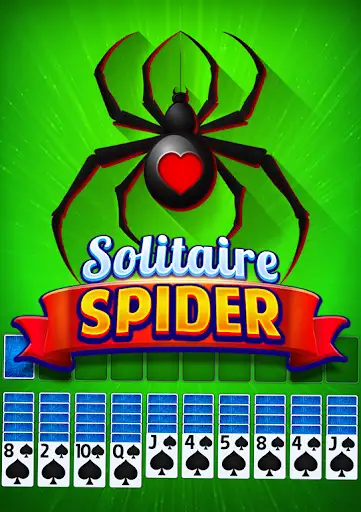
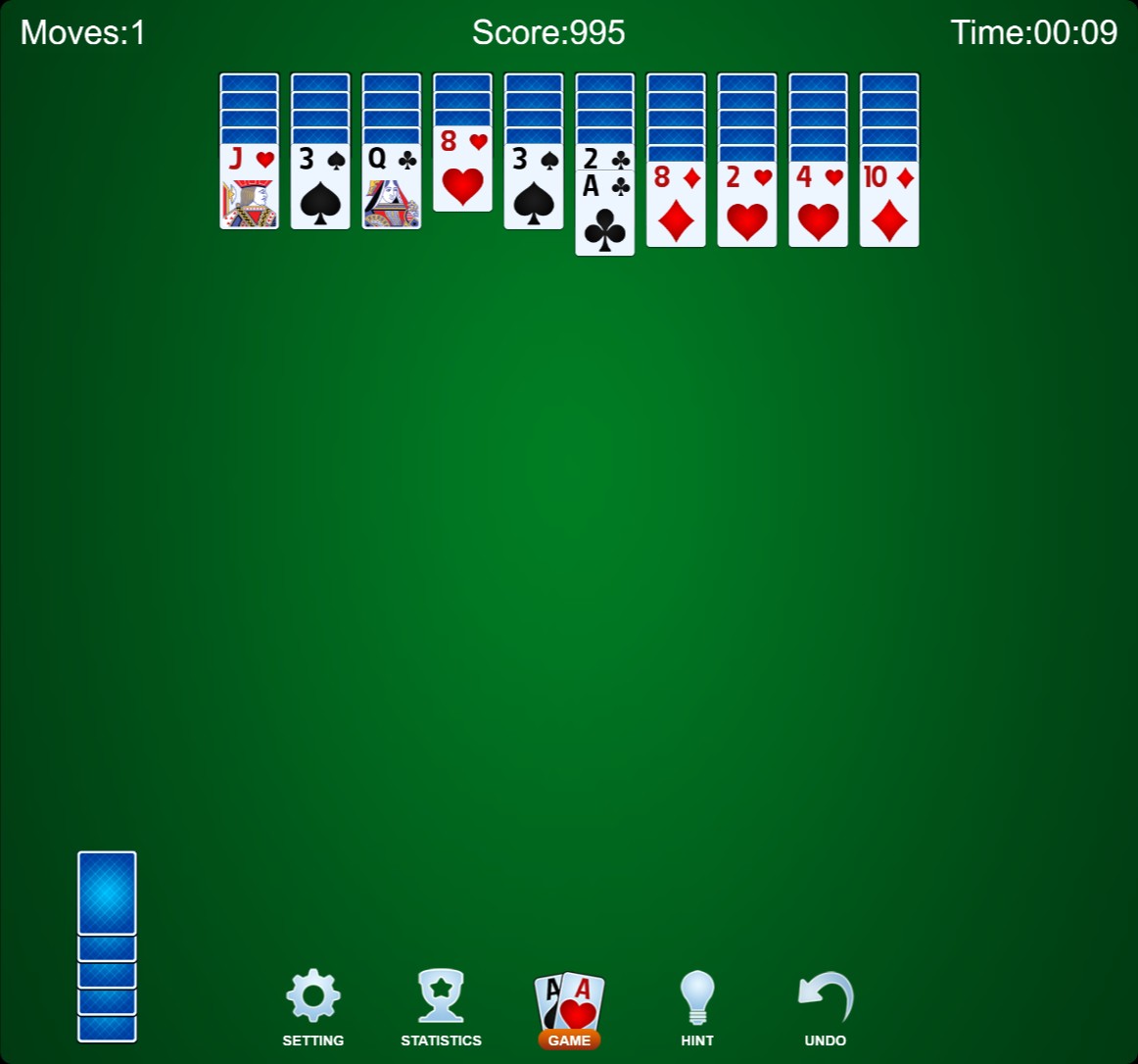
Choose a four-suit deal
A four-suit Solitaire Spider deal after moving the ace of clubs onto the two of clubs.
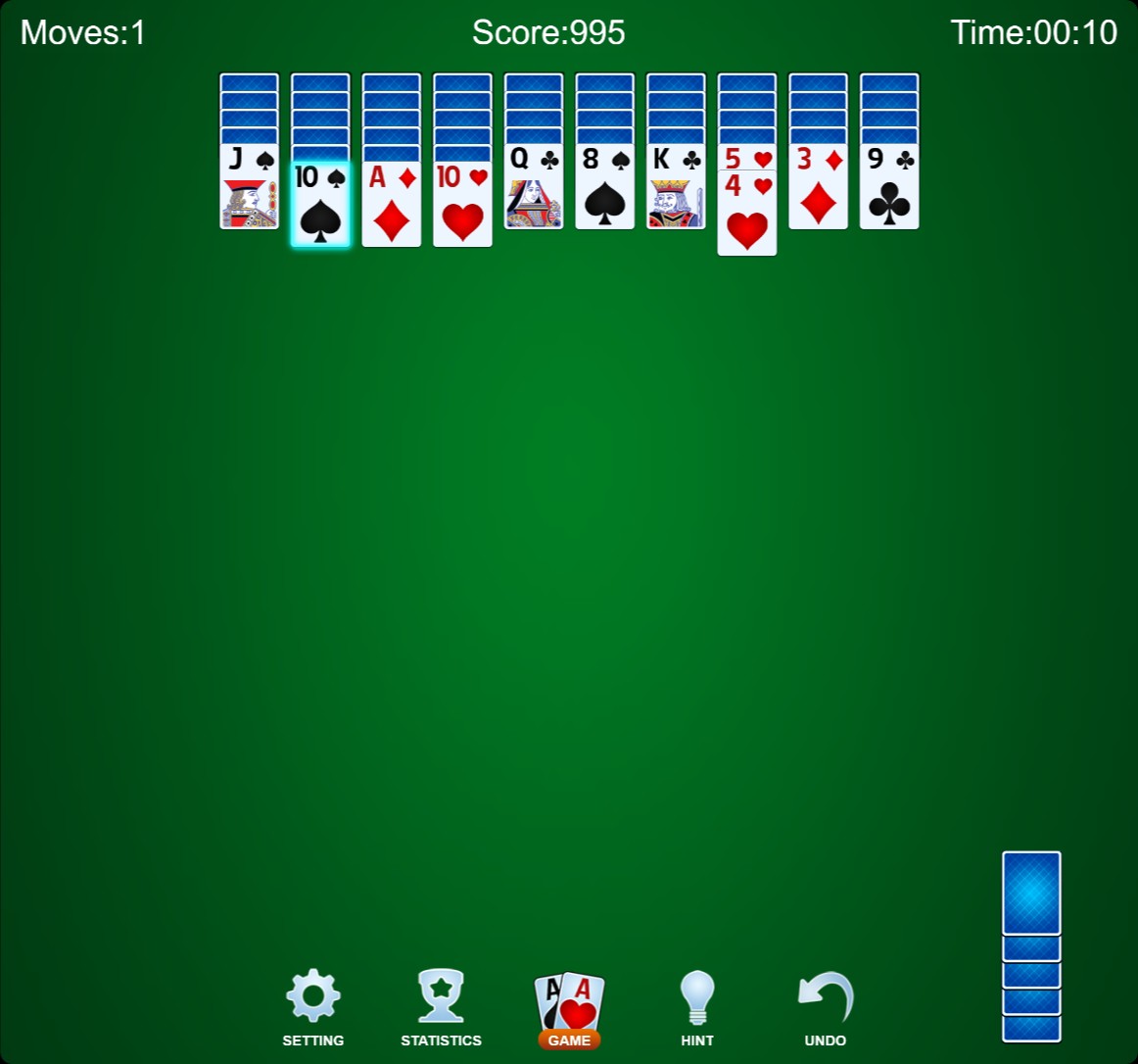
Choose your table layout
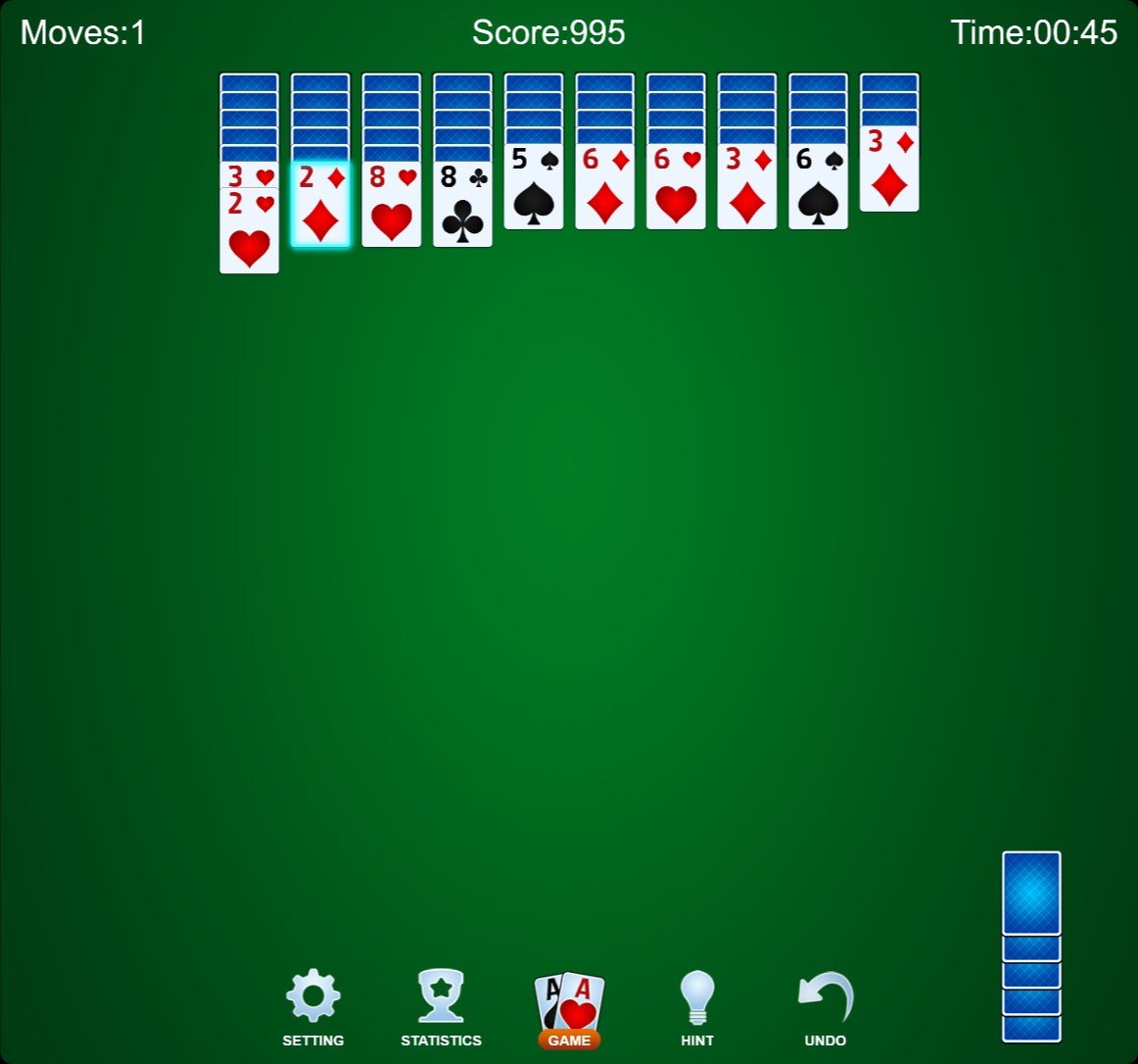
The standard right-handed table with the stock on the right, after a normal card move.
Show hints when you want them
With automatic hints switched off, the Hint button can still highlight a suggested move.
Choose one, two or four suits
Select the suit count for your next deal. Use one suit for a simpler table or four suits when you want all four suits in play.
Pick your table layout
Enable the left-handed layout to put the stock on the left, or turn it off for the standard right-handed table.
Ask for hints when you want them
Keep automatic hints on for suggestions, or turn them off and press Hint when you want help. Applying a preference reloads the game with a fresh board.
Available customisation options
Suit countFree
Choose one, two or four suits for your next deal.
Select the suit count and apply before starting a deal. Applying reloads the game with a fresh board.
Left-handed layoutPremium
Choose a left-handed table or the standard right-handed layout.
Enable for stock on the left, or disable for stock on the right. Applying reloads the game with a fresh board.
Automatic hintsPremium
Choose automatic suggestions or ask for a hint when you want one.
Turn automatic hints off to use the Hint button on demand. Applying reloads the game with a fresh board.
Questions about customisation options
- How many suits can I choose?
- Choose one, two or four suits for your next deal.
- Can I turn off automatic hints and still ask for help?
- Yes. The Hint button remains available when automatic hints are off.
- Will applying keep my current board?
- Applying these preferences reloads the game and deals a fresh board. Set your choices before starting a deal.
Using these features
Connect your game, then open Customise in the Windows app. Choose an option, check its available values and follow its instructions. Each option lists its own requirements and limits.
Setup for Solitaire Spider →