
Stat Modifiers
1 optionRemove the shared firing wait while enabled; individual weapon cooldowns may remain.
View stat modifiers →Use Rapid Fire to remove Planet Smash's shared wait between firing actions as you test different weapons against a planet. Watch how each attack changes its surface and population, then reset for another attempt.
Requires the Windows app and the Bytonian Mods browser extension for Chrome or Edge. Browser setup guide
Start with free mods
Download Bytonian Mods for Windows and try these free features. Choose one to see how it works and any requirements.
Remove Planet Smash's shared firing wait while Rapid Fire is enabled.
Enter Planet Smash, enable Rapid Fire, and turn it off to restore the original wait.
Individual weapons may retain their own cooldowns. Intended for Planet Smash; System Smash is outside the current scope.
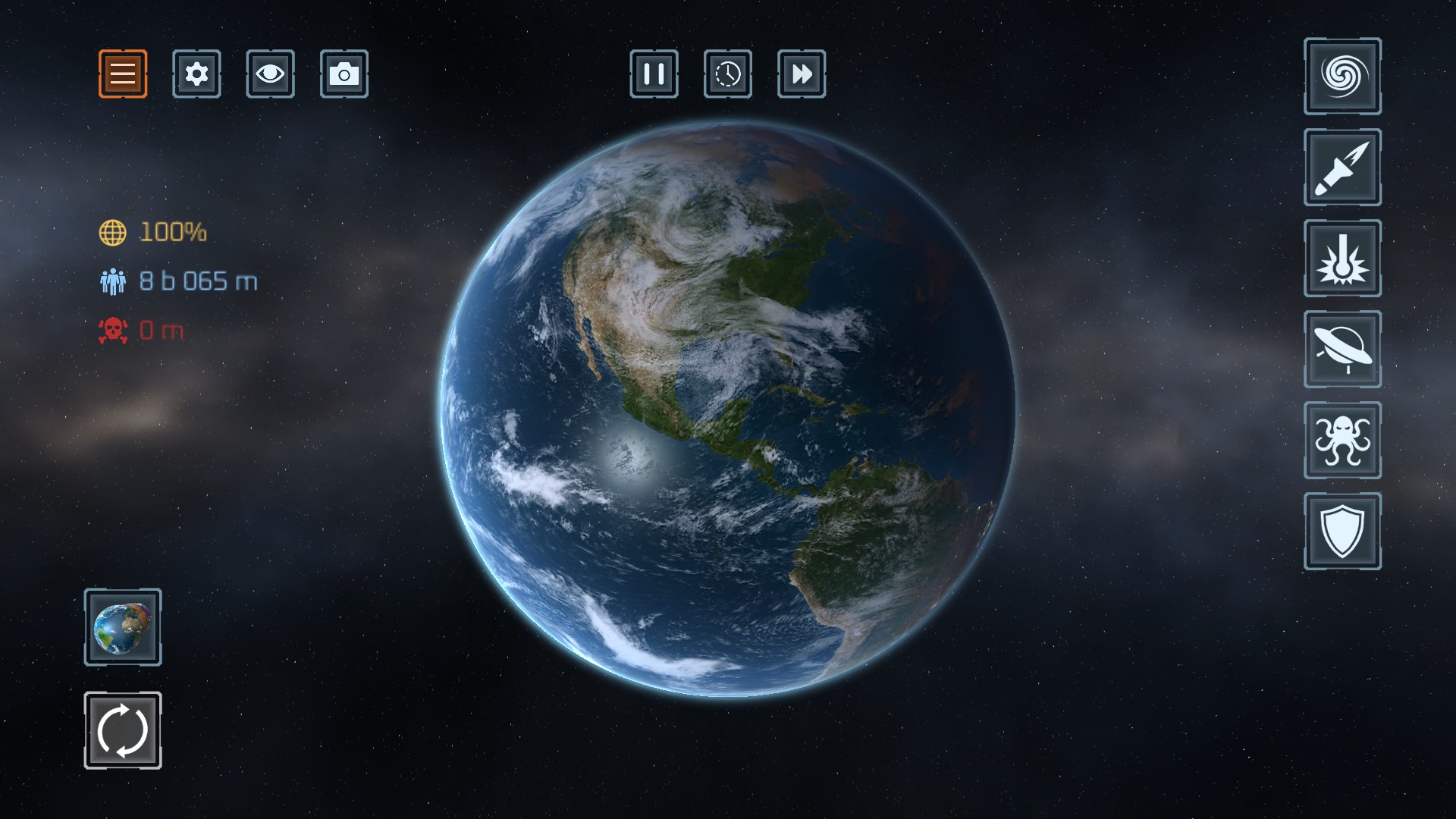
Earth before the experiment
An intact Earth in Planet Smash, with planet health, population and weapon controls visible.
Rapid Fire removes Planet Smash's shared wait between firing actions while enabled. Individual weapons can still have their own cooldowns.
Open Solar Smash through Bytonian Mods and enter Planet Smash before enabling Rapid Fire. Turn the toggle off to restore the original firing wait. This option is intended for Planet Smash.
Remove the shared firing wait while enabled; individual weapon cooldowns may remain.
View stat modifiers →Download the Windows app and follow the setup prompts.
Set up the browser extension in Chrome or Edge, then open the supported YouTube Playable. Follow the connection guide if the game is already running.
Review the available options in the app and choose the ones that suit how you play.