
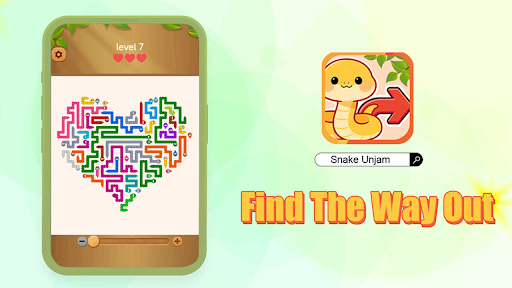
Customize the puzzle’s appearance
Choose a piece style that suits you, then switch the puzzle background between light and dark. Standard arrows use white lines on the dark board; snake and colorful arrow pieces keep their own colors.
Requires the Windows app and the Bytonian Mods browser extension for Chrome or Edge. Browser setup guide

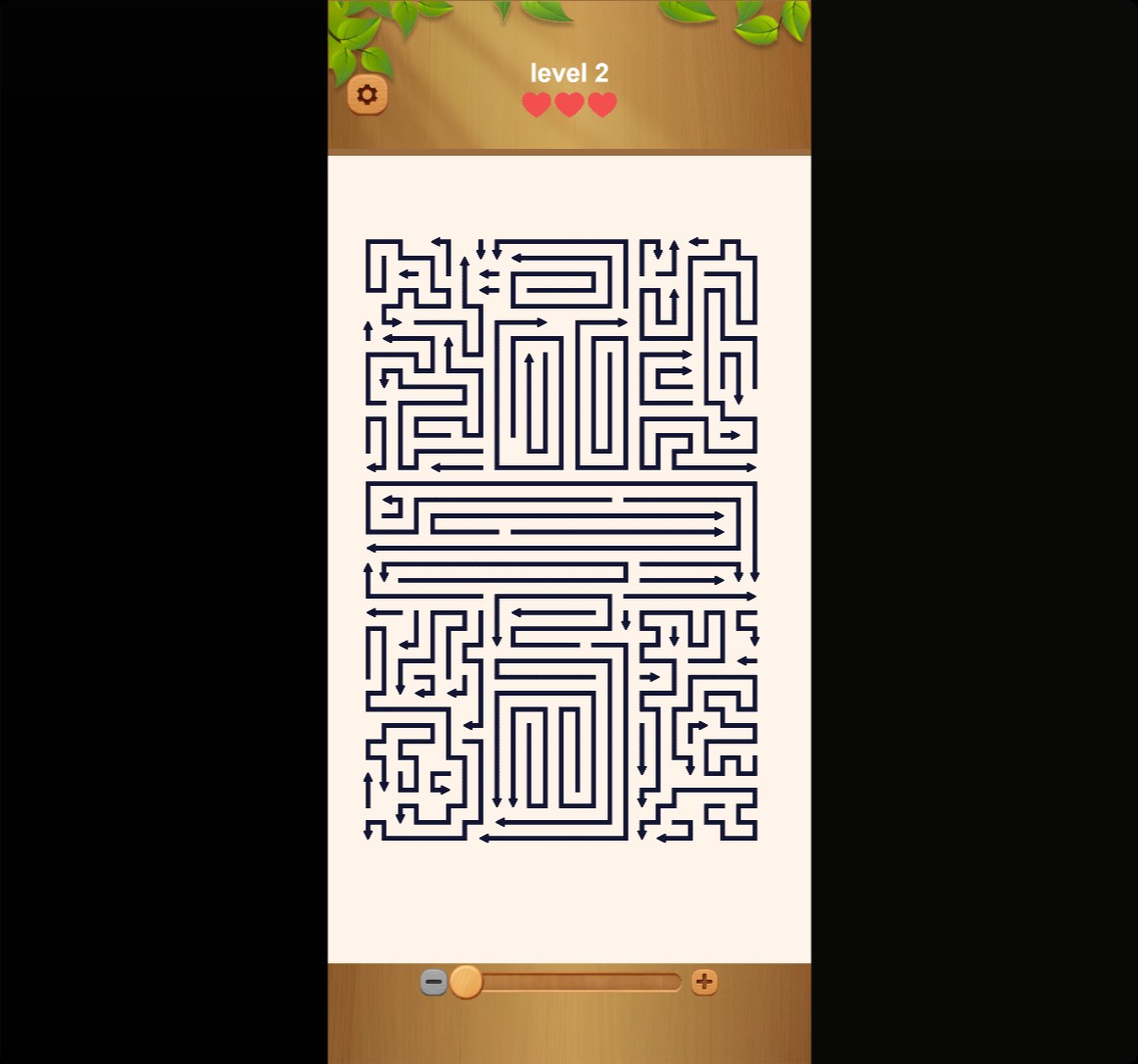
Arrow piece style
The level2 puzzle shown with arrow pieces in place of snake bodies.
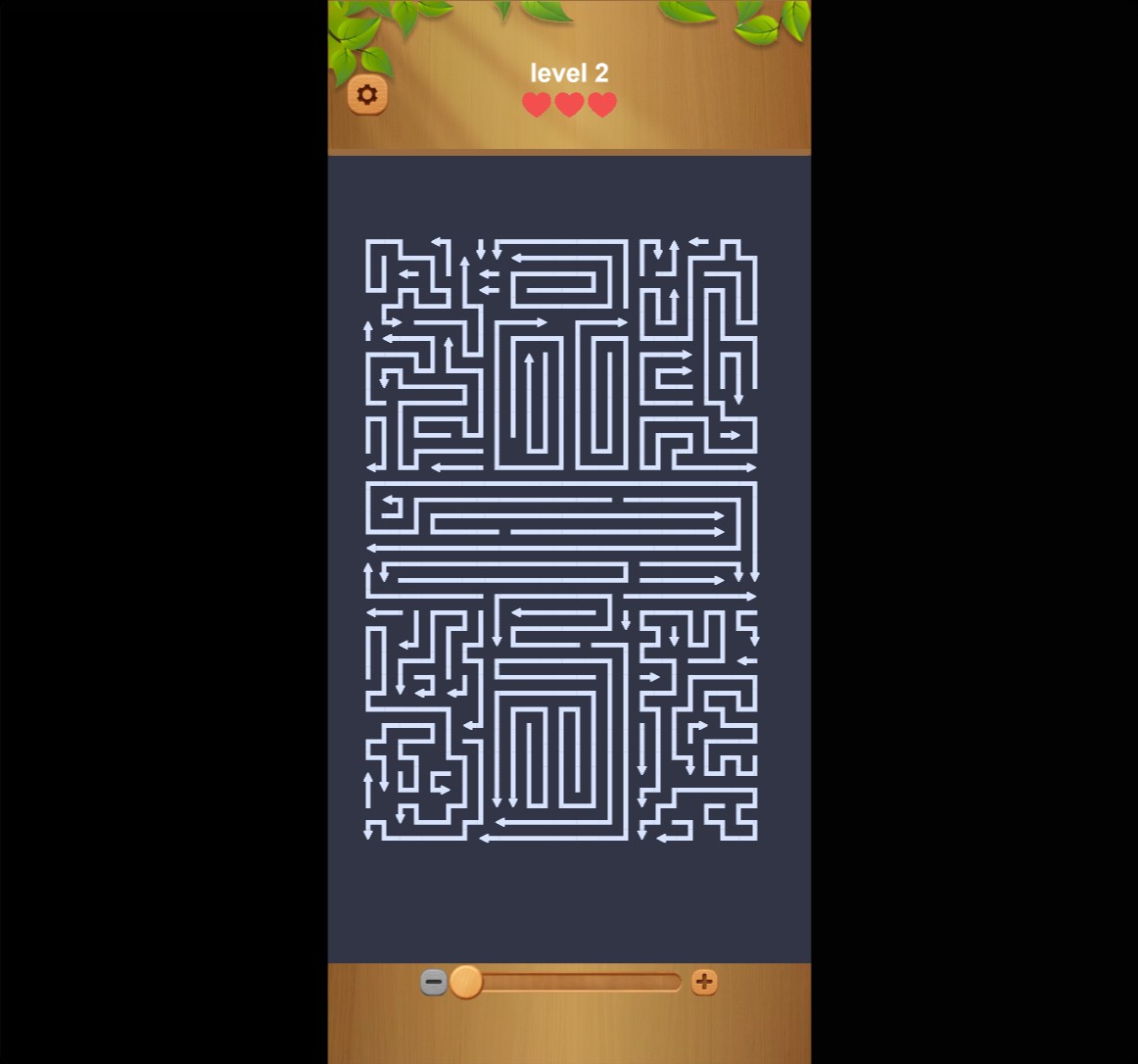
Dark puzzle background
Level2 shown with a dark background and white standard arrows.
Choose the pieces
Piece style offers Arrows, Snakes and Colorful arrows. Arrows replace the snake bodies with directional lines; Snakes restores the familiar character pieces.
Change the board contrast
Dark background uses a dark blue board. With the standard Arrows style, the paths become white. This changes the appearance without changing the routes or solving the puzzle.
Available customisation options
Piece styleFree
Choose Arrows, Snakes or Colorful arrows for the puzzle pieces.
Choose a style, apply, then select Play. Puzzle paths and rules stay the same.
Dark backgroundPremium
Use a dark blue puzzle background. Standard arrow lines become white; other piece styles keep their colors.
Turn on Dark background, apply, then select Play.
Questions about customisation options
- Which customization is free?
- Piece style is free. Dark background requires Premium.
- How do I use these settings?
- Choose your settings in Customization and apply them. Once the game reloads, choose Play to enter your puzzle.
Using these features
Connect your game, then open Customise in the Windows app. Choose an option, check its available values and follow its instructions. Each option lists its own requirements and limits.
Setup for Snake Unjam →