
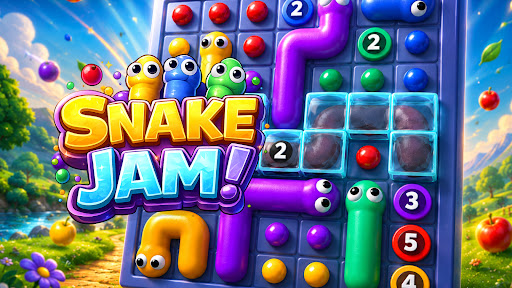
Game Actions
1 optionA free action that adds five minutes to the current puzzle.
View game actions →Add five minutes to an active puzzle when you need more time to plan. Guide each snake through matching fruit and toward its exit on the crowded board.
Requires the Windows app and the Bytonian Mods browser extension for Chrome or Edge. Browser setup guide
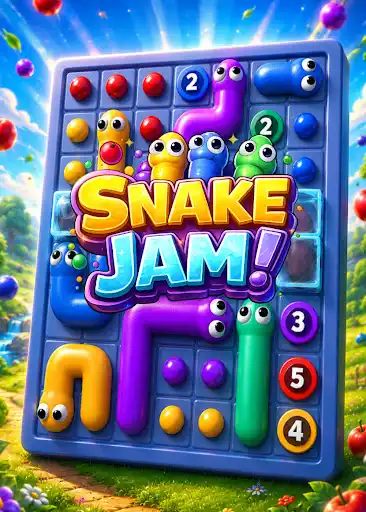
Start with free mods
Download Bytonian Mods for Windows and try these free features. Choose one to see how it works and any requirements.
Add five minutes to the current puzzle and give yourself more room to plan your next move.
Use during an active puzzle before the countdown reaches zero.
The clock keeps counting down after the extra time is added.
Work out which snake needs to move first, make room on the board and gather the fruit that opens each exit. Extra time lets you focus on the route without changing the puzzle itself.
Open an active puzzle and use Add Five Minutes before the countdown reaches zero. The clock gains five minutes, then keeps counting down while you play.
A free action that adds five minutes to the current puzzle.
View game actions →Download the Windows app and follow the setup prompts.
Set up the browser extension in Chrome or Edge, then open the supported YouTube Playable. Follow the connection guide if the game is already running.
Review the available options in the app and choose the ones that suit how you play.