
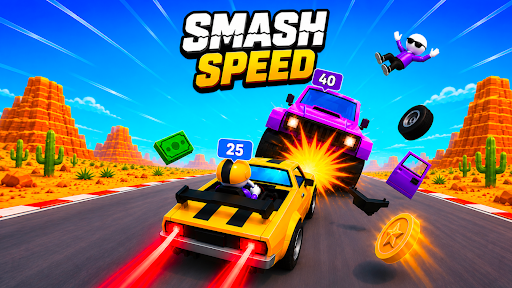
Resources
1 optionSet a cash balance of your choice.
View resources →Choose your cash balance, boost rider power, activate rage mode, finish a level or retry the road. Swerve through pickups in Smash Speed! as your rider heads for the finish.
Requires the Windows app and the Bytonian Mods browser extension for Chrome or Edge. Browser setup guide

Start with free mods
Download Bytonian Mods for Windows and try these free features. Choose one to see how it works and any requirements.
Start the current road attempt again.
Press Retry level, then swerve to begin your next attempt.
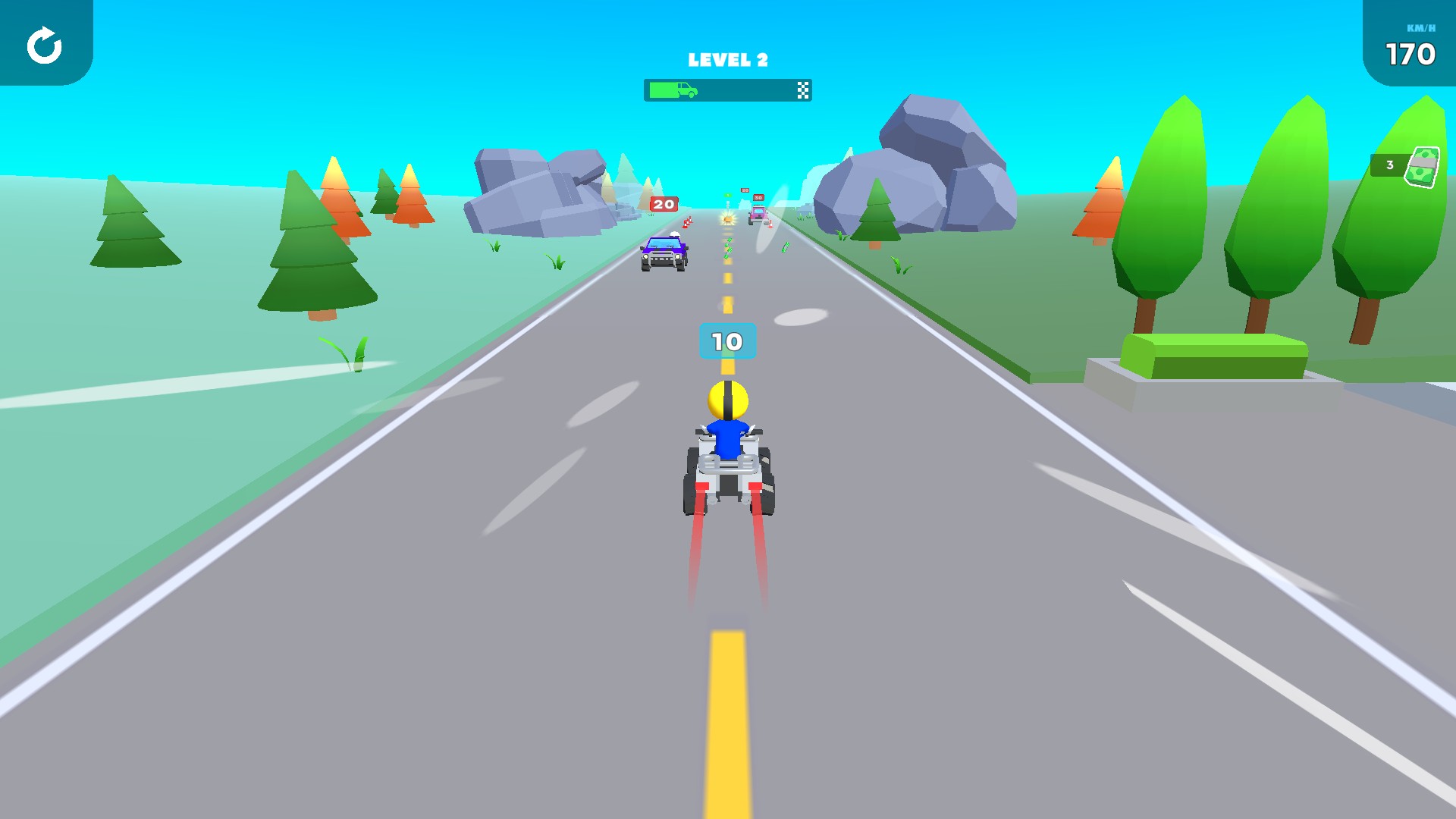
Take on the road in Smash Speed!
Swerve through pickups, build rider power and work your way toward the finish.
Use Cash to choose a balance. Rider power and Rage burst give you two ways to change your rider, while Finish level takes you to the results screen. The Free Retry level control lets you start the current road attempt again.
Open Smash Speed! with Bytonian Mods and enable the controls you want. Let the road load before using an action. Swerve to begin riding, and choose the amount before pressing an action with a number setting.
Set a cash balance of your choice.
View resources →Rider boosts and simple level controls.
View all game actions →Download the Windows app and follow the setup prompts.
Set up the browser extension in Chrome or Edge, then open the supported YouTube Playable. Follow the connection guide if the game is already running.
Review the available options in the app and choose the ones that suit how you play.