

Stock the supplies you use most
Choose your shop balance and manage each power-up supply separately. Set a total, add more or subtract an amount from the control you want to change.
Requires the Windows app and the Bytonian Mods browser extension for Chrome or Edge. Browser setup guide

Shop balance and run supplies
Diamonds are spent in the shop on ball styles and power-ups. Shields, Magnets and x2 power-ups each have their own stock control, so you can adjust one supply without changing the others.
Use your supplies on the track
Press J to use a shield, tap the magnet icon to use a magnet, or press L for an x2 power-up. Each use takes one from that supply.
Choose an amount
Refresh a control to see your current total, then choose the change you want to make. Connection steps are on the Overview page.
Available resources
DiamondsFree
Set your diamond balance for ball styles and power-ups in the shop.
Refresh the balance, then set a total or add or subtract diamonds. Open the shop to choose your purchases.
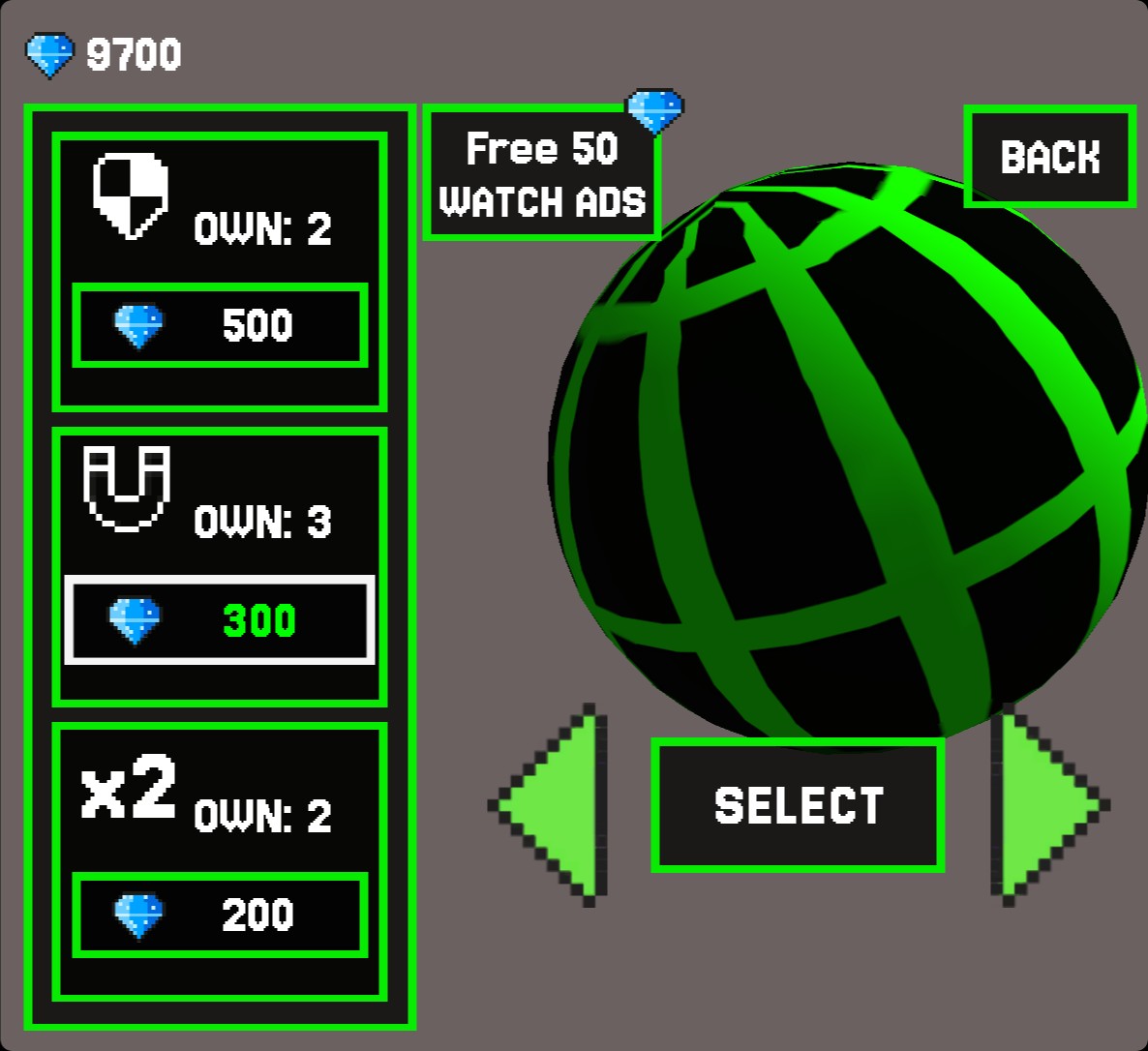
Stock up in the Slope 3D shop
Choose your diamond balance, then stock up on power-ups or pick a new ball style in the shop.
MagnetsPremium
Choose your magnet stock for the runs ahead.
Tap the magnet icon at the top right during a run to use one.
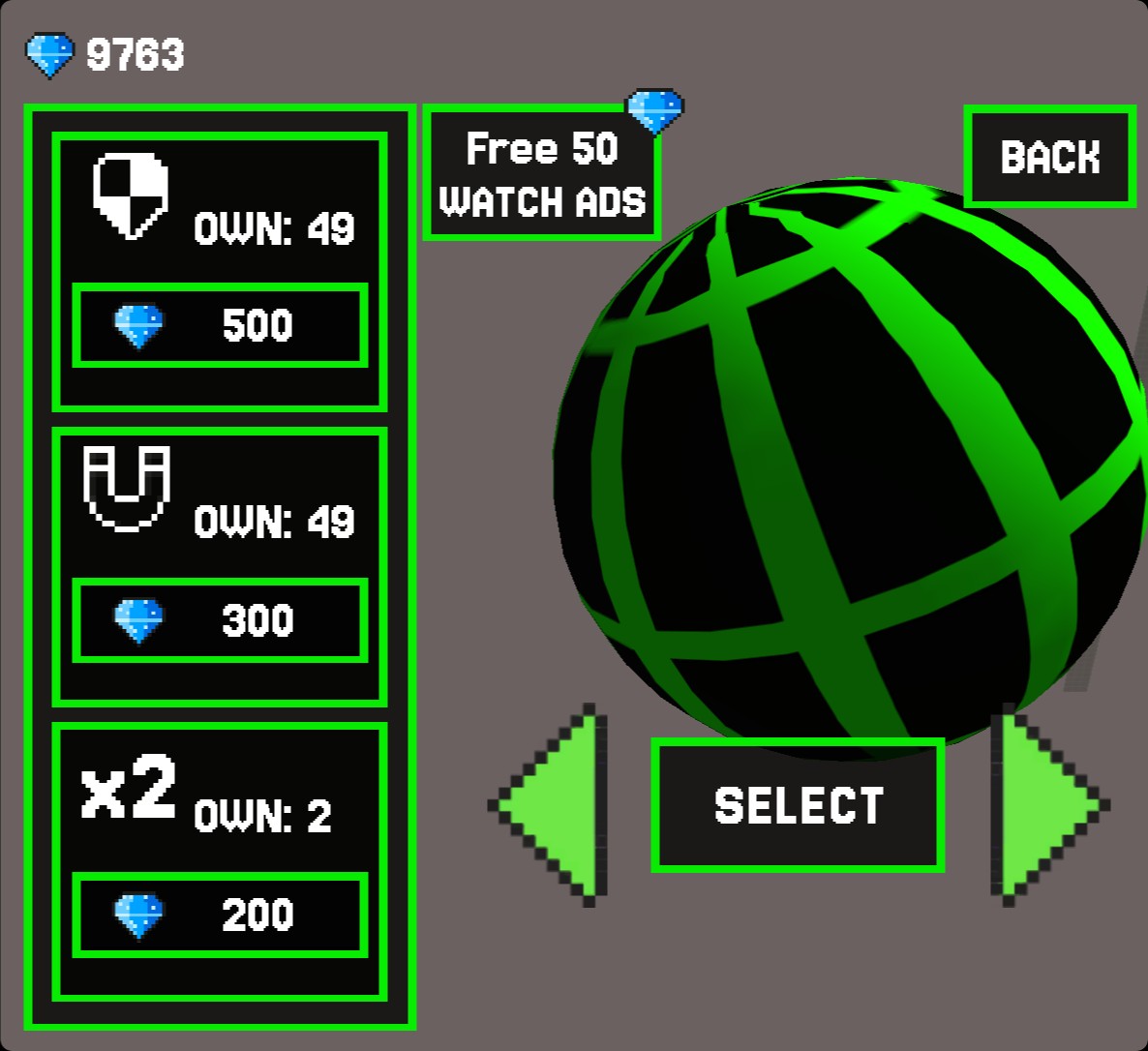
Keep magnets in reserve
Choose your magnet supply, then tap the magnet icon during a run to use one.
ShieldsPremium
Choose how many shields you have ready for your runs.
Press J during a run to use one shield.

Keep shields ready for the track
Choose your shield supply, then use the game's shield control when you need it during a run.
x2 power-upsPremium
Choose how many x2 power-ups you have ready to use.
Press L during a run to use one x2 power-up.
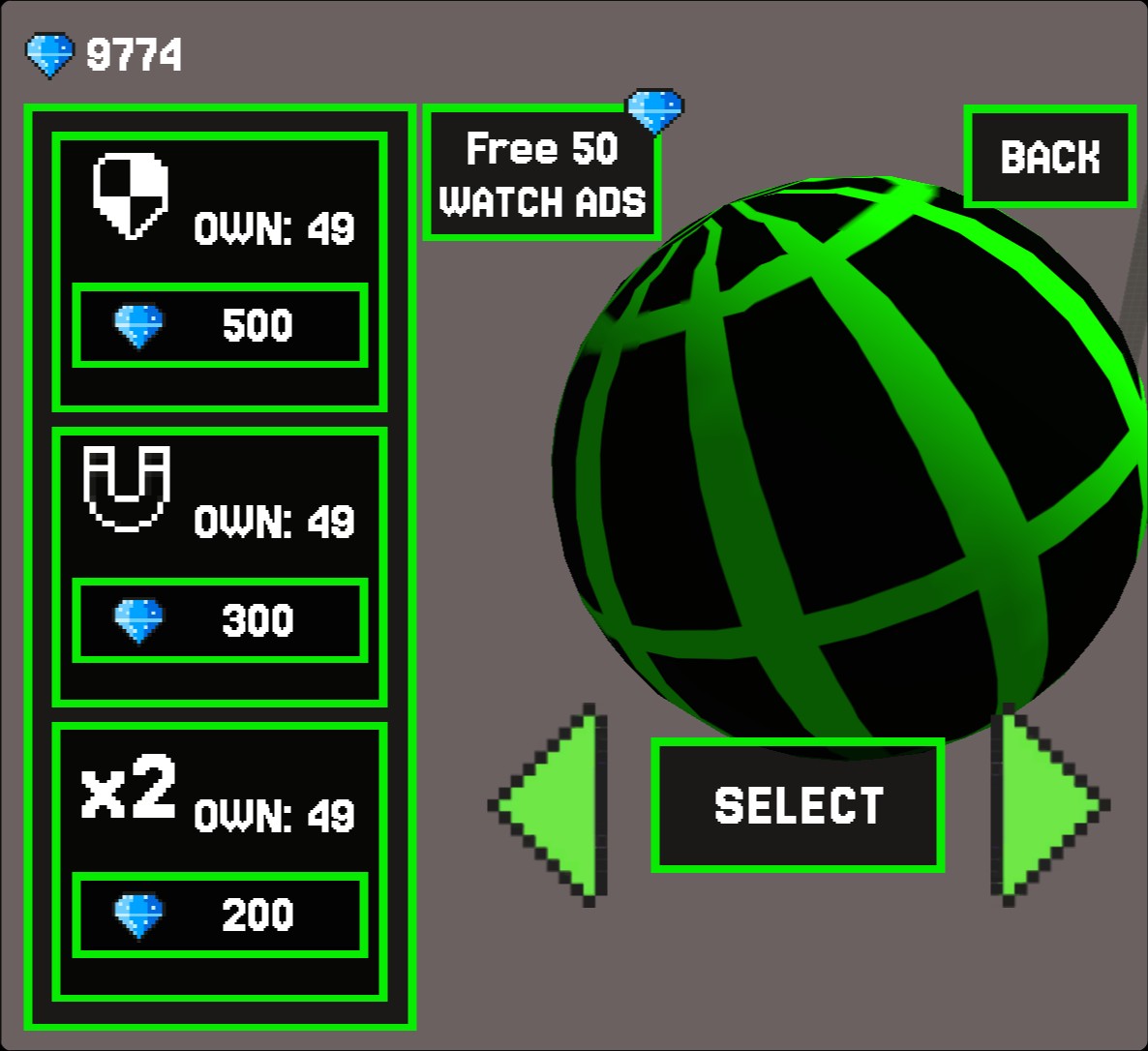
Stock up on x2 power-ups
Choose your supply of x2 power-ups, then press L during a run to use one.
Using these features
Choose the feature in the Windows app after connecting your game. Check its requirements before making a change.
Setup for Slope 3D →