

Food for your slime army
This free control lets you choose how much food you have during a campaign battle. Use it with the normal recruitment buttons to send unlocked slimes into the fight.
Requires the Windows app and the Bytonian Mods browser extension for Chrome or Edge. Browser setup guide

Use it during a campaign battle
Start a campaign battle, refresh the food balance and choose the amount you want. The control is available while that battle is active.
Keep recruiting normally
Food continues to generate and is spent as you recruit. Choose which unlocked troop to send, from Pawn to Thrower, using the game's own buttons.
Available resources
Battle FoodFree
Choose the food available for recruiting slimes during a campaign battle.
Start a campaign battle, refresh the balance and set the amount you want. Recruit unlocked units with the game's normal troop buttons.
Food continues to generate and is spent normally.
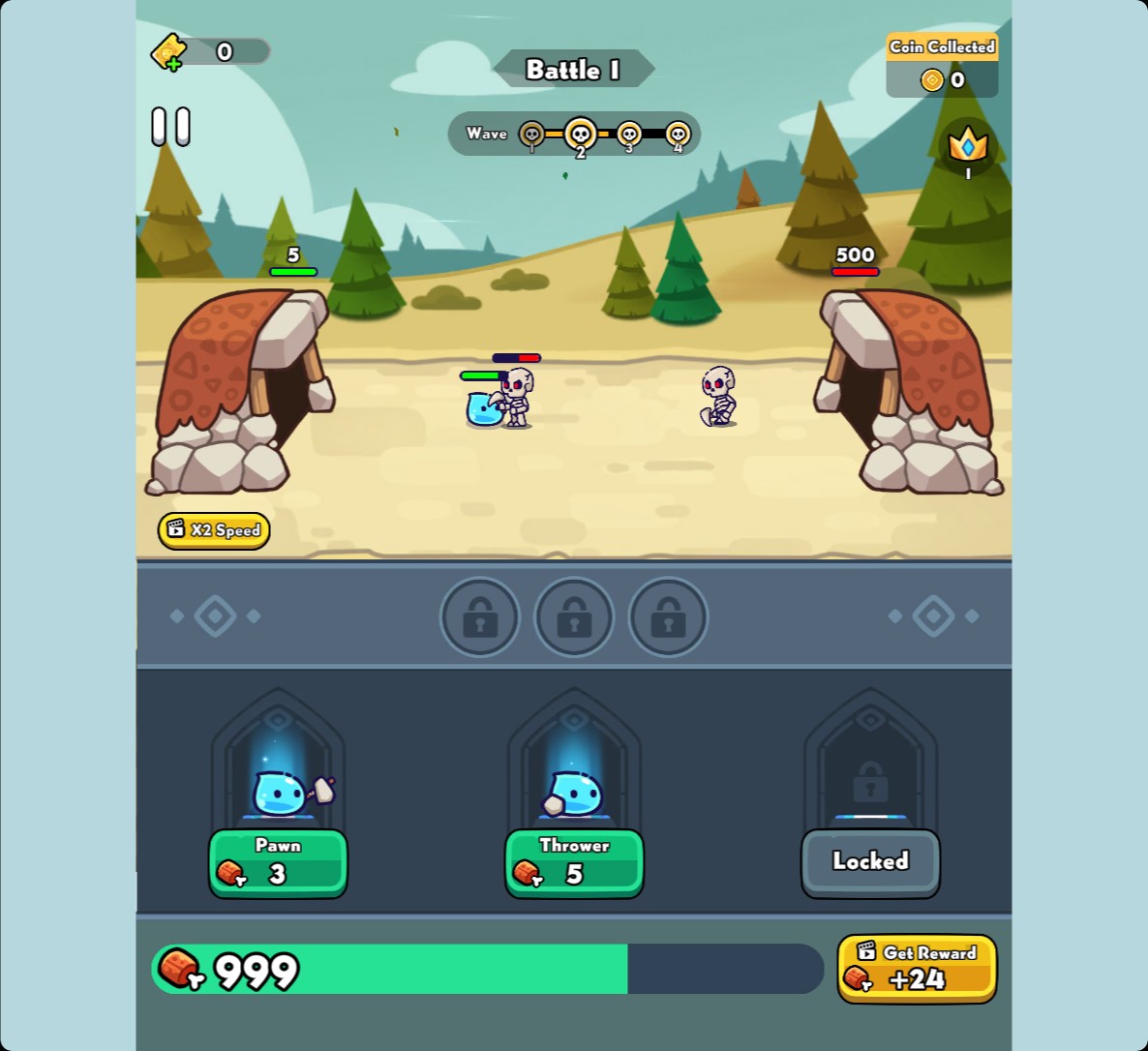
Food for more recruits
Choose your food balance, then use the troop buttons to recruit more slimes during a campaign battle.
More ways to customise Slime Warrior: Age of War
- Slime Warrior: Age of War stat modifiers
Adjust Pawn movement speed for your next battle.
- Slime Warrior: Age of War customisation options
Separate controls for your coins and gems.
- Slime Warrior: Age of War game actions
Strengthen recruited Pawns when you need more power.
Questions about resources
- Does this keep food at a fixed amount?
- No. You choose a balance, then food continues to generate and is spent normally when you recruit.
Using these features
Choose the feature in the Windows app after connecting your game. Check its requirements before making a change.
Setup for Slime Warrior: Age of War →