
Choose your Sliding Wave crystals
Set your crystal balance before visiting the Skins menu. Use it to buy the game's normal boxes and discover more looks for your arrow and its trail.
Requires the Windows app and the Bytonian Mods browser extension for Chrome or Edge. Browser setup guide
Crystals ready for the shop
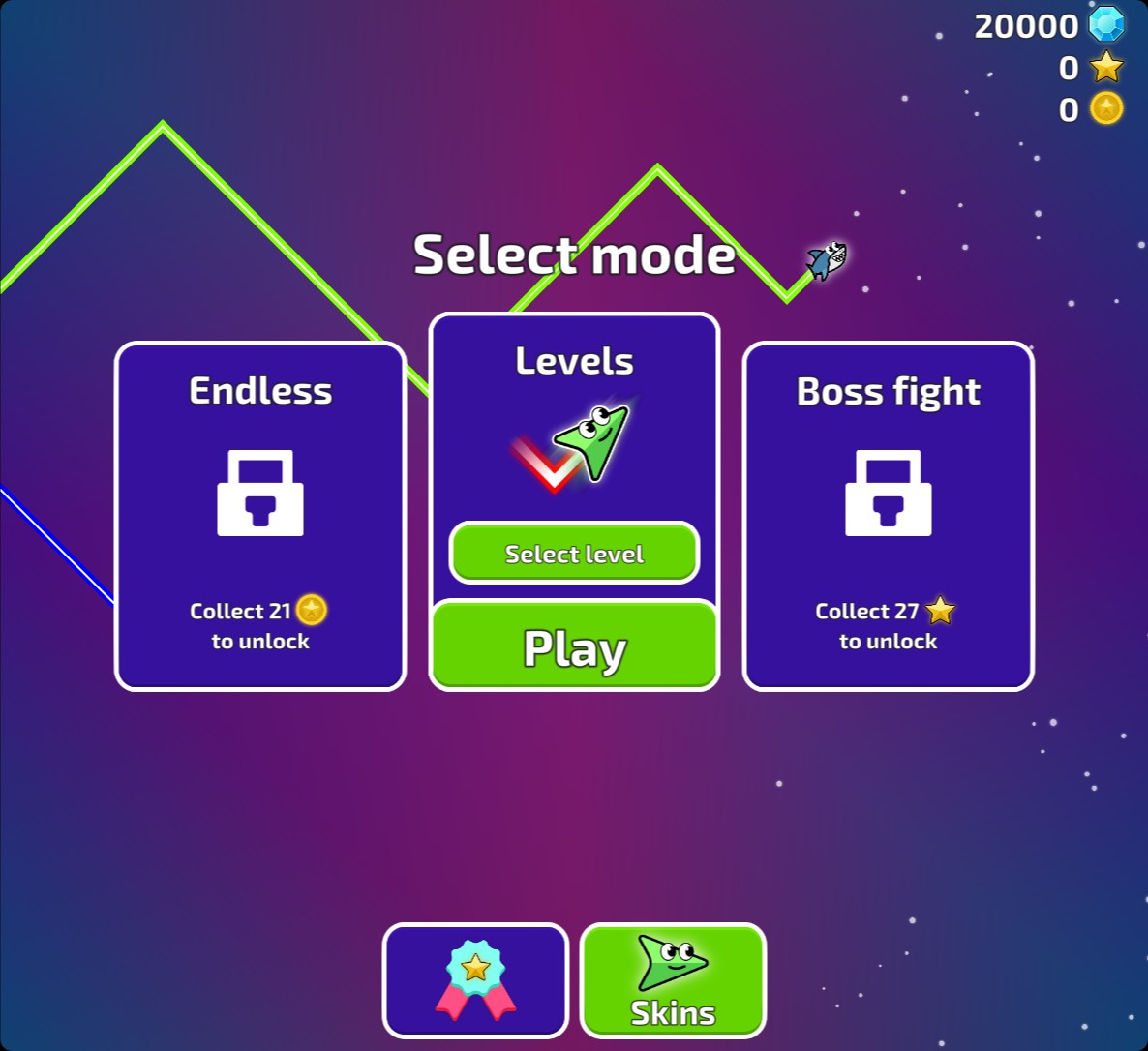
20,000 crystals in the mode menu, with normal mode unlock requirements still shown.
Use crystals in the normal shop
Choose the amount you want, apply the change and open Skins. Buy a box with crystals through the usual shop button. The shop chooses which skin or tail color the box reveals.
Plan your cosmetic purchases
Each purchase spends crystals from your balance. Check the price shown on the next box before buying it. Level progress and the collectible requirements for extra modes stay in place.
Available customisation options
CrystalsFree
Choose your crystal balance for normal skin and tail-color box purchases.
Set an amount from 0 to 20,000, apply the change and open Skins to shop.
Boxes still choose random rewards, and normal mode unlock requirements still apply.
Questions about customisation options
- Can I choose the exact reward from a box?
- The shop still chooses a random skin or color. This control sets the crystal balance used for the purchase.
- How many crystals can I set?
- Choose a whole-number balance between 0 and 20,000.
Using these features
Connect your game, then open Customise in the Windows app. Choose an option, check its available values and follow its instructions. Each option lists its own requirements and limits.
Setup for Sliding Wave →