
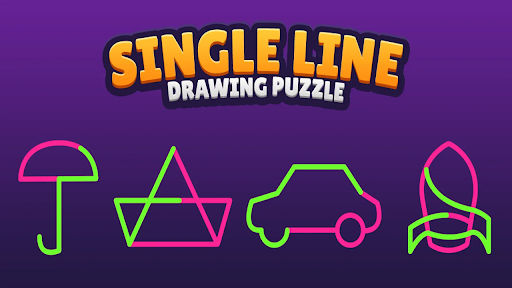
Game Actions
1 optionSkip the current normal level and load the next drawing.
View game actions →Move past the current normal puzzle in Single Line Drawing Puzzle and take on the next shape. Trace each design in one stroke without lifting your finger or drawing over a line again.
Requires the Windows app and the Bytonian Mods browser extension for Chrome or Edge. Browser setup guide

Start with free mods
Download Bytonian Mods for Windows and try these free features. Choose one to see how it works and any requirements.
Move past the current puzzle and load the next drawing in normal level mode.
Release your drawing stroke, keep the normal puzzle visible and press Skip level.
Open Game Actions to find Skip level. It moves you from the current puzzle to the next design in normal level mode.
Open Single Line Drawing Puzzle in YouTube Playables with Bytonian Mods connected. Open Game Actions, press Skip level while a normal puzzle is displayed, then return to the game to try the new shape.
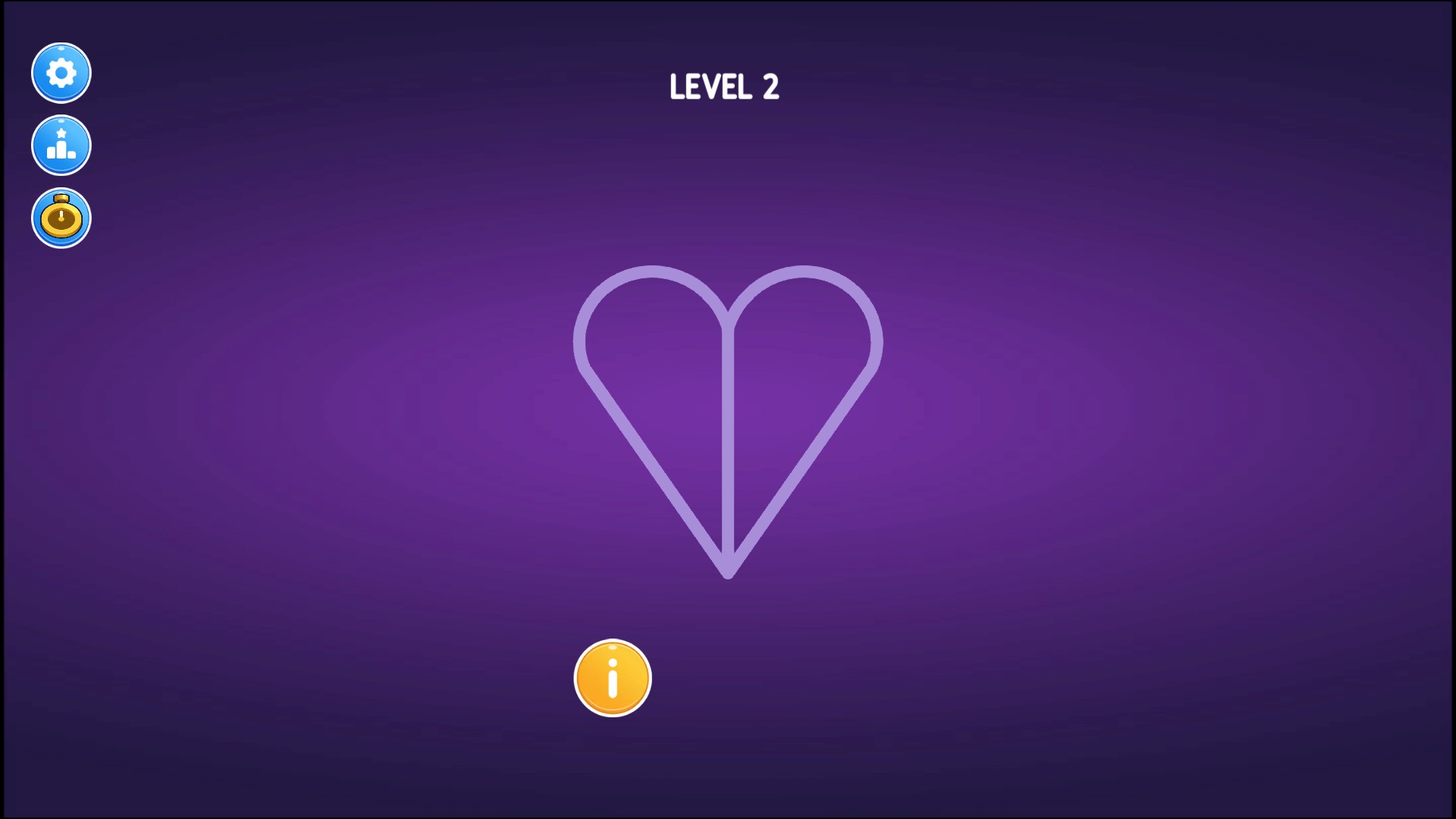
A fresh drawing to tackle
Move on from the boat puzzle to the heart-shaped drawing in Level 2.
Skip the current normal level and load the next drawing.
View game actions →Download the Windows app and follow the setup prompts.
Set up the browser extension in Chrome or Edge, then open the supported YouTube Playable. Follow the connection guide if the game is already running.
Review the available options in the app and choose the ones that suit how you play.