
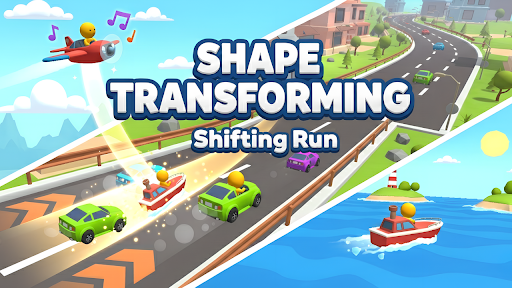
Resources
2 optionsSet your current coin balance or load a chosen race number.
View resources →Choose an available Human, Car or Boat form for the obstacle ahead, or load the race you want to play. Separate controls let you adjust Coins, finish or replay an active race, try a temporary city ride, and add Boost's glow and trail.
Requires the Windows app and the Bytonian Mods browser extension for Chrome or Edge. Browser setup guide
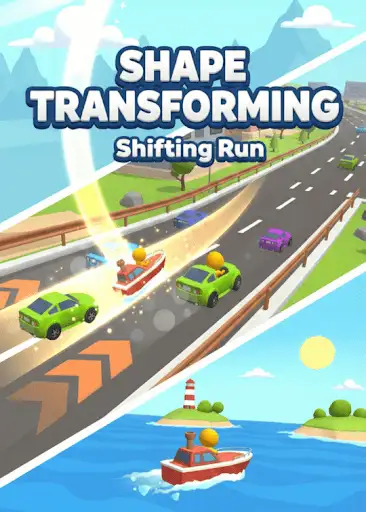
Start with free mods
Download Bytonian Mods for Windows and try these free features. Choose one to see how it works and any requirements.
End the current rider's active race and open the result screen.
Apply during an active race.
No guaranteed position, reward amount or credited-wallet result.
Restart an active race through the game's replay flow.
Use while racing to return to the current race's start flow.
Use Replay Race during an active race.
Resources contains Coins and Race Level. Actions contains form selection, finishing and replaying an active race, a temporary city ride selector and Activate Boost's glow and trail.
Form choice still matters: a car is not a solution to every wall or stretch of water. Human, Car and Boat can be selected only when the current race offers them.
Open the game, choose the control you want and apply it in the matching mode. Use race actions during an active race. Enter the city hub before using City Ride.
Finish Race and Replay Race are free controls. Other controls may require access shown on their cards. Check each control's notes for its requirements and limits.
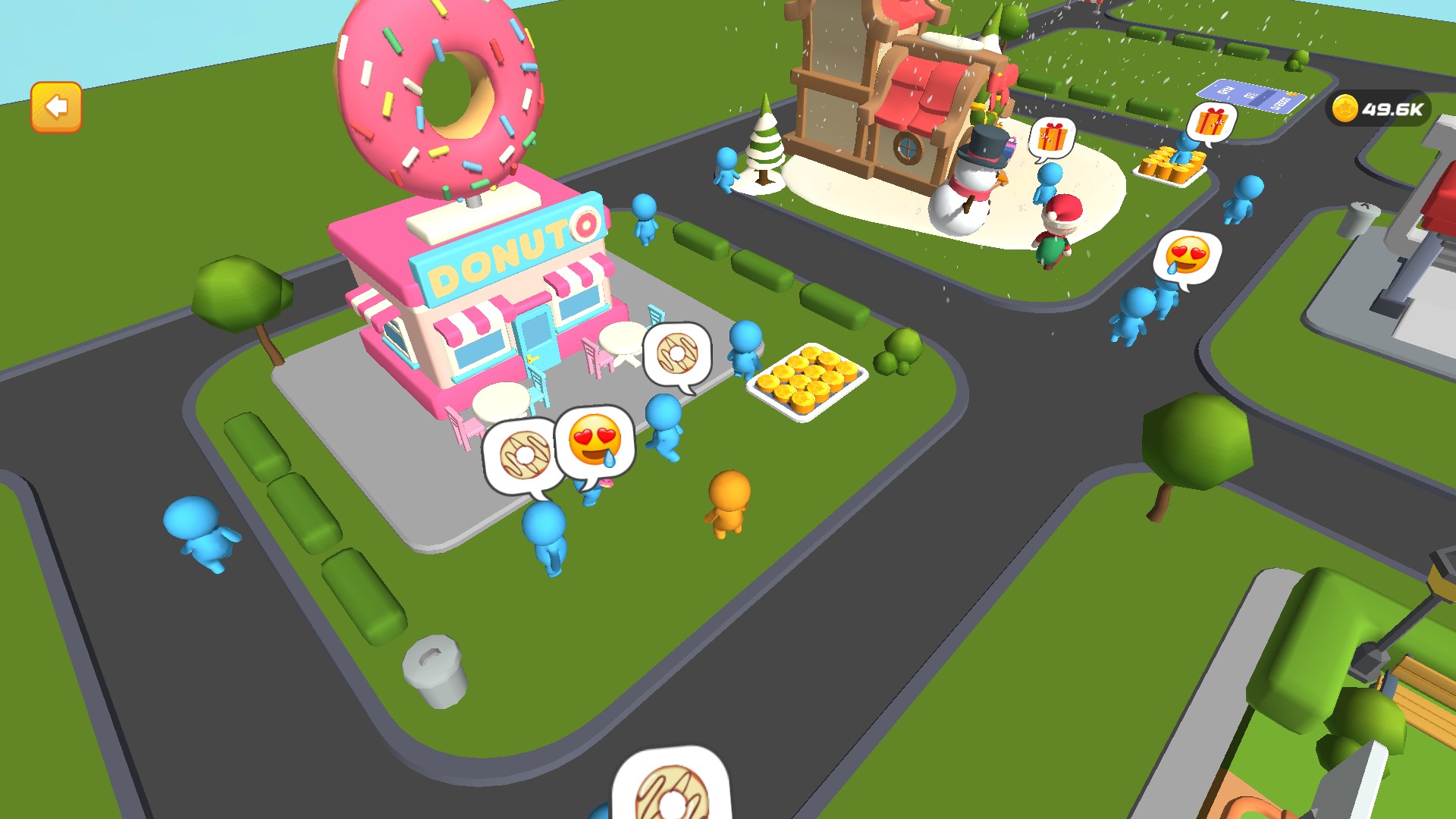
Explore the city between races
Walk through the city hub, build shops and collect the coins they produce between transformation races.
Set your current coin balance or load a chosen race number.
View resources →Choose an offered form, finish or replay an active race, and try a temporary ride in the city.
View all game actions →Download the Windows app and follow the setup prompts.
Set up the browser extension in Chrome or Edge, then open the supported YouTube Playable. Follow the connection guide if the game is already running.
Review the available options in the app and choose the ones that suit how you play.