

Choose your puzzle and coin balance
Choose one of the first five puzzle levels before starting. The separate Coins control sets a saved coin balance.
Requires the Windows app and the Bytonian Mods browser extension for Chrome or Edge. Browser setup guide
Level Select
Pick a whole number from 1 to 5 and Apply to reload the game on that puzzle.
Coins
Choose a Coins balance from 0 to 1,000,000 and Apply. The puzzle level has its own separate control.
Available customisation options
CoinsPremium
Choose a saved coin balance separately from the puzzle level.
Enter a whole-number balance from 0 to 1,000,000 and press Apply.
Changes Coins separately from the puzzle level.
LevelFree
Choose and load a puzzle level from 1 to 5.
Select a whole-number level and press Apply; the playable reloads on that puzzle.
The selector covers the first five puzzles.
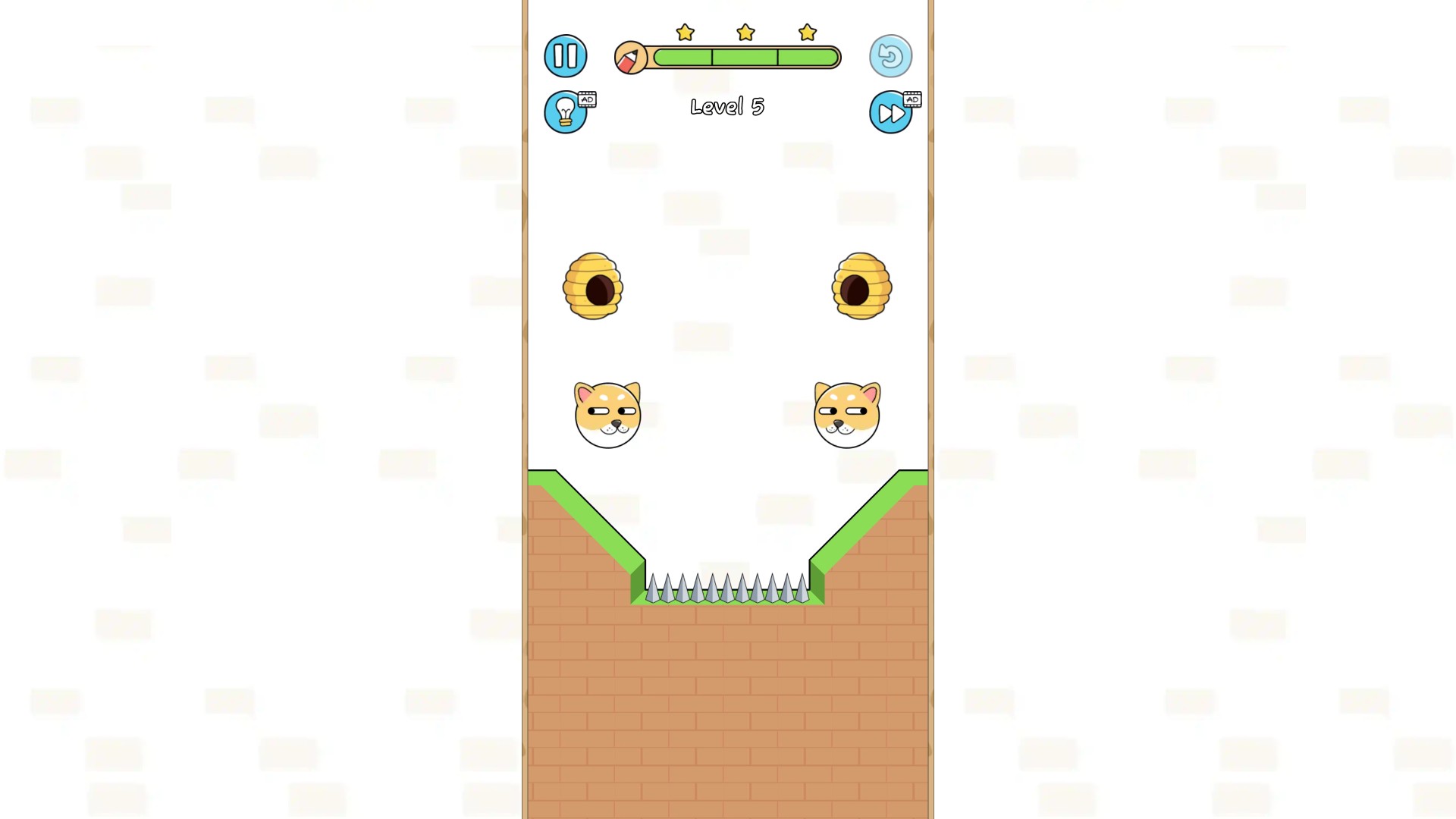
Level 5 pet rescue puzzle
Level Select loads a later puzzle with two pets, two beehives and a spike pit.
Questions about customisation options
- Will applying a value reset my other settings?
- Level and coin balance are separate choices. Review both values before applying.
Using these features
Connect your game, then open Customise in the Windows app. Choose an option, check its available values and follow its instructions. Each option lists its own requirements and limits.
Setup for Save The Pets →