
Perspective Modifiers
1 optionChoose how closely you want to see your sandwich puzzle.
View perspective modifiers →Take back your last fold, move on to a fresh puzzle or choose a closer or wider view in Sandwich. Plan your moves and stack the ingredients into a sandwich ready to eat.
Requires the Windows app and the Bytonian Mods browser extension for Chrome or Edge. Browser setup guide
Start with free mods
Download Bytonian Mods for Windows and try these free features. Choose one to see how it works and any requirements.
Give that fold another try. Put your last move back and choose a different approach.
Use after making a fold in the current puzzle.
Choose a wider or closer view of the ingredients while planning your next fold.
Use with an open puzzle. Choose your view, then turn on the control. Switch it off to return to your previous view.
Free Undo last fold lets you take back a move and try another approach. Premium Skip puzzle takes you to the completion screen so you can continue with a fresh sandwich.
Free Puzzle zoom brings the board closer while you plan your next fold. Switch it off when you want your previous view back.
Open Sandwich on YouTube Playables and connect it to Bytonian Mods. Once a puzzle is on screen, choose your control. After using Skip puzzle, tap Continue to move on.
Plan your next sandwich
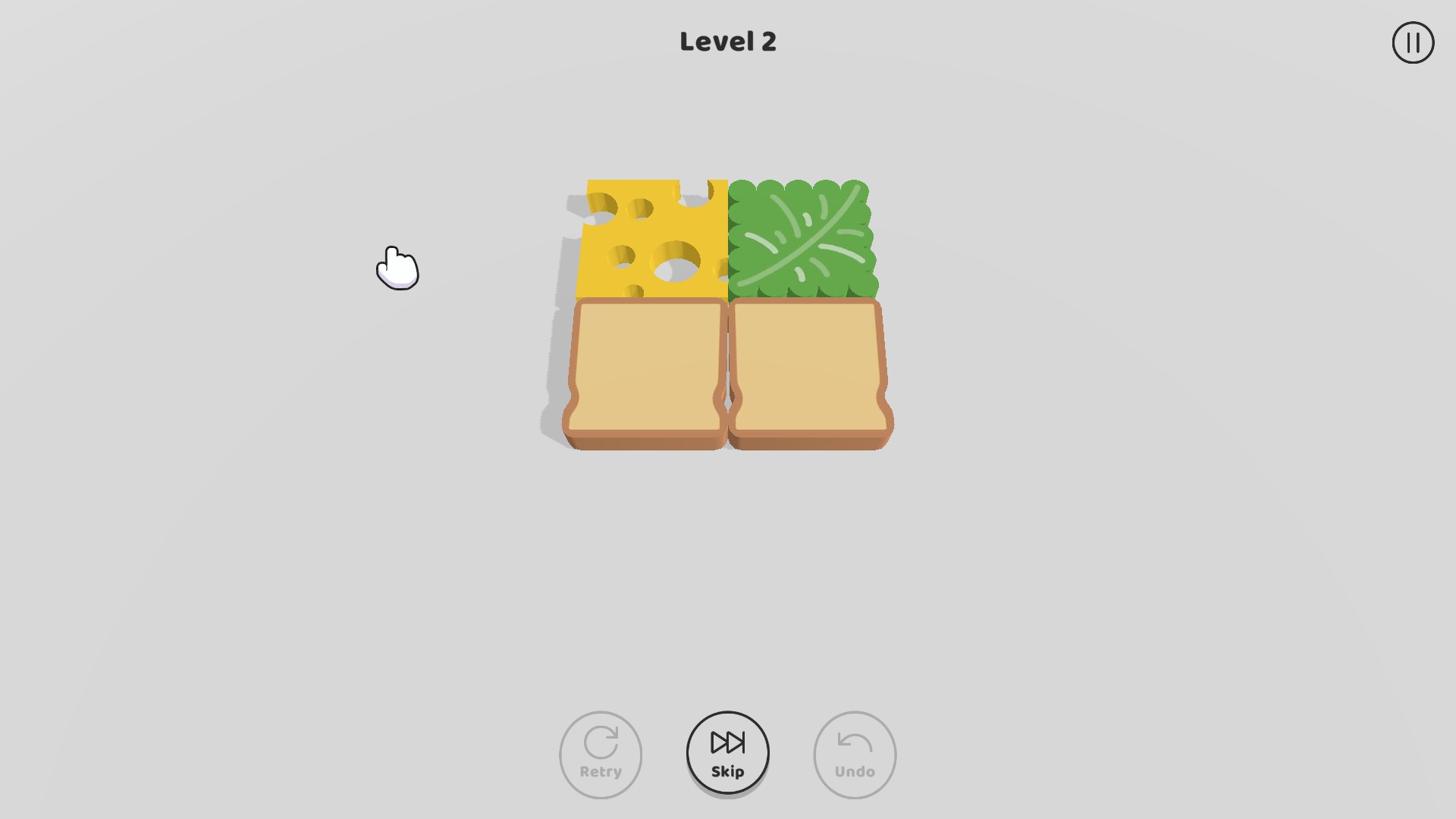
Fold the ingredients onto the bread and work toward a complete sandwich.
Choose how closely you want to see your sandwich puzzle.
View perspective modifiers →Undo a fold to rethink your move, or skip the current puzzle.
View game actions →Download the Windows app and follow the setup prompts.
Set up the browser extension in Chrome or Edge, then open the supported YouTube Playable. Follow the connection guide if the game is already running.
Review the available options in the app and choose the ones that suit how you play.