
Customise
3 optionsAdjust coins and character availability, then start a race with your chosen owned runner.
View customisation options →Set coins for a runner, unlock the full collection or choose a character you already own. Time your run across busy roads on the way to the finish.
Requires the Windows app and the Bytonian Mods browser extension for Chrome or Edge. Browser setup guide
Start with free mods
Download Bytonian Mods for Windows and try these free features. Choose one to see how it works and any requirements.
Choose an owned runner for your next race using the free selector.
Runner numbers follow the normal menu order. Apply your choice and press Go Race to load the selected character.
Choose a runner you already own, or unlock the runners first.
More coins for runner purchases
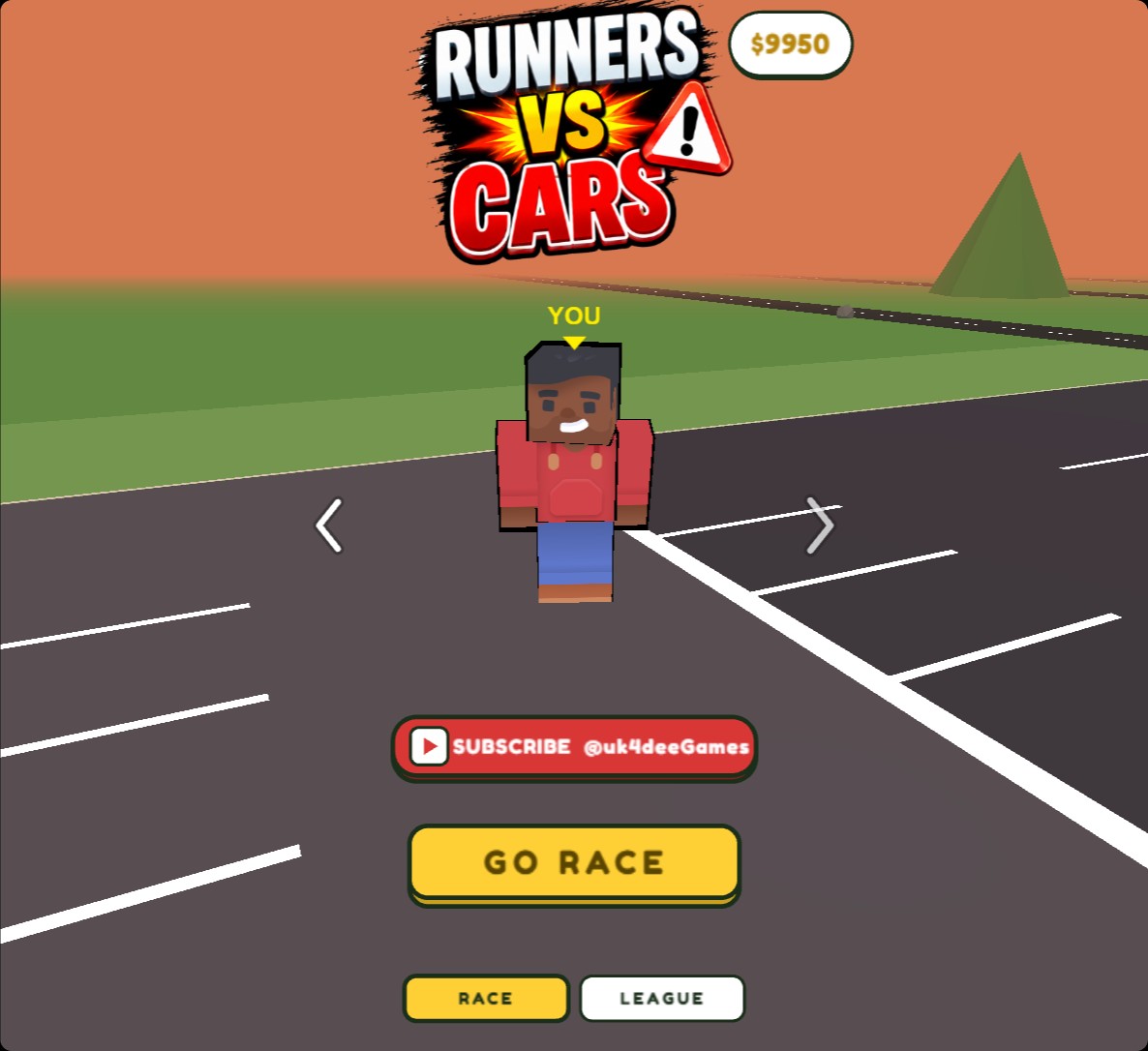
Choose a coin balance, then buy runners in the normal selection menu. This purchase unlocks Runner 2 and leaves 9,950 coins.
Race with your chosen runner
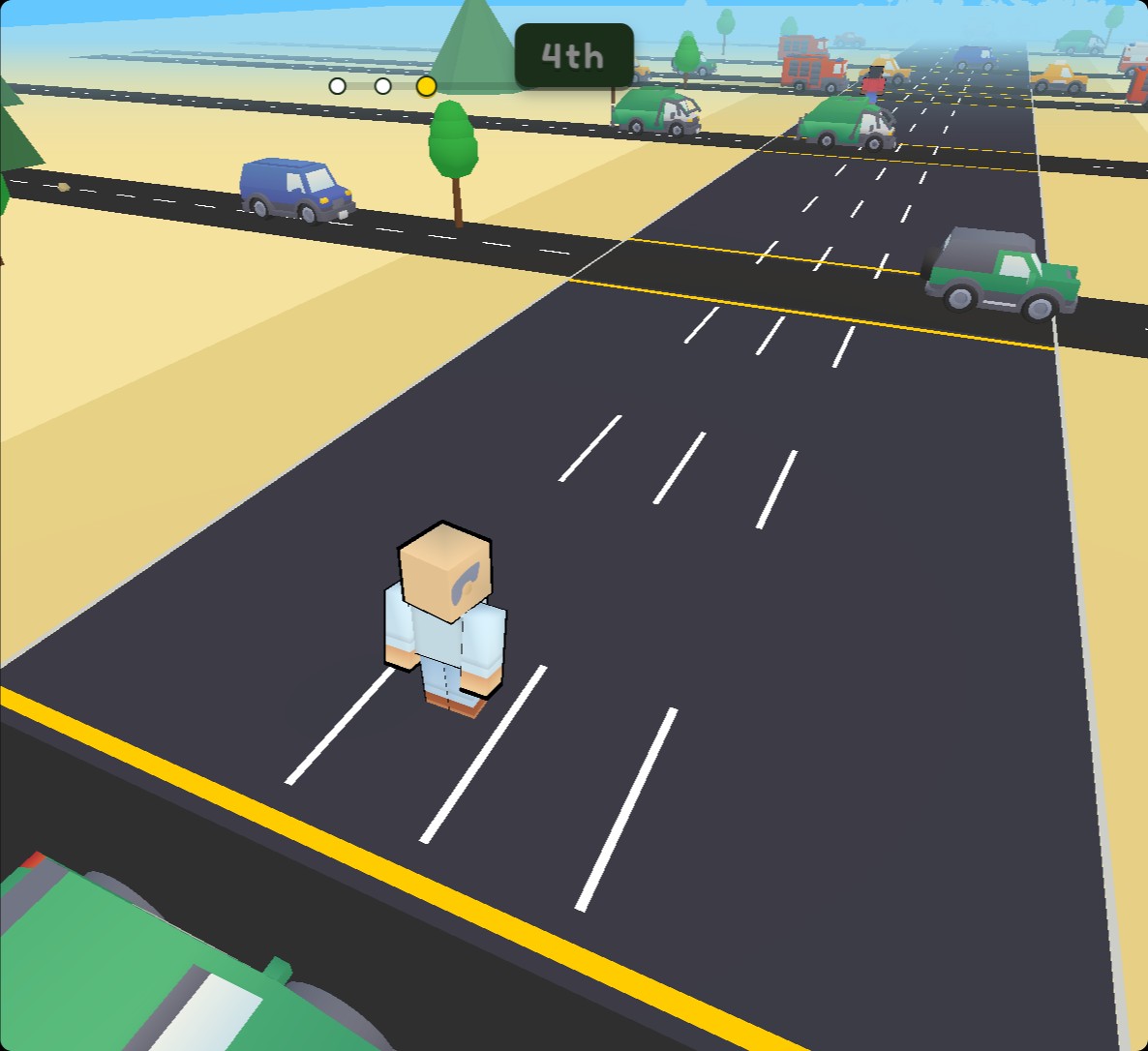
Use the free Runner selector to choose an owned character, then press Go Race. Runner 9 takes to the road and moves toward the traffic crossings.
Use the free Runner selector to choose an owned character by its position in the selection menu. Unlock all runners when you want all ten characters available without buying each one.
Choose a runner and press Go Race to face the game's computer-controlled racers. Hold to move and release to stop as you look for a safe gap in traffic.
Adjust coins and character availability, then start a race with your chosen owned runner.
View customisation options →Download the Windows app and follow the setup prompts.
Set up the browser extension in Chrome or Edge, then open the supported YouTube Playable. Follow the connection guide if the game is already running.
Open Customise in Bytonian Mods, choose an option and follow its instructions. Check the available values and any limits before making your change.